Key takeaways
- Open a Xiaohongshu (RedNote) post in Chrome or Edge, click the Beav extension, and the text, images or video and source link go into the Beav knowledge base on your computer, with the comments too if you want them.
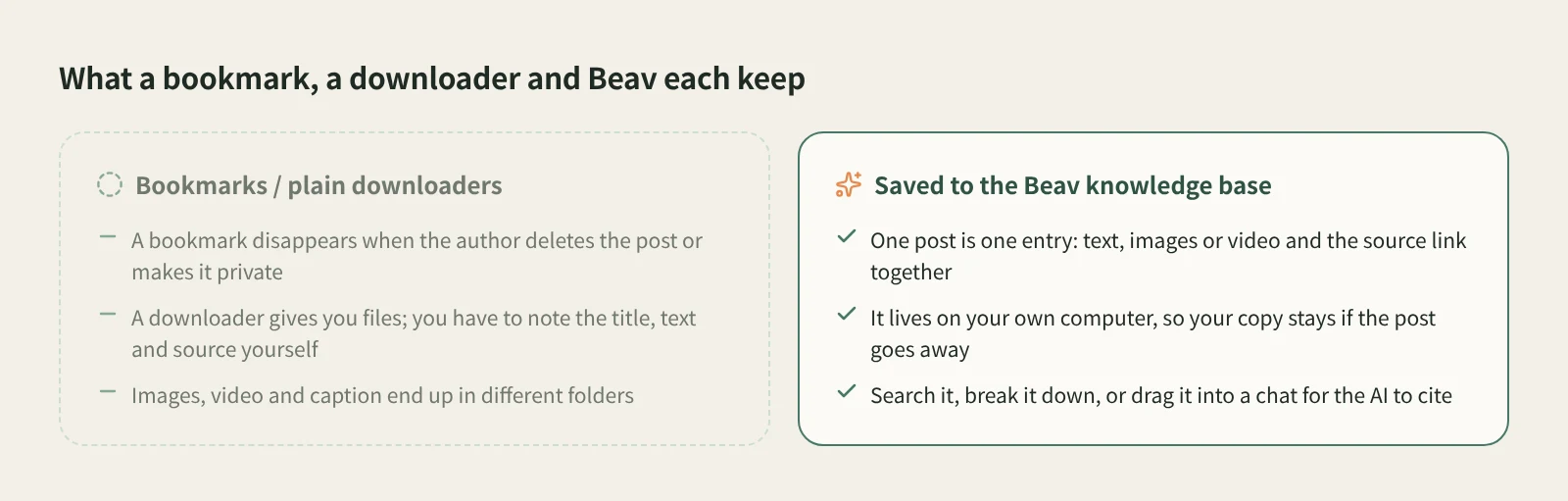
- Unlike a bookmark, your copy stays when the author deletes the post. Unlike a plain downloader, you keep the whole post, not a pile of loose files.
- Saved posts can be searched and broken down, and dragged into a chat for the AI to cite when you write.
When a RedNote post is worth keeping, most people tap the bookmark. Two months later it is either buried or deleted by its author. The other habit is a downloader, which leaves a folder of images with meaningless names and no caption, tags or source.
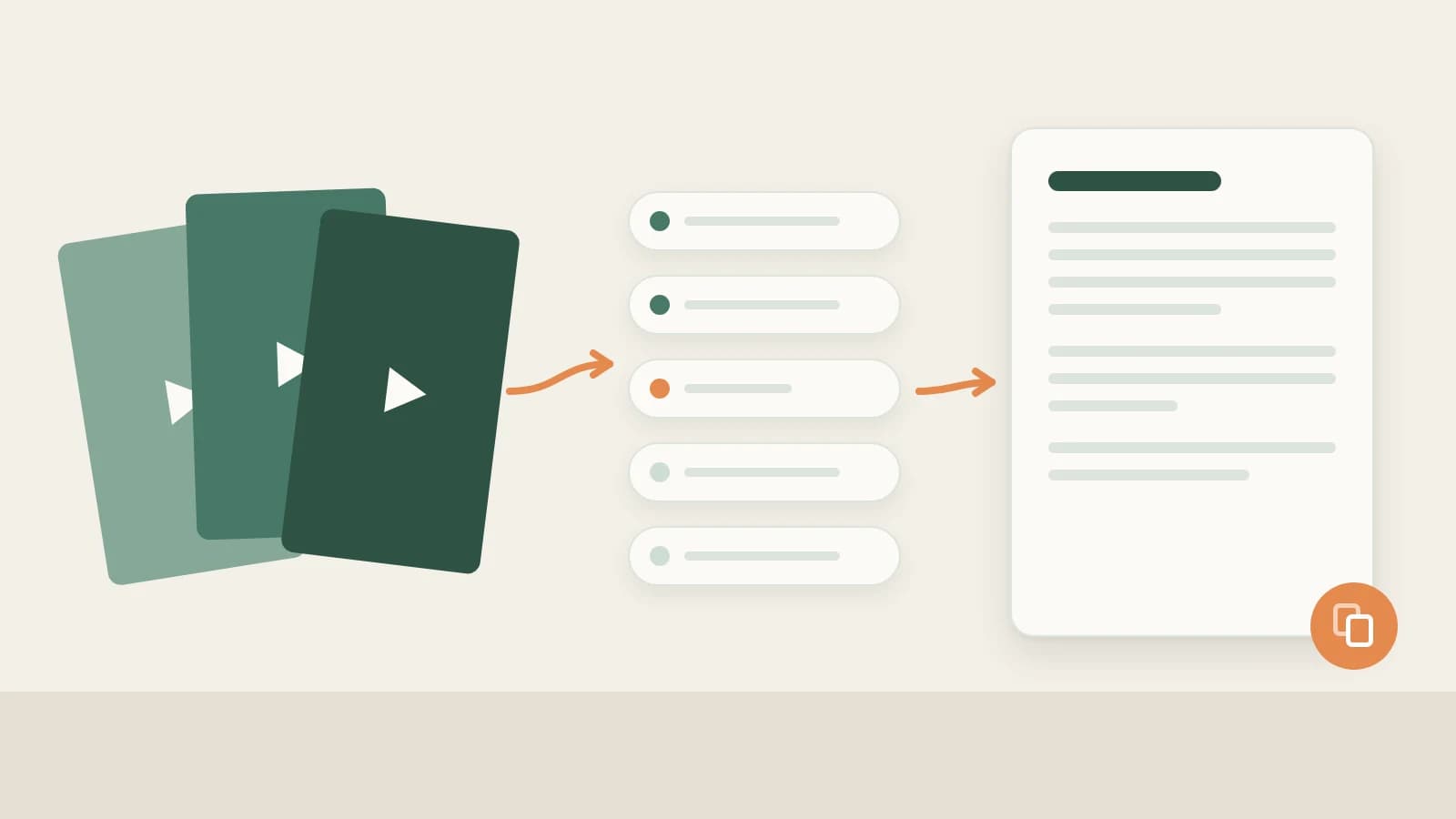
The Beav browser extension does a third thing: it saves a post as one complete entry in a knowledge base on your computer, with the text, images or video and source link together, ready to use later.
Who it is for
- Creators and marketers on Xiaohongshu who build a long-term library of reference posts.
- Anyone who wants good posts to turn into next week's ideas rather than more files.
- Teams that want reference material in one place.
How to use it
Install the Beav desktop app and the browser extension first, and check that the extension shows as connected. If you have not done that yet, tutorial 02 takes a few minutes.
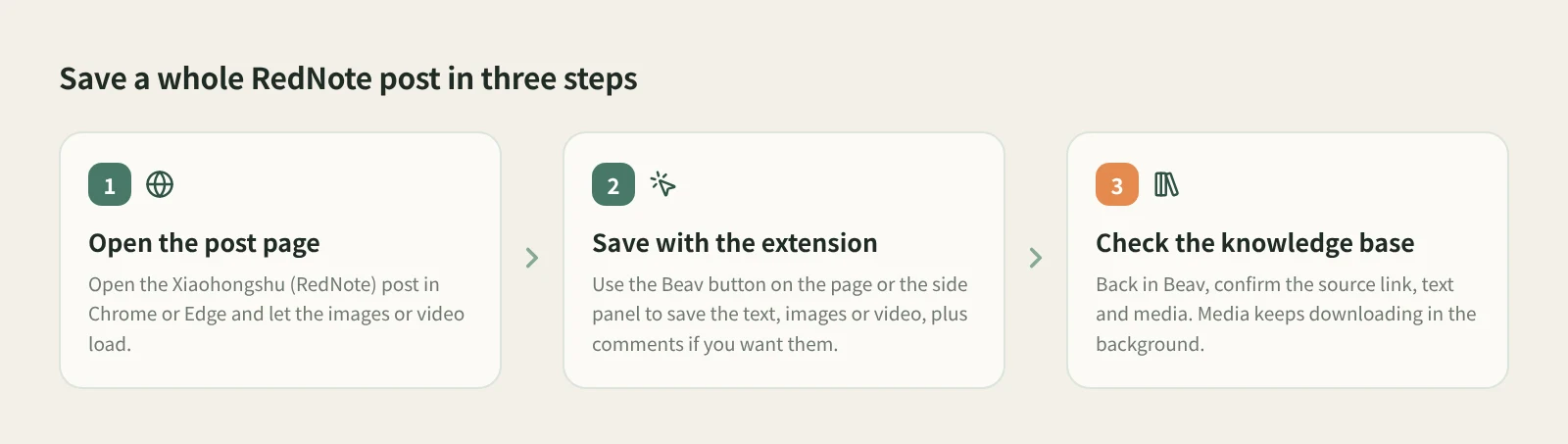
- Open the post page. Open the post in Chrome or Edge on your computer and wait for the images or video to load. If a shared link only shows a preview, open the full post first.
- Save with the extension. A Beav button appears on the post page, or click the Beav icon in the toolbar to open the side panel. You can save the text and source, the images or video, and a snapshot of the comments.
- Tick "Save comments" when you want them. Readers' follow-up questions and disagreements are often your next topic. Once saved, comment insights in the post details lets the AI analyze them.
- Tick "Break down into assets after saving" to queue a breakdown. It is off by default. When on, whatever this save adds goes straight into the breakdown queue.
- Check it in Beav. Open the knowledge base and confirm the source link, text and media. Media downloads in the background, so "Downloading" on the card is normal. If it says the download failed, save the original post again.
Saves go to the workspace currently open in Beav. If you keep one workspace per account, check that the right one is open before saving.
How it compares with bookmarks and downloaders
| Xiaohongshu bookmarks | Plain downloaders or extensions | Beav extension | |
|---|---|---|---|
| Where it lives | In your platform account | A folder on your computer | The Beav knowledge base on your computer |
| What you keep | A link to the original post | Image and video files | One entry: text, images or video, source link, optional comments |
| If the post is deleted | Gone | Files remain | Your copy remains |
| Finding it again | Scroll through bookmarks | File names and memory | Folders and search in the knowledge base |
| What comes next | Read it again | Organize it yourself | Break it down, rewrite it, drag it into a chat for the AI |
| What you need | The Xiaohongshu app or website | Depends on the tool | The Beav desktop app plus the Chrome or Edge extension |
Bookmarks are effortless and best while you scroll on your phone, and a plain downloader is fine when you only want one video file. Beav is for a different job: posts you plan to reuse as material for a long time.
If you mostly find good posts on your phone, pair this with phone and computer pairing: copy the link on your phone, submit it to Beav on your computer, and the computer does the capture.
Limits and notes
- The extension runs in Chrome or Edge on a computer, not in mobile browsers, and the Beav desktop app needs to be running.
- What you get depends on what the page provides. Beav does not promise higher resolution than the page or watermark removal.
- Saved posts are for your own reference and research. Get the author's permission before republishing or commercial use.
- If a save does not show up, refresh the page and check the extension is connected, then see extension troubleshooting.
Next steps
- To save just the video and images, see the RedNote video downloader.
- To build a library of benchmark posts, read build a benchmark capture pool with the browser extension.
- Full reference: capture web pages and platform content.
Applies to Beav desktop 2.9 and browser extension 2.7. Checked 2026-10-21.