Key takeaways
- Recognizable WeChat Channels content links reach Beav four ways: Add link in the knowledge base, phone submission, and the Extract Video Script and Download from Links mini tools. All of them read through the capture service, which needs sign-in or a configured capture API and consumes quota according to its rules.
- Once a video is in the knowledge base, Decompose gives you a topic and structure. When the video is saved locally, you also get shots, a per-shot script and clips.
- AI rewrite brings the video into a new chat, where you can turn it into your own talking-head video or a WeChat Official Account article.
Most WeChat Channels content travels inside WeChat. When something is good, you like it, favorite it or forward it to File Transfer. When you want to study it properly, you screen-record it or find a downloader mini program, then type out the voiceover by hand. The material ends up across chat history, your camera roll and a notes app, and a few weeks later it is gone.
Beav takes a Channels link and saves the content to a knowledge base on your computer. Voiceovers can be transcribed in bulk, and saved videos can be decomposed and rewritten.
Who it is for
- Creators making knowledge, local-life or brand content on Channels who keep a library of benchmark videos.
- Teams running both an Official Account and a Channels account who want to reuse ideas across the two.
- Community and private-traffic operators who want good video scripts written down.
Step 1: Save
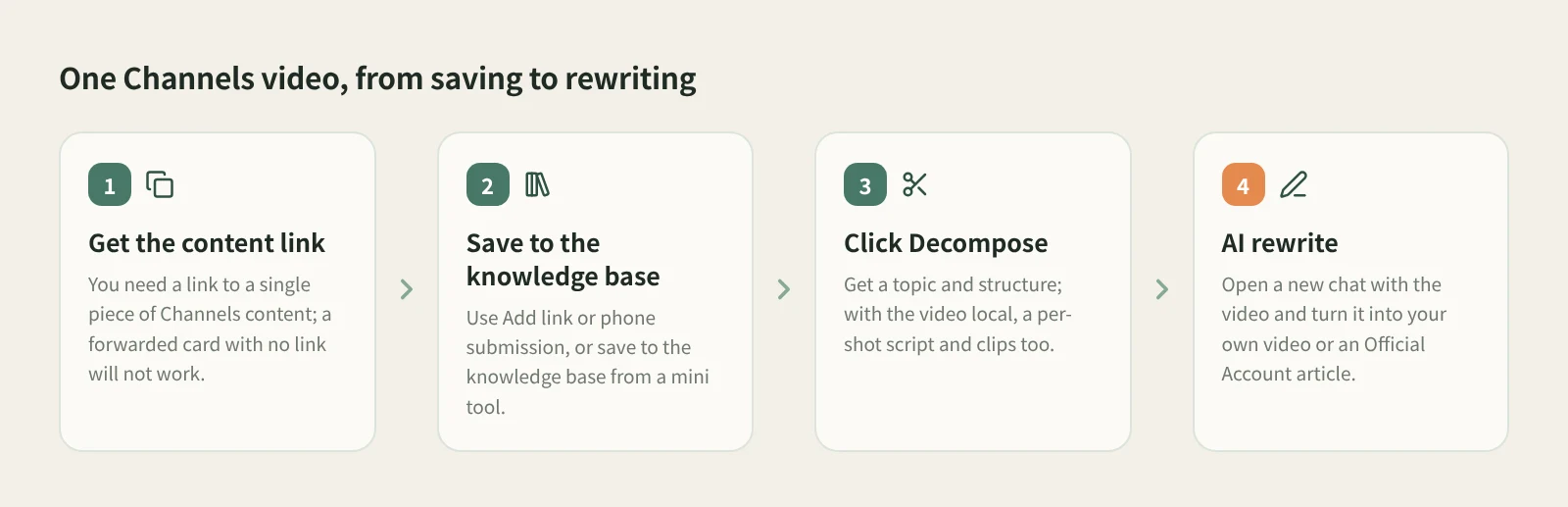
First make sure you have a link to a single piece of Channels content. Only Channels content links that Beav can recognize are accepted. If all you have is a card forwarded inside WeChat with no link, none of these entry points can use it.
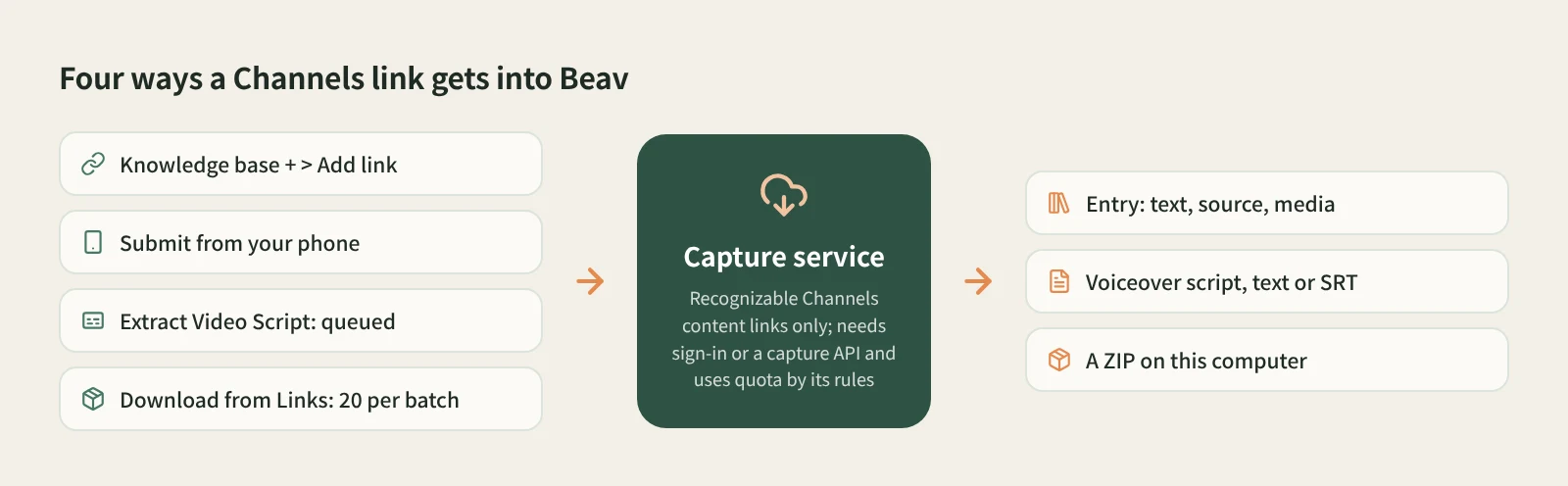
- One video into the knowledge base: Add link. Click + next to Knowledge Base, choose Add link, paste the link or the whole share text (no need to pick a platform) and click Save. One link at a time. To decompose it right away, tick Break down into assets after saving.
- From your phone: scan and submit. Click Phone Upload in the knowledge base. With the phone and computer on the same Wi-Fi, scan the code, pair, and paste links into the collection page, up to 50 per batch. See phone and computer pairing.
- Just the voiceover: Extract Video Script. Open it from the mini apps in Tools & Skills and paste several Channels links at once. It removes duplicates, queues them, downloads each video and transcribes it. Output is plain text or SRT, and you can save the results to the knowledge base too.
- A batch of material: Download from Links. One link per line, up to 20 per batch, mixed freely with Xiaohongshu (RedNote), Douyin and TikTok links. Knowledge in this space saves the text, source and media; This computer packs everything into a ZIP in Downloads without creating knowledge base entries.
If you plan to decompose and rewrite, use the first two, or choose to save to the knowledge base in the mini tools, because the next two steps happen in the knowledge base.
Step 2: Decompose
Open the video in the knowledge base and click Decompose. The result shows a topic, structure template, shots, a per-shot shooting script and a timed transcript, and the topic is added to the topic center.
How far it goes depends on whether the video is saved locally. When the video is on your computer, decomposition cuts it into shots and copies the transcript, keyframes, shot MP4 clips and audio cues to the asset library, and you can merge a shot into the previous one or split at the playhead if a cut is off. When the entry only has text, decomposition mainly gives you a topic, structure and templates.
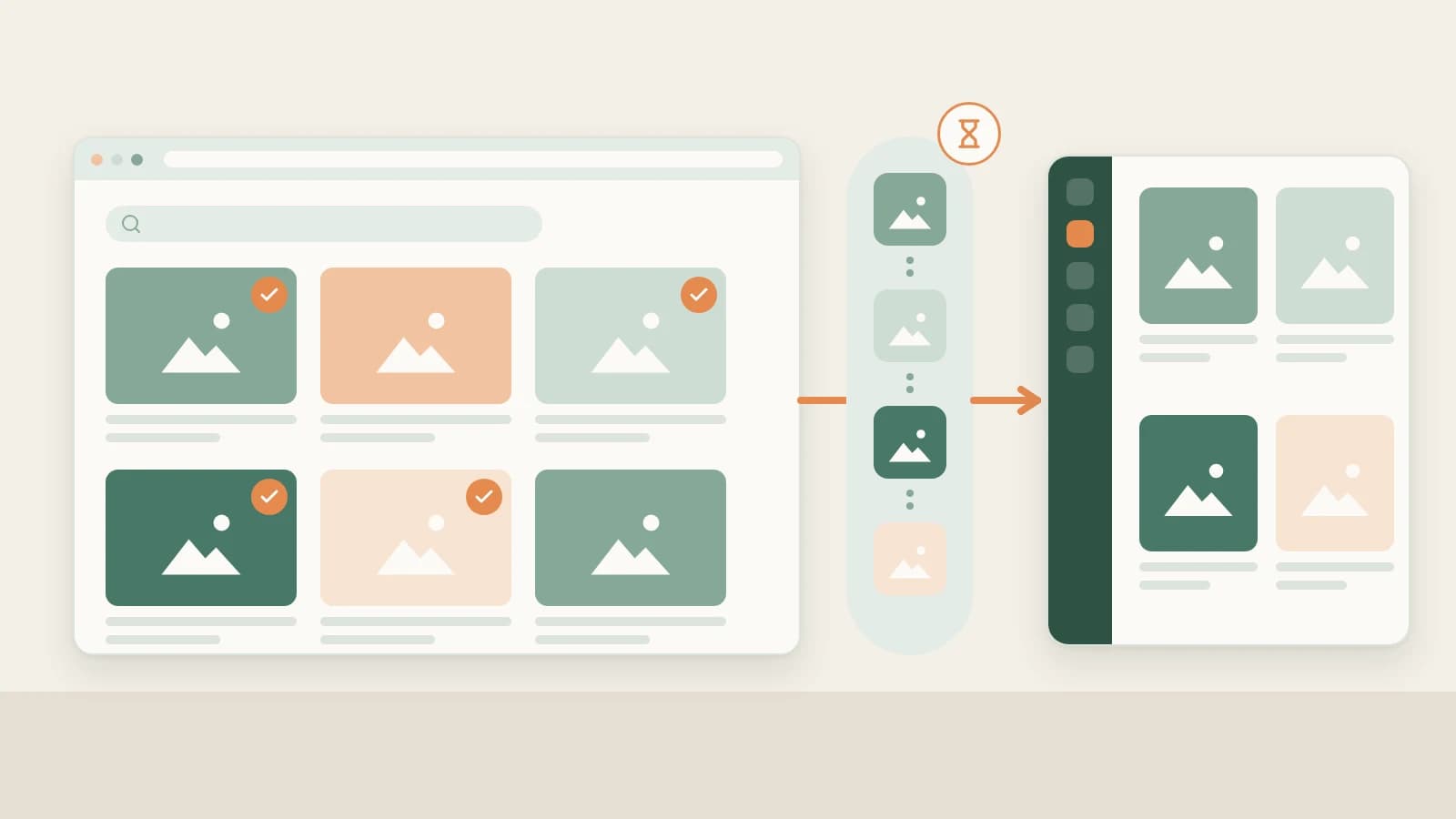
Decomposition uses model quota. You can select a batch, right-click and decompose them together, confirming the item count, video length and usage first. For details, see how to break down a video shot by shot.
Step 3: Rewrite
Open the details and click AI rewrite at the top right. Beav opens a new chat with a prefilled rewriting prompt, a reference to the video and the rewriting skill selected. Add your brief and send it yourself.
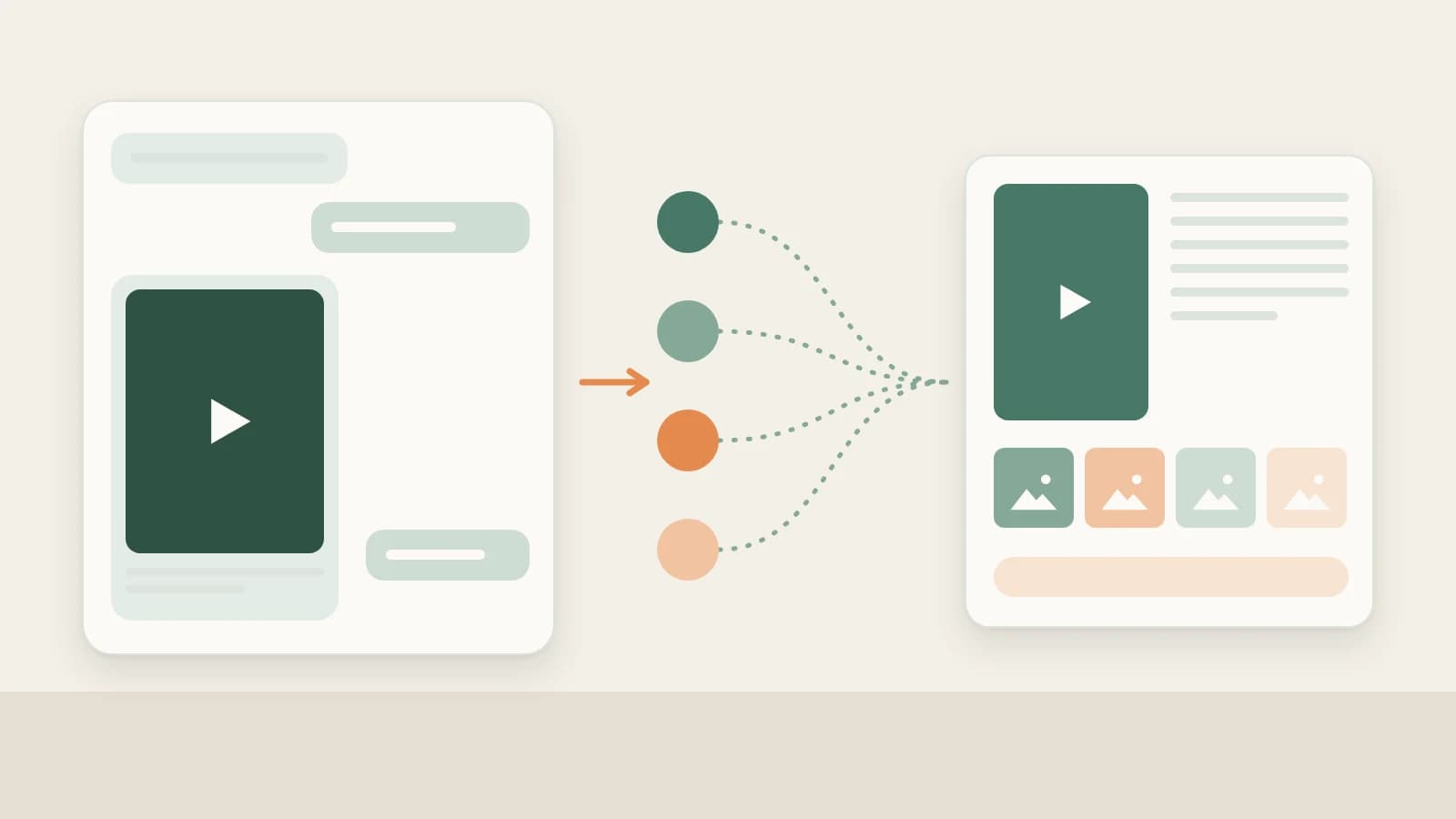
Channels and Official Account readers often overlap, so a good video can become two things. As a video: "Keep the personal story at the start and the 'three reminders' structure, move it to our neighborhood group-buying setting, two minutes of voiceover." As an article: "Follow its line of argument in an Official Account article, with one example readers can follow for each reminder." Say what to keep, what to change and whether you want video or text; the assistant first explains how the original is organized, then proposes the new piece. Rewriting uses the chat model.
How it compares with the usual tools
| Channels favorites, likes, forwarding | Screen recording | Downloader mini programs | Beav | |
|---|---|---|---|---|
| What you get | A record inside WeChat | A recorded clip | A video file | Knowledge base entries, scripts or a ZIP |
| Strengths | Smoothest inside WeChat | Works for anything that plays | Handy on the phone | Batch transcription and saving, then decomposition |
| Text | Type it out yourself | Type it out yourself | Depends on the tool | Extract Video Script, or a timed transcript from Decompose |
| If the original is deleted | Gone | Your recording stays | The file stays | What you saved stays |
| What comes next | Watch it again | Organize it yourself | Organize it yourself | Decompose, AI rewrite into a video or article |
Favorites and forwarding are the smoothest way to "watch later" inside WeChat. Screen recording does not care about links; if it plays, you can record it. Downloader mini programs are always at hand on the phone. Beav fits once you have a set of benchmark videos and want their scripts and structure in bulk, taken apart and turned into your own content.
Limits and notes
- Only Channels content links that Beav recognizes; account profile links do not work. What can be captured depends on the platform, the capture service, account access and quota.
- Capture consumes quota by its rules; decomposition and rewriting use model quota on top of that.
- Phone submission works only on the same local network, not over cellular. Keep Beav running and the computer awake.
- Beav does not promise higher quality than the original or watermark removal, and it never posts for you.
- Saved videos are for study and research. Get the creator's permission before cutting them into your work, reposting or commercial use.
Next steps
- Saving Official Account articles too: save a WeChat article in full.
- Transcribing voiceovers in bulk: get transcripts of Douyin, Channels and TikTok videos in bulk.
- Full reference: add a link to save a single post, built-in mini tools and decompose videos and notes.
Applies to Beav desktop 2.9. Checked 2026-10-21.