Key takeaways
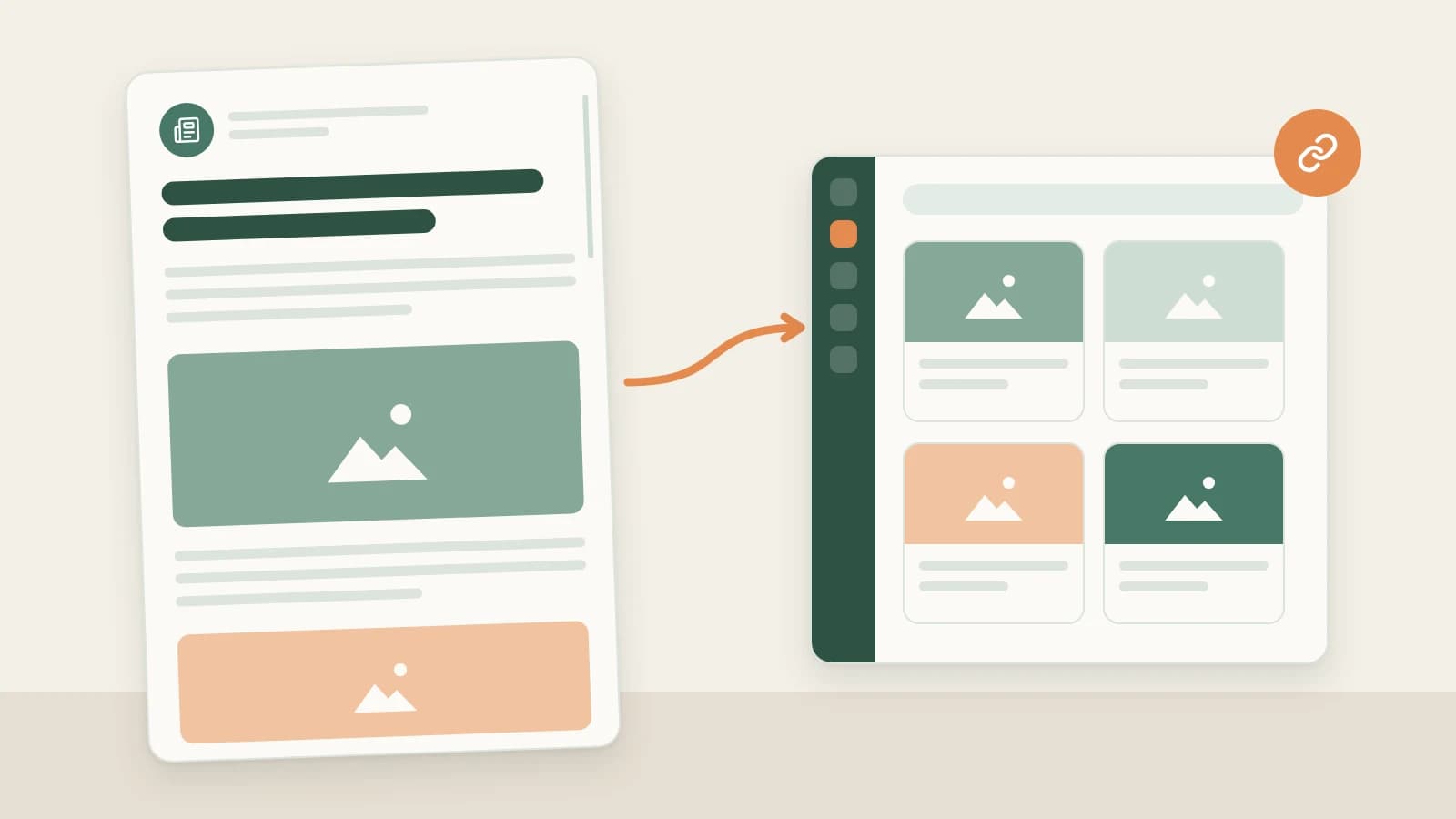
- In the Beav knowledge base, click + and choose Add link, then paste a WeChat Official Account article link (mp.weixin.qq.com). The app's built-in parser reads the body, layout and inline images. No sign-in or capture API is needed.
- If the article is already open in your desktop browser, you can save the current page with the Beav extension instead.
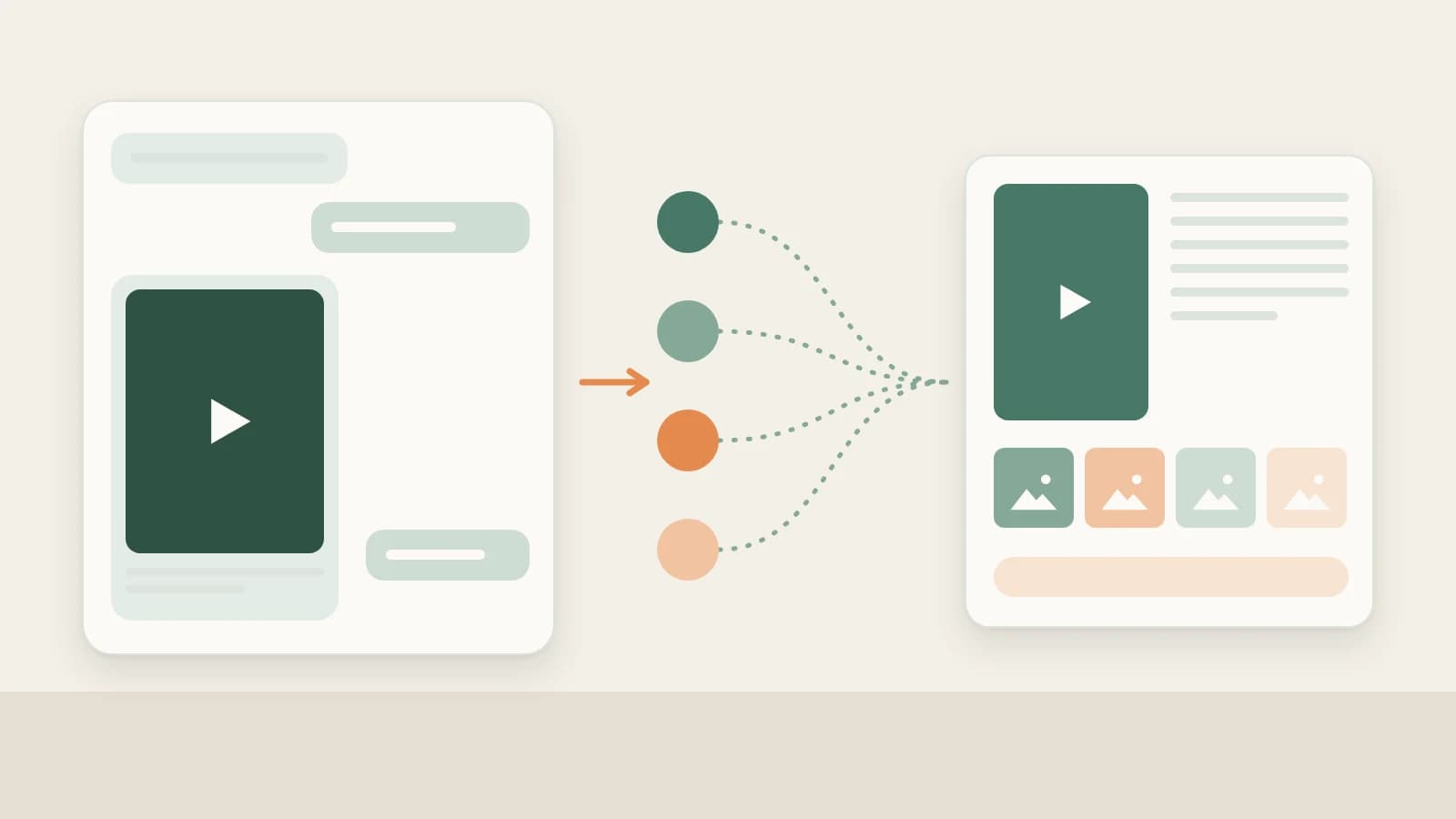
- Saved articles share a knowledge base with your RedNote and Douyin material, so the AI can cite them together. Articles that need verification or are not public will fail to parse.
WeChat Official Accounts are where a lot of long-form Chinese writing lives: industry analysis, case studies, brand stories. Most people tap Favorite or forward the article to themselves. When it is time to quote a paragraph, they dig through WeChat again, and if the author deleted the article, the link no longer opens.
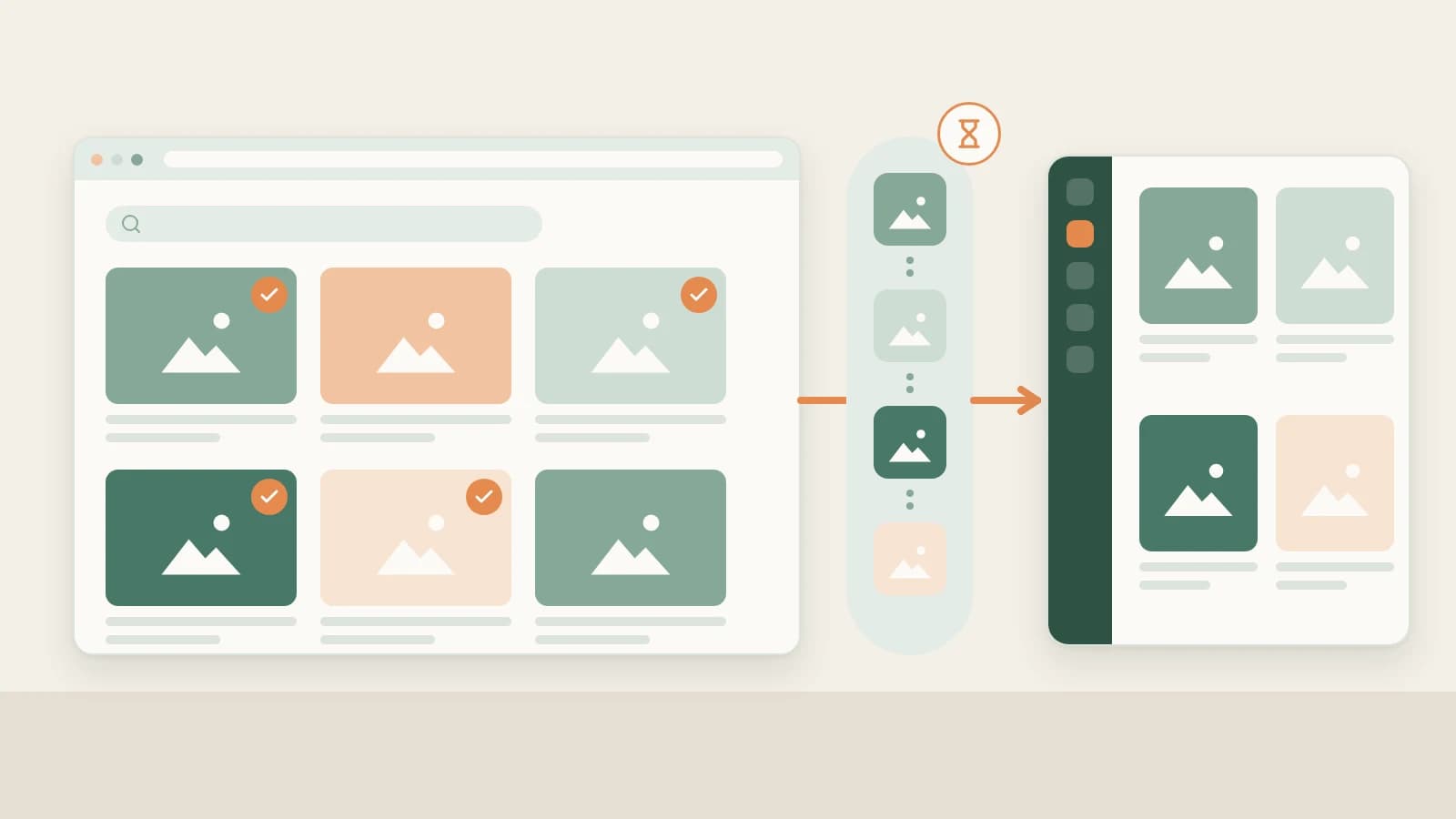
Beav saves the article as one complete entry in a knowledge base on your computer: body, layout, images and source link. You can search it, break it down, or have the AI cite it in a chat.
Who it is for
- Writers of Official Account articles or long image posts who keep a library of references.
- Marketers who study industry articles and case studies to plan topics.
- Anyone whose material is scattered across WeChat Favorites, note apps and download folders.
How to use it
Option 1: paste the link (no extension needed)
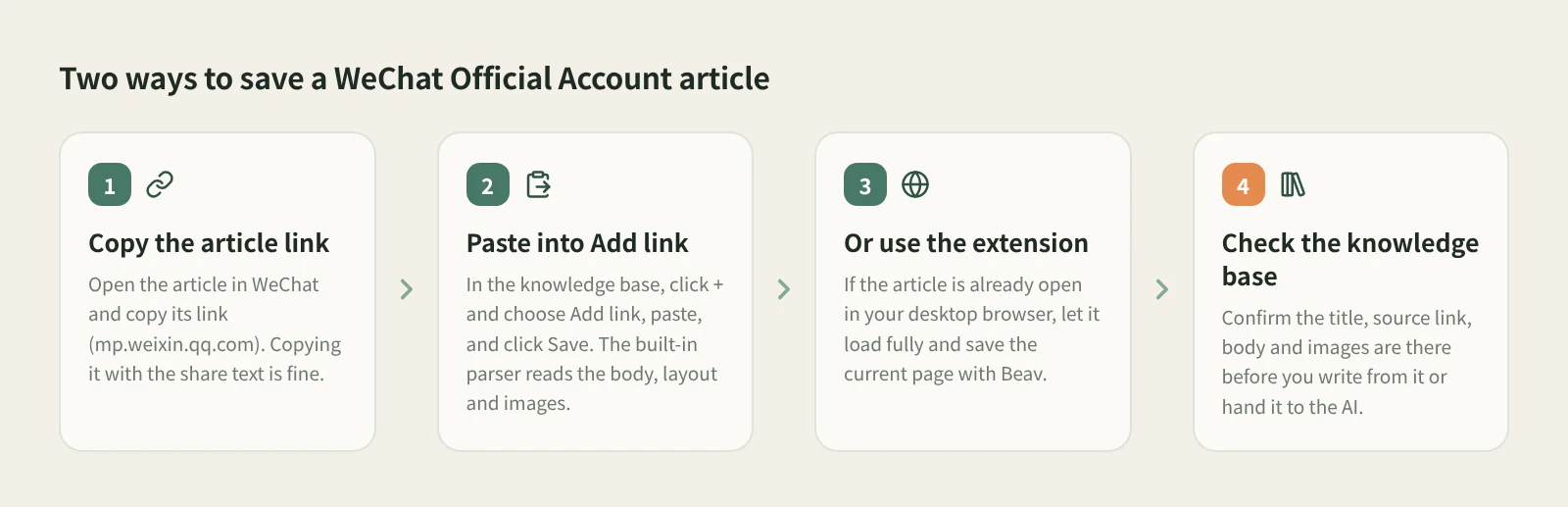
- Copy the article link. Open the article in WeChat and copy its link. Copying it together with the share text is fine; Beav finds the link.
- Open Add link. At the knowledge base root or in a personal folder, click + in the title bar or next to Knowledge Base on the left, and choose Add link.
- Paste and save. Click Save or press Enter. On success the dialog shows the detected platform and clears, so you can paste the next one. Links are saved one at a time. Tick Break down into assets after saving if you want a breakdown; it is off by default.
Option 2: save from the article page
- Open the article in Chrome or Edge on your computer and wait until it has fully loaded, especially for long or image-heavy articles.
- Save the current page with the Beav extension.
- If the body is missing, refresh, scroll to the main content and try again.
Either way, check the result in the Beav knowledge base: the title, source link, body and images should all be there. In the gallery, Official Account articles show as cards with a landscape cover, title and author, using the first image when there is no cover.
If you read Official Accounts mostly on your phone, use phone and computer pairing to submit the link from your phone and let Beav on your computer save it.
How it compares with WeChat Favorites and web clippers
| WeChat Favorites | Evernote, Cubox and similar | Beav | |
|---|---|---|---|
| How you save | One tap on the article | Forward to a service account, share, or clip in the browser, depending on the app | Paste the link, or use the extension on the page |
| Where it lives | Your WeChat account | The app's cloud | The Beav knowledge base on your computer |
| If the article is deleted | Usually will not open | A clipped full text generally remains | Your copy remains |
| Strengths | Effortless | Reading, cross-device sync, highlights | Sits with your RedNote and Douyin material for the AI to cite |
| What you need | An account with that app; some features are paid | Beav desktop; pasting a link needs no sign-in or capture API |
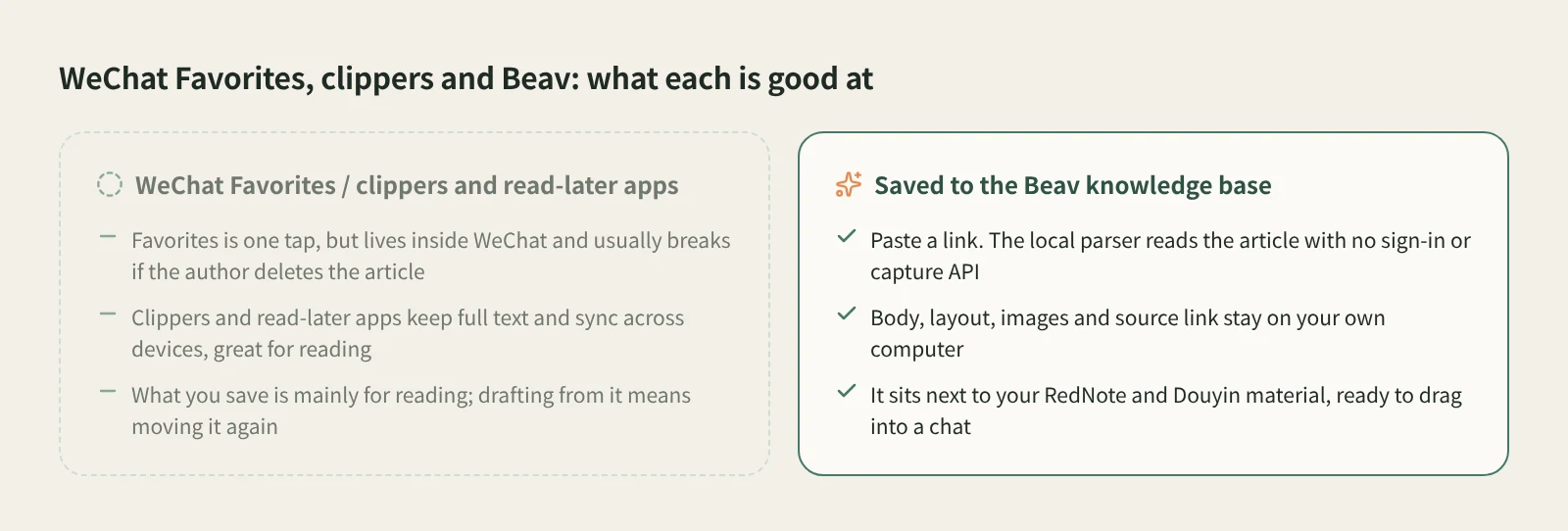
Clippers and read-later apps are mature at reading: on your phone, across devices, with highlights. Beav is for treating articles as writing material. They live in the same library as your saved posts and videos, so you can drag them into one chat and the AI can point back to the source.
Limits and notes
- Articles that need verification or are not publicly accessible fail to parse. The dialog keeps the link and shows the reason, so you can fix the problem and try again.
- Add link saves one link at a time; it is not a bulk import. An article already in the knowledge base is not saved twice.
- Saves go to the root of the current space's knowledge base. The entry is not shown in shared spaces, account profiles, subscription views or local source folders.
- Saved articles are for your own reference and research. Ask the author before republishing.
Next steps
- The same box also saves RedNote, Douyin, Bilibili and other links: see paste any link and Beav detects the platform.
- Regular pages and selected text can be saved too: see save pages and selected text with a right-click.
- Full reference: add a link to save a single post. For organizing material, see asset management.
Applies to Beav desktop 2.9 and browser extension 2.7. Checked 2026-10-21.