Key takeaways
- In the Beav knowledge base, click + next to Knowledge Base and choose Add link. Paste a single post's link or its share text, without choosing a platform. Beav resolves short links, detects the platform and saves it to the current space.
- Supported: WeChat Official Account articles, Xiaohongshu (RedNote), Douyin, Bilibili, X, Weibo, Zhihu and recognizable WeChat Channels links. WeChat articles are read by a local parser. The others go through the capture service, which needs sign-in or a configured capture API and consumes quota according to its rules.
- Content already in the knowledge base is not saved twice. Tick Break down into assets after saving to queue a breakdown automatically.
Reference material arrives from everywhere: a Douyin video a friend sent, an Official Account article in a group chat, a RedNote post, a Weibo thread. One downloader per platform means one more tool each time, and the results end up in separate folders.
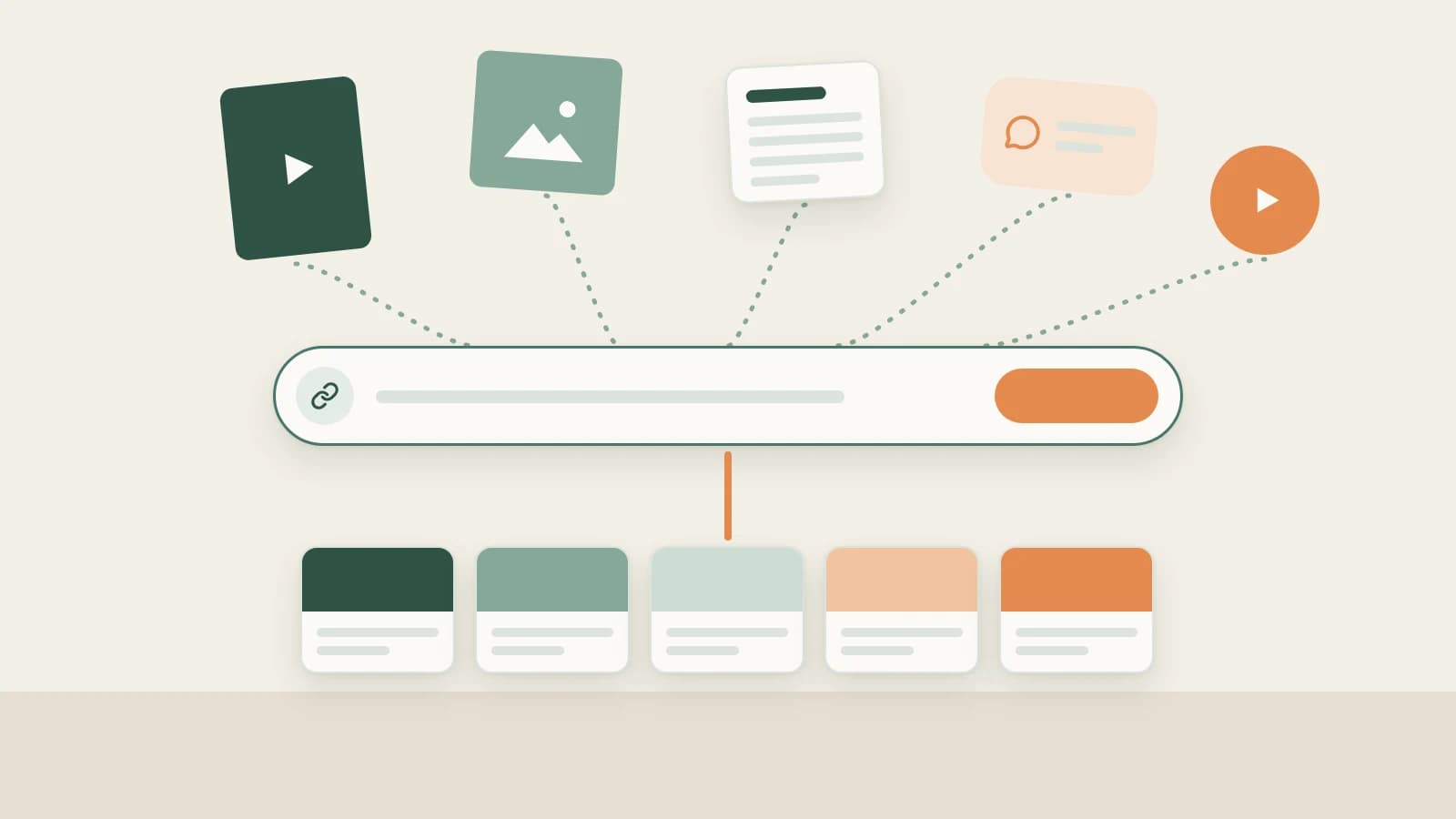
Beav's Add link is a single box. Paste the link, and Beav works out the platform and how to read it, then files it in one knowledge base.
Who it is for
- Creators who collect from several platforms and do not want a separate tool for each.
- Anyone sitting on links in chats, spreadsheets or bookmarks who wants them in a material library.
- People who would rather paste a link than open the original page in a desktop browser.
How to use it
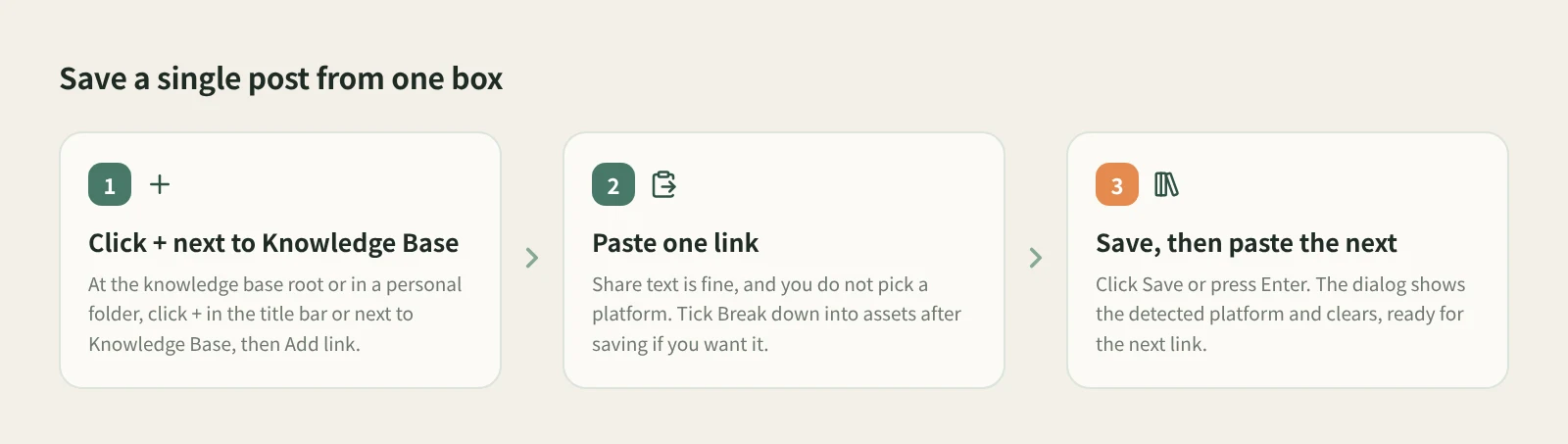
- Open the entry. At the knowledge base root or in a personal folder, click + in the title bar or next to Knowledge Base on the left, and choose Add link.
- Paste one link. A single post, article or video. Share text is fine, and you do not choose a platform.
- Tick Break down into assets after saving if you want it. It is off by default. When ticked, a successful save goes straight into the breakdown queue, which uses models and consumes quota.
- Save. Click Save or press Enter. The dialog shows the detected platform and clears, so you can paste the next link. Links are saved one at a time.
- Handle failures. If saving fails, the dialog keeps the link and shows the reason; fix it and save again. Profile links and unsupported URLs are reported right away.
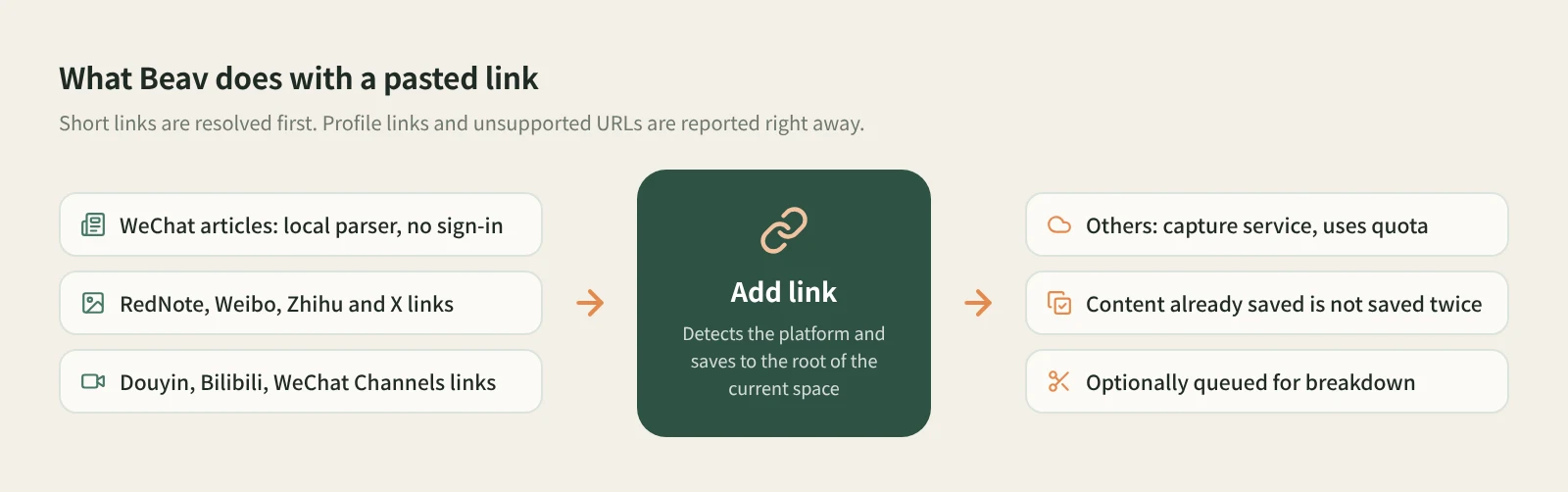
What uses quota? WeChat Official Account articles (mp.weixin.qq.com) are read by the app's built-in parser, with no capture API or sign-in. Xiaohongshu, Douyin, Bilibili, X, Weibo, Zhihu and WeChat Channels links are read through the capture service, which requires sign-in or a configured capture API and consumes quota according to its rules.
How it compares with one downloader per platform
| A separate downloader or mini app per platform | Beav Add link | |
|---|---|---|
| Entry point | One tool per platform | One box that detects the platform |
| What you keep | Mostly video or image files | A knowledge base entry: text, media and source link |
| Short links and share text | Depends on the tool | Short links resolved; share text can be pasted as is |
| Duplicates | Often downloaded again | Content already saved is not saved twice |
| What comes next | Organize the files yourself | Optional automatic breakdown; the AI can cite it when you write |
| Cost | Depends on the tool | WeChat articles parsed locally; other platforms use the capture service and its quota |
Single-platform downloaders are focused. When you only want one video file, or a feature unique to one platform, they are often the more direct choice. Add link is built for collecting: links from many sources, and you want more than a file, namely something you can find, break down and cite later.
Limits and notes
- One single post at a time. Profile links are not supported, and it is not a bulk import. To submit many links at once, use the QR-code link submission in phone and computer pairing. To download media files from mixed-platform links in batches, see batch download links from multiple platforms.
- Douyin means videos. Douyin photo sets are not supported.
- Saves go to the root of the current space's knowledge base. The entry is not shown in shared spaces, account profiles, subscription views or local source folders.
- What can be read depends on the platform, the capture service, account permissions and quota. Saved content is for your own research; ask the author before republishing or commercial use.
Next steps
- For WeChat articles in detail, read how to save a WeChat Official Account article in full.
- For RedNote posts you are viewing in the browser, use the extension: how to save a whole RedNote post to your computer.
- Full reference: add a link to save a single post. If you only need the video file, see the Douyin downloader.
Applies to Beav desktop 2.9. Checked 2026-10-21.