Key takeaways
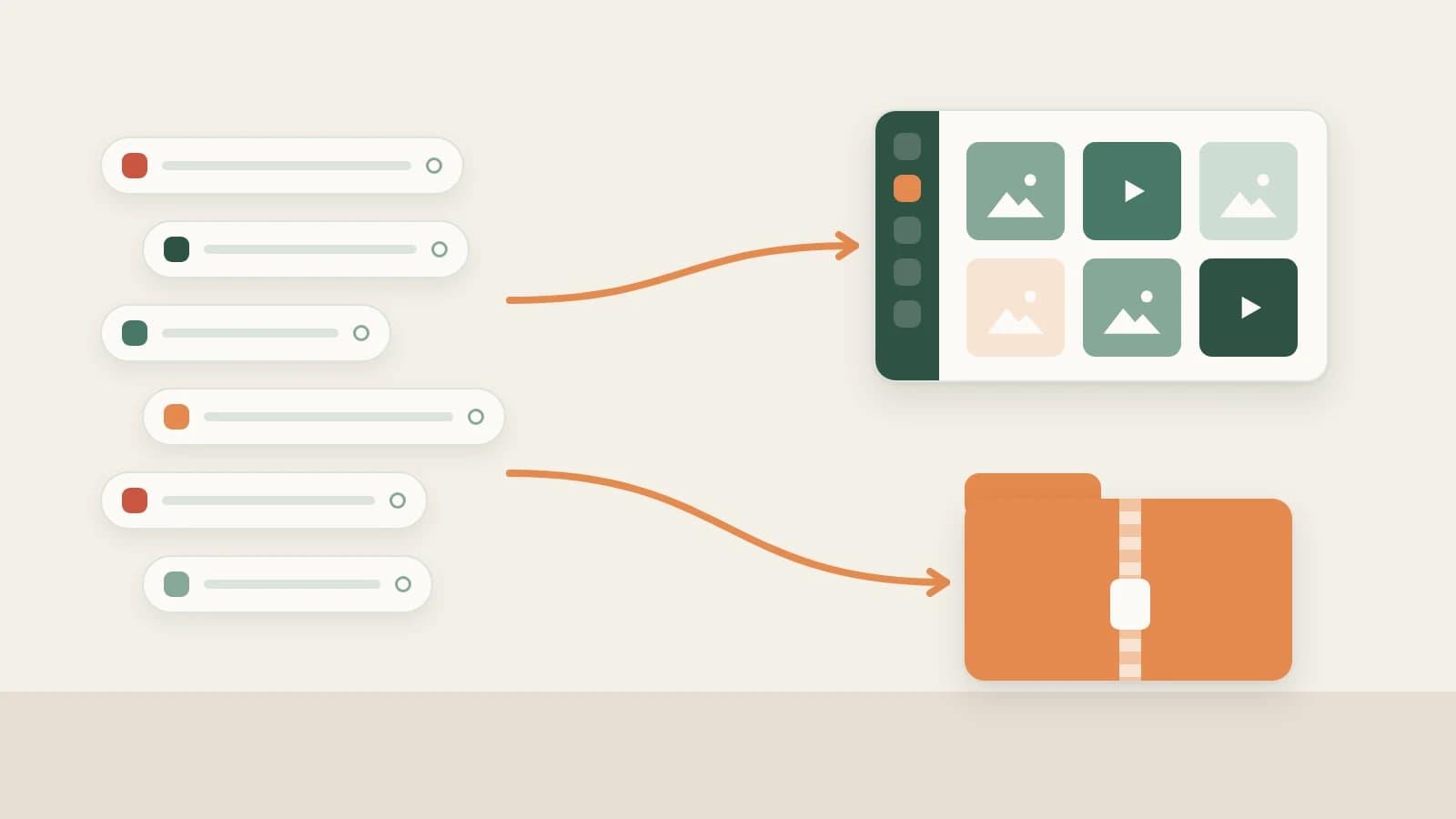
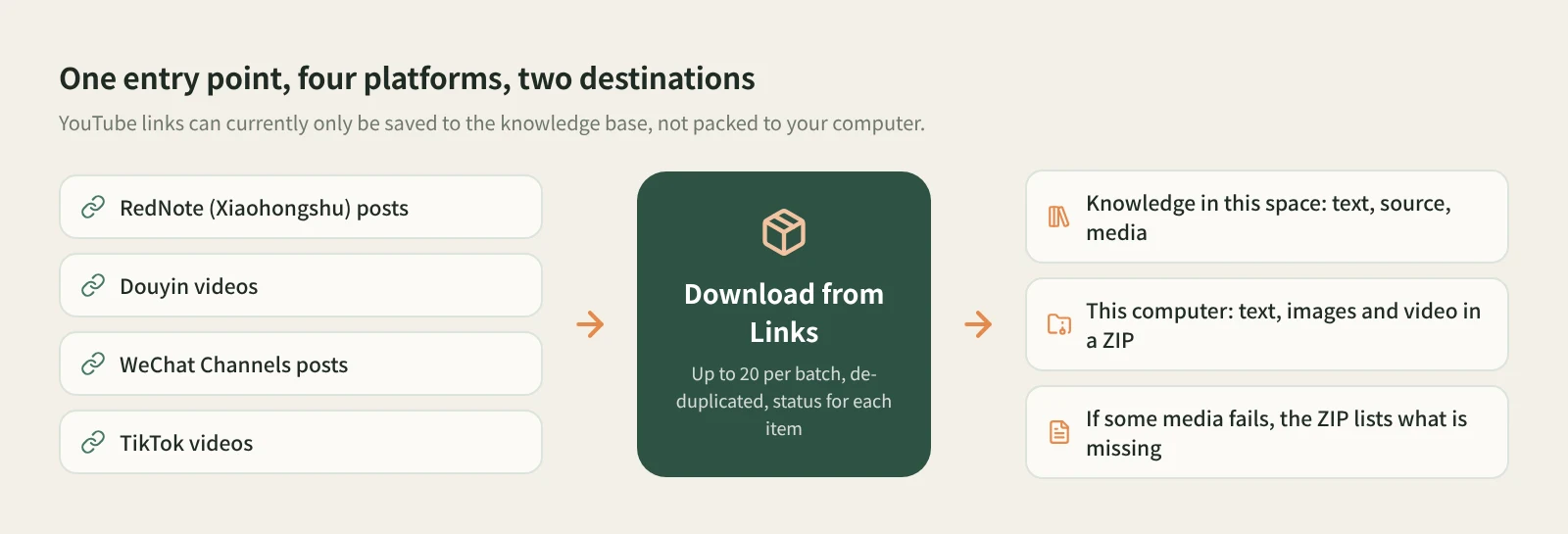
- In Beav's Download from Links, paste one link per line or whole share texts. RedNote (Xiaohongshu), Douyin, WeChat Channels and TikTok can be mixed, up to 20 per batch, with duplicates removed.
- Pick a destination: Knowledge in this space keeps the text, source and media; This computer packs the text, images and videos into a ZIP in your Downloads folder by default.
- Each item shows its own status, and failed ones can be retried individually. If some media cannot be downloaded, the ZIP includes a list of missing files.
Reference material rarely comes from one place. A round of competitor research might mean a few RedNote posts, some Douyin videos and a couple of WeChat Channels clips. With one downloader per platform, you hop between sites and mini programs, and the files end up scattered across folders.
The Download from Links mini tool in the Beav desktop app puts it in one window: paste all the links, choose where they go, and let it work through them.
Who it is for
- Marketers and creators who follow several of these platforms and collect examples regularly.
- Anyone who hands a set of references to a colleague or client; one ZIP is easier than a folder hunt.
- People who want the material in their knowledge base, ready to break down and write from.
How to use it
Install the Beav desktop app first. This tool works from pasted links; you do not need the browser extension.
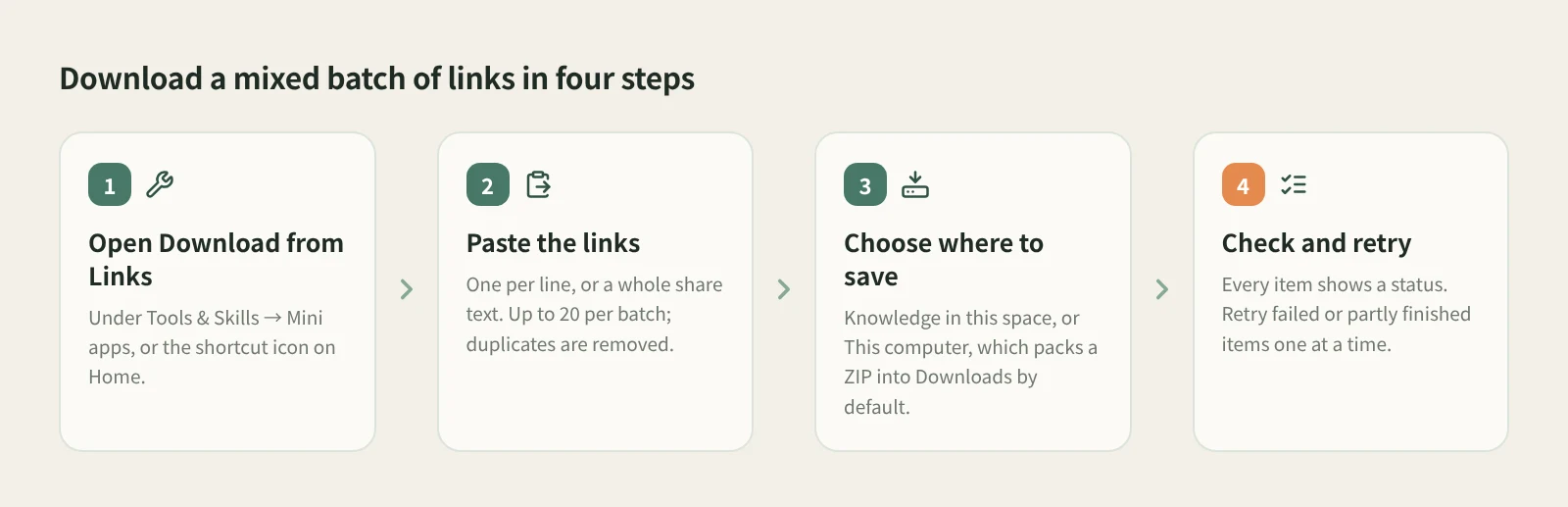
- Open Download from Links. It is in the Mini apps tab of Tools & Skills, and on Home as a shortcut icon. It runs in its own window. Grant the permissions it asks for the first time.
- Paste the links. One post link per line, or paste the whole share text. Mix the four platforms freely; each batch takes up to 20 links, and duplicates are removed.
- Choose where to save. Knowledge in this space saves each post's text, source and media as knowledge base entries. This computer skips the knowledge base and packs the text, images and videos into a ZIP, saved to Downloads by default; click Change to pick another folder.
- Check the results and retry. Every item has its own status. Retry failed or partly finished items one at a time instead of rerunning the batch. If some media could not be downloaded, the ZIP includes a list of the missing files.
Knowledge base saves go to the workspace currently open in Beav, so check you are in the right one if you keep a space per account.
How it compares with single-platform downloaders
| Per-platform downloaders and mini programs | Beav Download from Links | |
|---|---|---|
| Getting started | Many need no install and work on a phone | Needs the Beav desktop app on a computer |
| Platforms | Usually one platform, sometimes with deeper features | RedNote, Douyin, WeChat Channels and TikTok mixed |
| Links per run | Varies; often one at a time | Up to 20 per batch, de-duplicated |
| When something fails | Paste again and keep track yourself | Per-item status and retry; the ZIP lists missing files |
| What you get | Loose image and video files | One ZIP, or knowledge base entries with their sources |
| What comes next | Organize it yourself | Search, break down and draw on it when writing |
Single-platform tools have real strengths: they focus on one site, some do more there, and many run on a phone. If you follow one platform and grab a few posts now and then, they are enough. Beav's tool fits when the links come from several places, there are many of them, and you want them sorted in one pass.
If you only need the words, not the files, Extract Video Script is more direct: it queues Douyin, WeChat Channels and TikTok links and transcribes them.
Limits and notes
- Up to 20 links per batch; split longer lists.
- YouTube links can only be saved to the knowledge base here, not packed to your computer.
- This computer does not create knowledge base entries. To break the posts down or let the AI cite them later, save them to the knowledge base as well.
- Reading posts goes through the capture service and may use quota according to its rules; the app shows what applies.
- What you get depends on what the platform provides. Beav does not promise higher resolution than the original page or watermark removal.
- Downloads are for your own research and reference. Get the creator's permission before reposting, re-editing or using them commercially.
Next steps
- To save posts as you browse, see save a whole RedNote post to your computer.
- To keep your material organized beyond downloading, see asset management.
- Full reference: built-in mini tools: Download from Links.
Applies to Beav desktop 2.9. Checked 2026-10-21.