Key takeaways
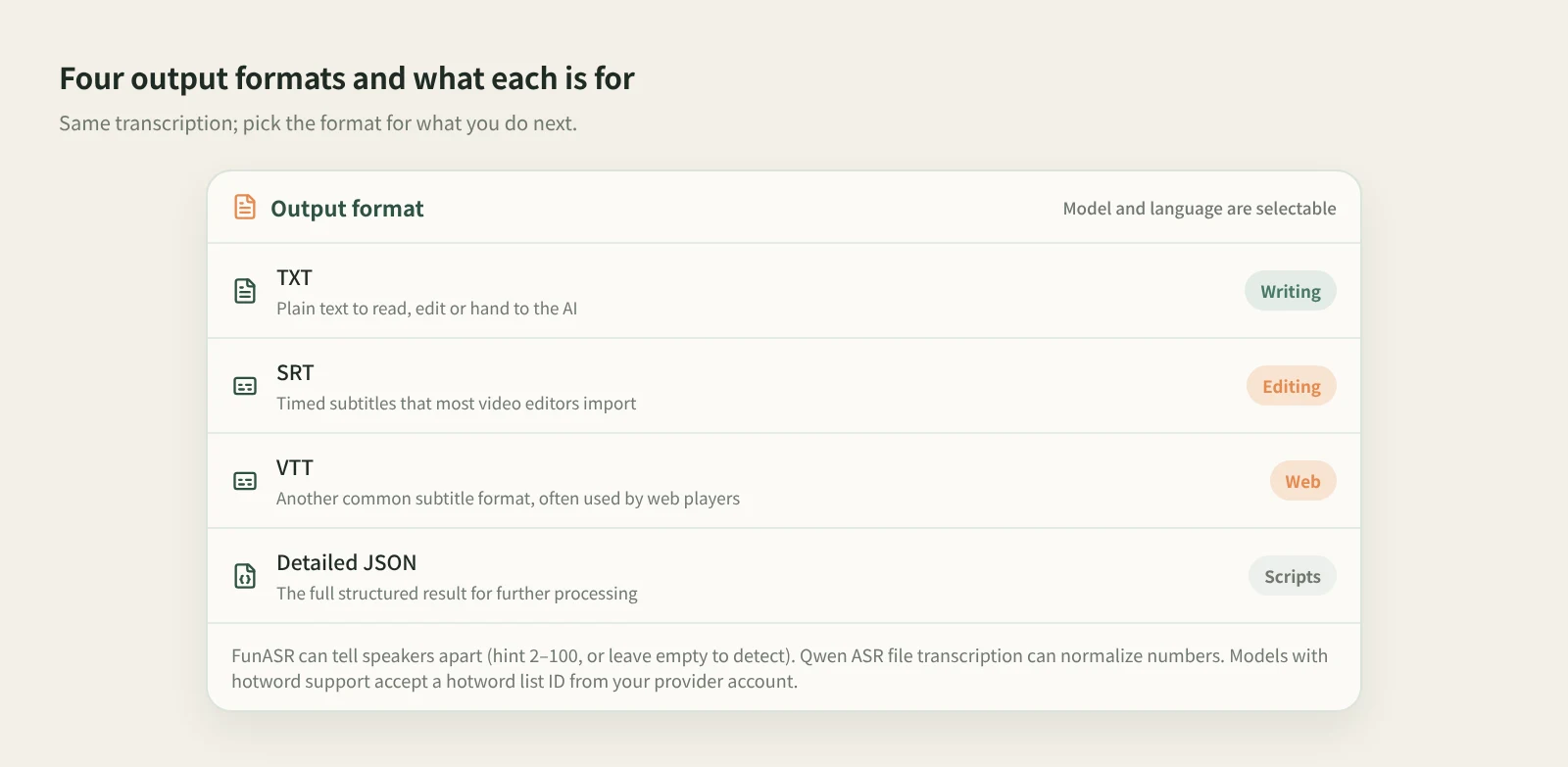
- In Beav's Transcribe Media, pick audio or video from your asset library or upload it, choose the model, language and output format, and get TXT, SRT, VTT or detailed JSON.
- For conversations, FunASR separates speakers. Models that support hotword lists accept the ID of a list you already have in your provider account.
- For meetings, live transcription and team sharing, apps like Feishu Minutes (Lark Minutes), Tongyi Tingwu and iFlytek's transcription service are more complete. Beav is for content work: subtitles and transcripts stay in your asset library for editing and writing.
An interview, a talking-head take, a podcast episode: almost every one of them has to become text before anything else happens. Editing needs subtitles, writing needs a transcript, and finding a quote needs something searchable.
The Transcribe Media mini tool in the Beav desktop app does that step, and registers the result in your asset library next to the source material, so you are not hunting for files when you edit or write.
Who it is for
- Creators who shoot talking-head videos, interviews or podcasts and need subtitle files.
- Anyone turning recordings into articles, posts or scripts.
- Teams that already maintain a hotword list with their speech provider and want names and jargon recognized correctly.
How to use it
Install the Beav desktop app first.
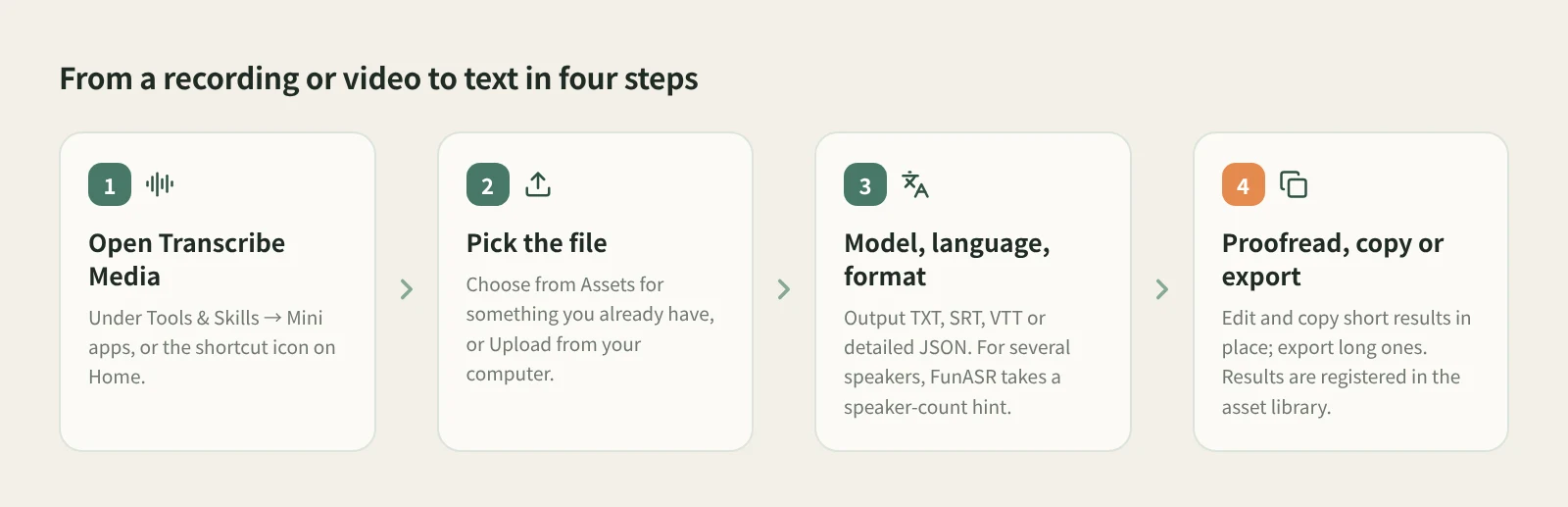
- Open Transcribe Media. It is in the Mini apps tab of Tools & Skills, with a shortcut icon on Home. Grant the permissions it asks for the first time.
- Pick the file. Click Choose from Assets for audio or video already in your library, or Upload from your computer.
- Choose the model, language and output format. Formats are TXT, SRT, VTT and detailed JSON. Optional settings:
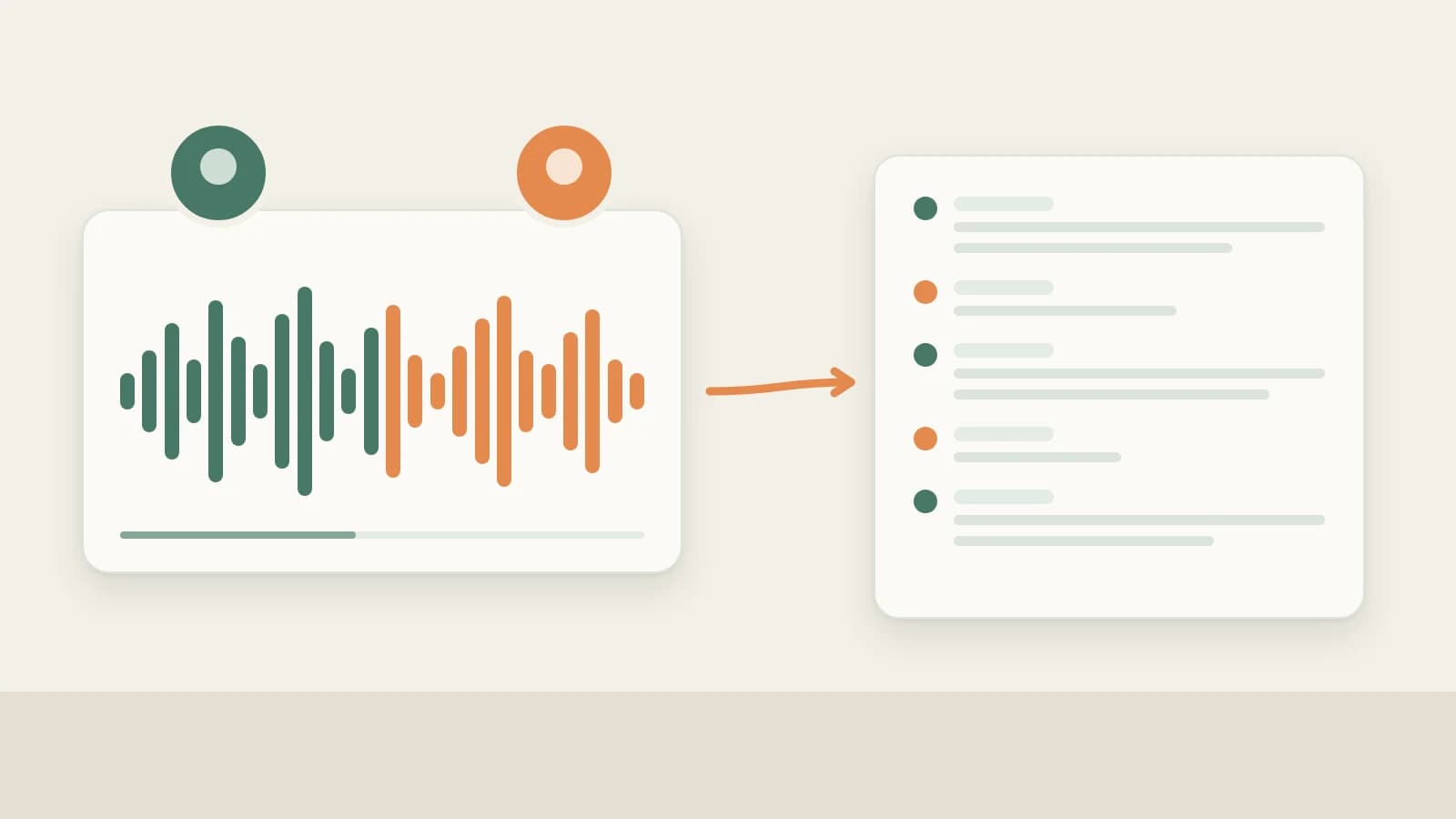
- For several speakers, use FunASR. It separates speakers and accepts a speaker-count hint (2–100); leave it empty to detect automatically.
- With Qwen ASR file transcription, you can turn on number normalization.
- If the model supports hotword lists, enter the ID of a list you already have in your provider account, so brand names and terms come out right.
- Proofread, copy or export. Short results can be proofread, saved and copied in the window. For long ones, export the full file and edit it in your usual editor. Results are registered in the asset library.
How it compares with Feishu Minutes, Tongyi Tingwu and iFlytek
| Feishu Minutes, Tongyi Tingwu, iFlytek transcription | Beav Transcribe Media | |
|---|---|---|
| Best at | Meetings, classes and interviews, including live recording | Existing audio and video files turned into subtitles or scripts for content |
| Speaker separation | Yes | Yes with FunASR, with a speaker-count hint |
| Notes and sharing | Mature summaries, minutes, sharing and collaboration | No meeting minutes or sharing; the result is yours to keep working on |
| Tuning recognition | Each has its own options | Choose the model and language; enter an existing hotword list ID |
| Export | Common text and subtitle formats | TXT, SRT, VTT, detailed JSON |
| Where results live | In each service's cloud account | Registered in your local Beav asset library |
If your main need is meetings, with live transcription, automatic minutes and sharing with colleagues, these services are the better fit; they are polished for exactly that. iFlytek also offers human transcription when accuracy matters most. Outside China, Otter.ai plays a similar role.
Beav sits elsewhere: in the content workflow. The SRT and transcript land in the asset library next to the original video, and from there you can ask the AI in a chat to cut the talking-head video or turn the transcript into a draft, without moving files between sites.
Limits and notes
- This tool works on existing files, not live recording. The microphone in the chat box only turns what you say into input text, up to 5 minutes at a time; it is not for long recordings.
- Transcription runs on the model service you choose and uses credits or your own provider quota, as shown in the app.
- Hotword lists must already exist in your provider account; Beav only takes the ID.
- Use the in-window proofreading for short results and export long ones before editing.
- Every transcript has mistakes, especially with names, brands and jargon. Check it against the audio before using it as subtitles or quotes.
- If you transcribe someone else's audio or video, get permission before publishing or commercial use.
Next steps
- To get scripts straight from Douyin, WeChat Channels or TikTok links without downloading files, see Extract Video Script.
- To clean up a talking-head recording and add subtitles, see video editing and smart talking-head cuts.
- Full reference: built-in mini tools: audio and video to text.
Applies to Beav desktop 2.9. Checked 2026-10-21.