Key takeaways
- Paste a WeChat Official Account article link under + → Add link in the knowledge base. The app's built-in parser reads the body, layout and inline images, with no sign-in and no capture API.
- Open the article and click Decompose for a topic and a structure template; the topic also goes to the topic center. Decomposition uses model quota.
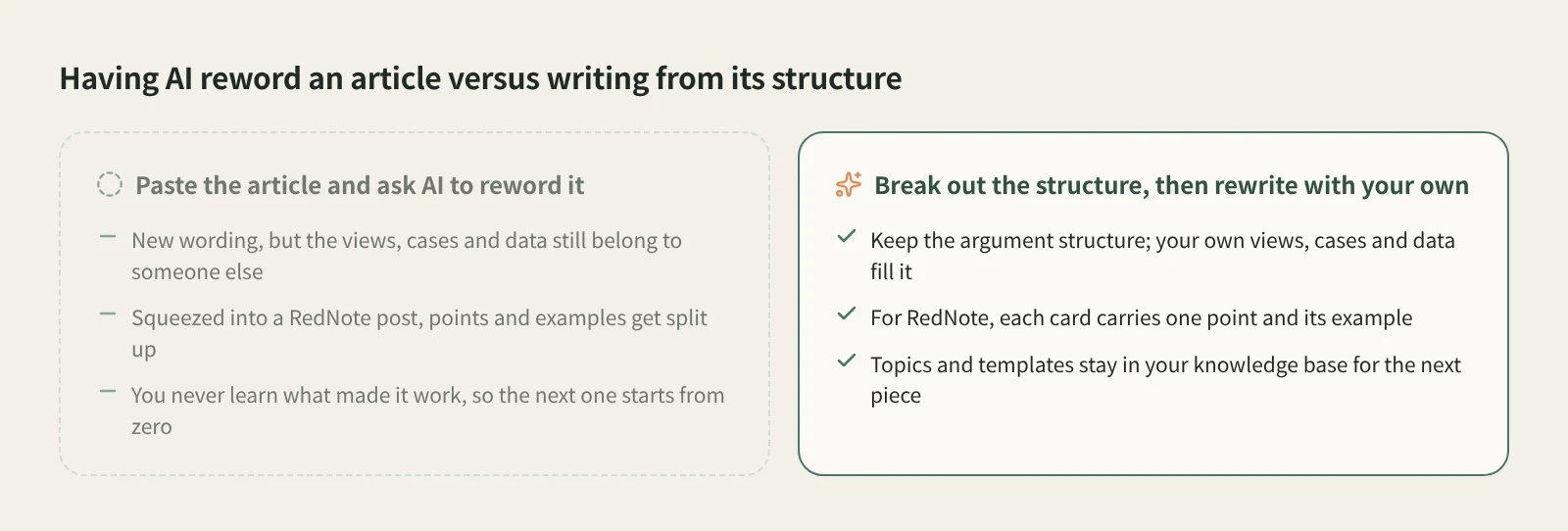
- Click AI rewrite and say which structure to keep, what topic to use, and whether you want an article package or a Xiaohongshu (RedNote) image post. The AI confirms a plan before writing. The views, cases and numbers must be yours.
A strong long-form WeChat article is mostly strong in its structure: the scene that pulls you in, how the argument builds, where the case studies sit, and the action it ends on. You feel it while reading, but it is hard to reproduce, because the structure is buried in a few thousand words and you cannot see it until you take the piece apart.
This article shows how to save a WeChat article in Beav, break out its structure, and write your own article from it or turn it into a RedNote image post.
Who it is for
- Writers of WeChat articles or long image posts who want to study how a few authors work.
- Marketers who publish the same topic on both WeChat and Xiaohongshu.
- Researchers comparing topics and structures across a batch of industry articles.
Step 1: Save the article
The full walkthrough is in how to save WeChat articles. Here are the key points.
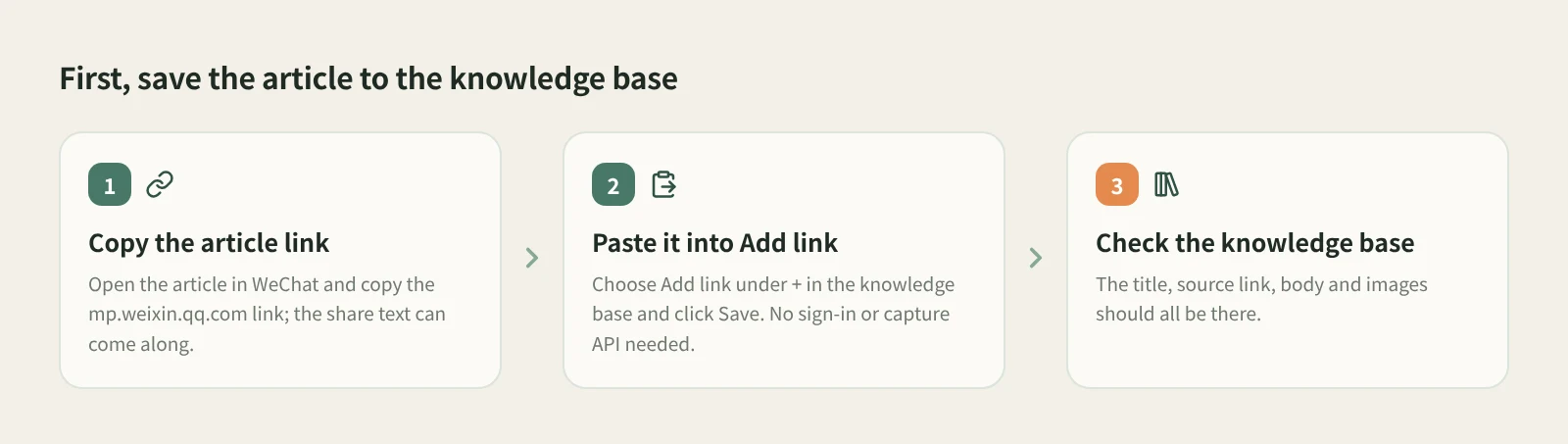
- Copy the article link. Open the article in WeChat and copy the link starting with mp.weixin.qq.com. Copying it with the share text is fine.
- Paste it into Add link. In the Beav knowledge base, click +, choose Add link, paste and click Save. Saving does not decompose it; click Decompose on the item when you want to.
- Check it in the knowledge base. The save is complete when the title, source link, body and images are all there.
WeChat articles are read by the app's built-in parser, so no sign-in is needed and no capture quota is used. Articles that require verification or are not publicly accessible fail to parse. If the article is already open in your computer's browser, you can also save the page with the Beav extension.
Step 2: Break the article down
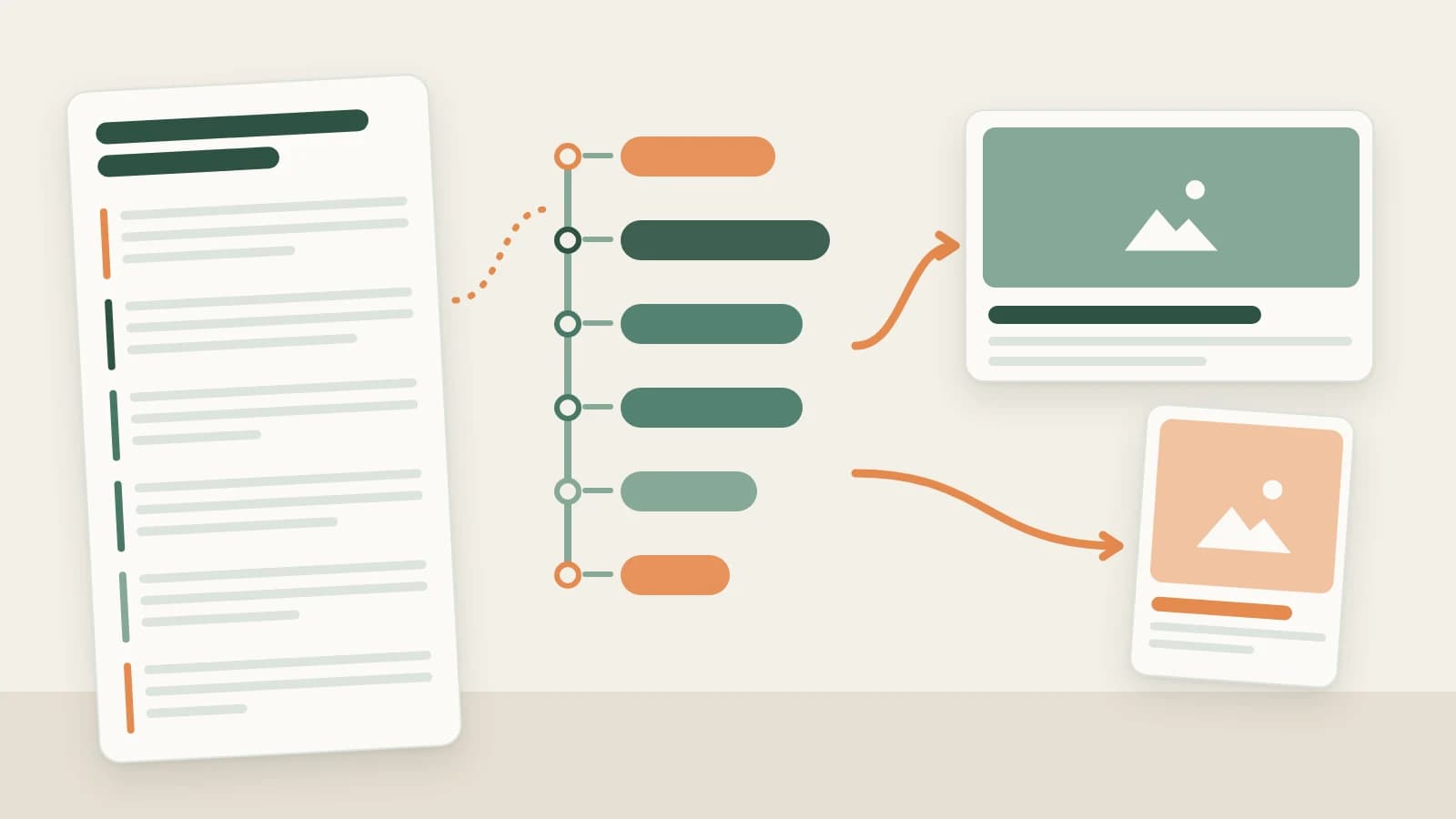
Open the article in the knowledge base and click Decompose. An article has no shots to cut, so you mainly get a topic and a structure template, and the topic goes to the topic center. Decomposition uses model quota.
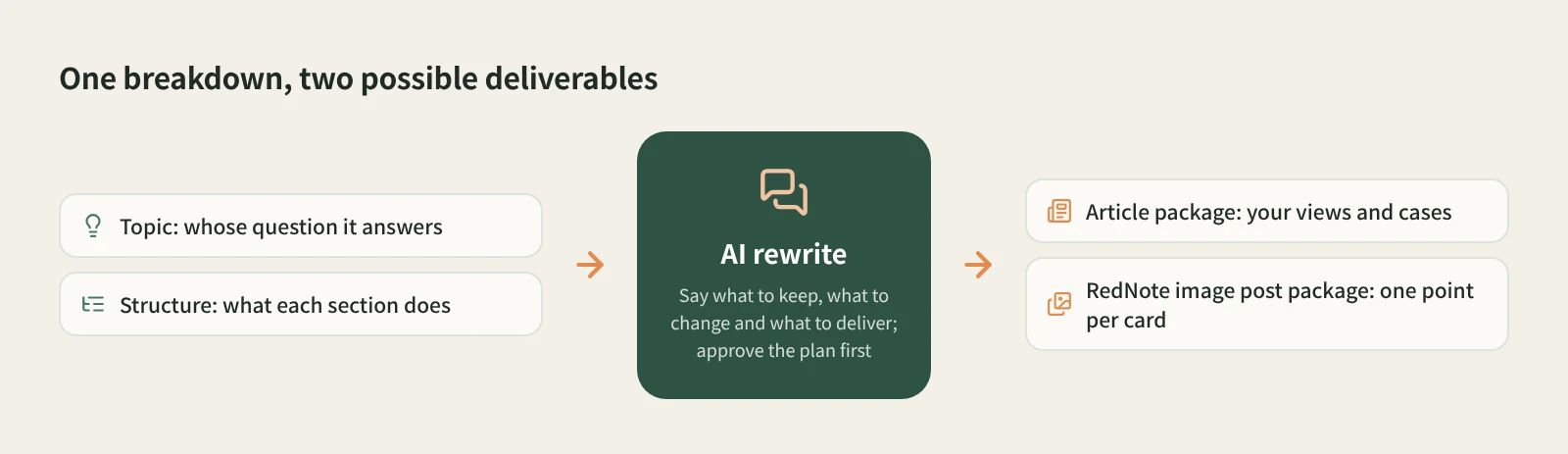
Here is how to read the result:
- Topic: whose question is this answering? In the topic center it sits next to your other saved articles and RedNote posts, so you can see which questions keep coming up and which nobody has answered well yet.
- Structure template: what each section does. Go through the original and mark each section's job: opening scene, the problem, supporting points, case study, counterargument, conclusion, call to action. That skeleton is the template you can reuse.
- Read a batch. To learn one author, select several of their articles in the list, right-click to decompose them together (up to 100 items), then ask the AI in a chat to compare those results and summarize the openings and endings they keep using.
Step 3: Rewrite it as an article package or a RedNote version
Click AI rewrite at the top right of the article details. Beav opens a new chat with a prefilled rewrite prompt, a reference to this article and the rewriting skill selected. Nothing is sent until you send it, so add your requirements first.
Your own WeChat article. Tell the AI which structure to keep, what topic to use, and what your views and cases are. For example:
Keep this article's structure: open with a real scene, three supporting points
each with a case, and finish with a checklist for the reader.
Use my topic: (your topic)
Use these three cases of mine: (your real cases)
Make it a WeChat Official Account article package.
The AI first explains the structure it read in the original, then proposes how the new article maps onto it, and by default waits for your approval. You can ask for a layout style and illustrations in the chat. Preview the package afterwards; how it looks once pasted into the WeChat editor is something you need to check yourself.
A RedNote version. A long article's structure does not fit Xiaohongshu as is. Ask to "turn the key points of this article into a Xiaohongshu image post" and by default you get an image post package: title, caption, tags and every image. Keeping the reference's relationships here means keeping each point with its example: one point and its example per card, not split across pages. Xiaohongshu post text is capped at 1,000 characters, so a long article needs cutting.
If you have already written your own WeChat draft, the smoother route is to build the RedNote version from that master draft, since one master draft can have packages for several platforms. Either way, the original's numbers, cases and conclusions are not your facts; supply your own evidence first.
How it compares with the usual approaches
| Manual analysis + general AI | WeChat analytics platforms (e.g. Newrank) | Layout editors (e.g. Xiumi, 135 Editor) | Beav | |
|---|---|---|---|---|
| Main job | Understand one article, write one | Find hit articles, read account data | Lay out a finished article | Save articles, break out structure, produce packages |
| Breakdown | You read and take notes, or ask AI to summarize | Mostly data and rankings | Not their focus | Topic and structure template; topic goes to the topic center |
| Deliverable | Text | Not their focus | A laid-out article | Article package or Xiaohongshu image post package |
| Strengths | Deepest understanding, trains your own eye | Spotting topics, comparing accounts | Many templates, fine layout control | Sources, breakdowns and drafts in one library on your computer |
| Cost | Your time; AI per its own plan | Usually a paid membership | Check each service | Model quota for decomposition, chat model quota for the rewrite |
Manual analysis is the slowest but builds your own judgment. Analytics platforms tell you what is working. Layout editors offer far more templates and layout control than Beav, so if layout matters a lot to your account, keep using them for the final pass. Beav covers the middle: turning a good article into a reusable structure, then into a first draft of your own.
Limits and notes
- Articles that require verification or are not publicly accessible cannot be saved, so they cannot be broken down.
- Article decomposition mainly produces a topic and a structure template, never shots or clips.
- Shared spaces do not offer decomposition, and Add link is not shown in shared spaces, account profiles, subscription views or local source folders.
- You are learning structure. The author's views, cases and data are not yours to reword. Get the author's permission before republishing or quoting long passages.
- Beav does not publish for you. You preview, paste and publish the package yourself.
Next steps
- The writing side of breaking down and editing: viral post breakdown and rewriting.
- The same box also saves Xiaohongshu, Douyin and Bilibili links: save any link to the knowledge base.
- Full reference: from capture to draft and drafts, packages and publishing.
Applies to Beav desktop 2.9. Checked 2026-10-21.