

BeavBeav

Create

Smart rough cut for talking-head videos

Shooting a 5-minute talking-head clip is rarely the slow part — listening back frame by frame to trim pauses, filler words and repeated takes eats half the afternoon. In Beav, your script, material library and rough-cut timeline sit in the same space.

Desktop app for macOS, Windows and Linux

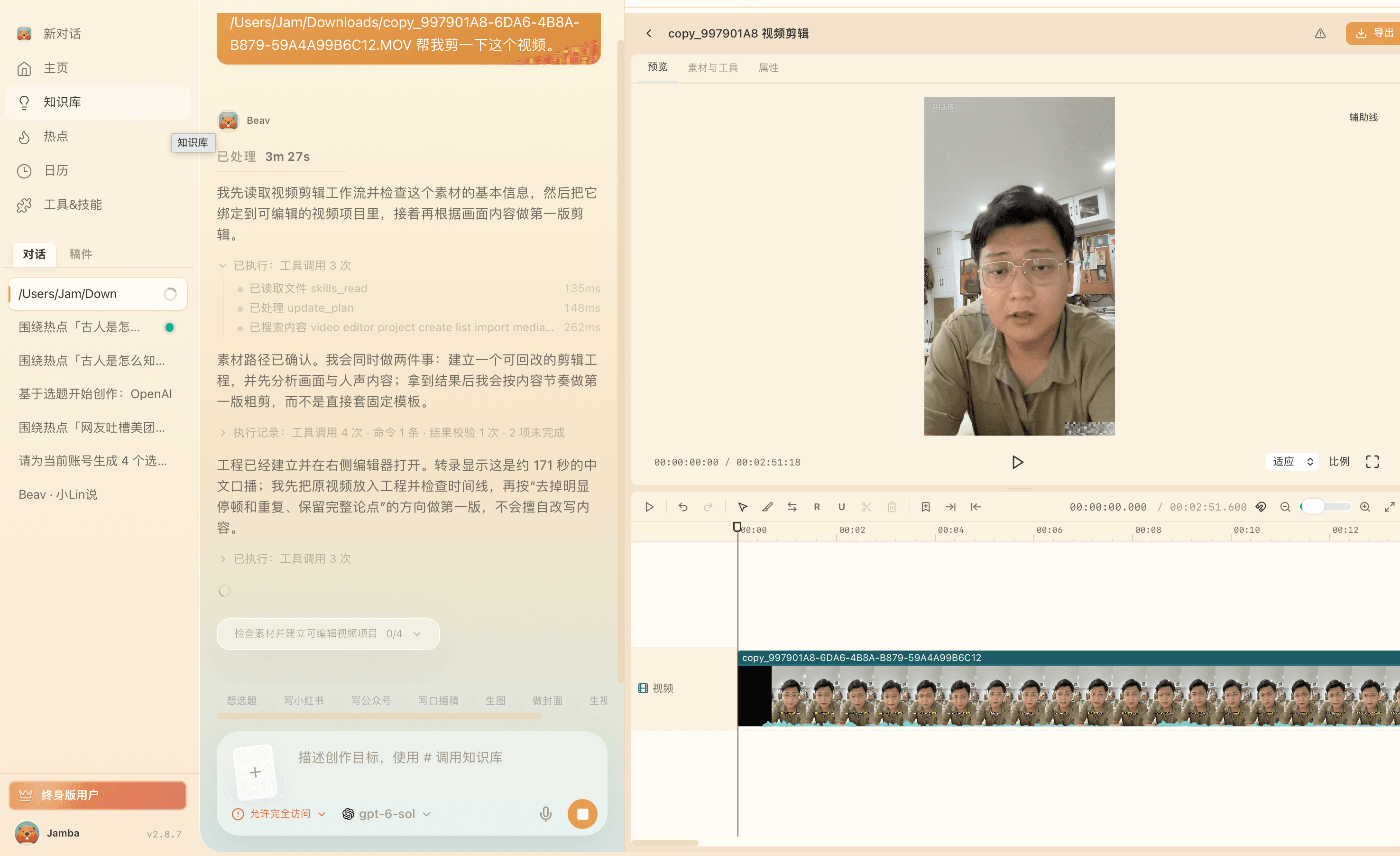
Beav desktop video editing workspace loaded with raw talking-head footage before applying smart rough cut

When to use it

Beav video timeline showing trimmed video segments, synchronized subtitles and overlay tracks ready for B-roll and callouts

Cleaning raw talking-head footage full of retakes

When a 3-minute script took six minutes of false starts, long pauses and filler words, smart rough cut flags the redundant segments in a reviewable plan instead of making you scrub the waveform by hand.
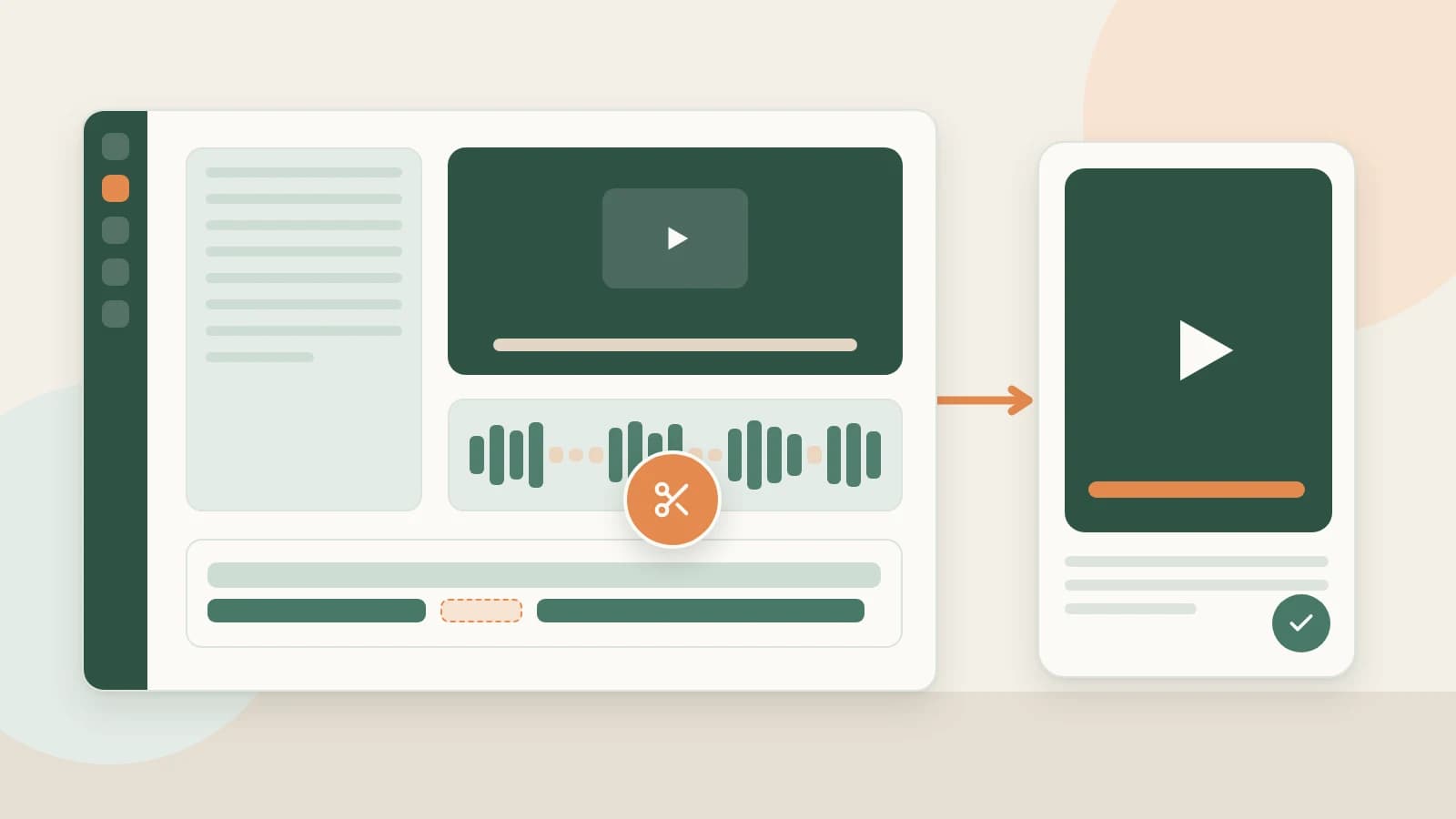
Workflow illustration connecting saved script notes, pause-trimming plan and final timeline in Beav

Keeping script, references and edit inside one project

If you wrote the script and saved benchmark shots inside the same Beav space, dropping the raw video straight into that workspace skips exporting transcripts and digging through folders for overlay assets.

How it works

  1. 1

    Drop raw footage into the video workspace

    Start in video-editing mode inside the space where your script lives, or open a new video project and drop your camera or phone clip straight onto the timeline.

  2. 2

    Generate and review the rough-cut plan

    Beav transcribes the audio track and builds a structured cut plan marking pauses, filler words and apparent retakes. Nothing is removed blindly: inspect every flagged segment and keep what you want before applying.

  3. 3

    Add B-roll, subtitles and callouts, then export

    Once the talking track is tight, drop reference photos or product clips from your library onto overlay tracks, style subtitles or callouts, undo anytime, and export your video alongside SRT or WebVTT captions.

What you get

Tight talking-head rough cut

Silences, stumbles and repeated takes cleared in minutes instead of endless headphone scrubbing.

Reversible timeline edits

Your original recording stays untouched on disk; adjust or undo timeline cuts whenever you need to restore a line.

Final export plus SRT / WebVTT

Render the video locally and keep standard caption files for cross-platform uploads or later tweaks.

Workspace assets ready for B-roll

Saved reference clips and product shots in the same space drop straight onto secondary tracks without file hunting.

How it compares

AspectManual timeline scrubbingCloud auto-cut web appsBeav smart rough cut
Pause & retake cleanupListen back in real time and razor-cut manuallyAuto-slice often hides why lines vanishedGenerates a transparent cut plan to approve first
Fixing false cutsDig back through raw waveform editsOften requires re-uploading the whole videoKeep segments before applying, or undo anytime on timeline
File upload overheadLocal diskWait to upload large raw clips to third-party serversRuns on desktop with local files and timeline state
Script & B-roll accessAlt-tab to docs and hunt files across foldersNo connection to your research libraryReads scripts and saved assets from the same space
What happens nextExport clip, then write captions and covers separatelyDownload bare MP4 with no copy or cover packagingMove straight into title/cover packaging and Wi-Fi QR mobile pickup

For multi-camera color grading or complex motion compositing, full pro NLE suites still belong at the end of your pipeline. Beav removes the repetitive first 30 minutes of cleanup on every talking-head upload.

FAQ

Will smart rough cut overwrite my original camera file?

No. Your source file stays intact on disk. Beav first presents a proposed cut list from the transcript; edits apply to the non-destructive timeline and remain undoable.

What if I deliberately paused for emphasis or repeated a line differently?

Before applying the rough cut, you see every segment flagged for removal along with the transcript line. Uncheck any beat you want to preserve.

Can I export captions separately as SRT or WebVTT?

Yes. In addition to rendering the edited video, Beav lets you export synchronized subtitles in SRT and WebVTT formats.

Do I have to generate the script in Beav before using smart rough cut?

Not at all. Any raw talking-head clip works on its own, though editing inside the same space makes referencing saved scripts and visual assets seamless.

Read more

Related playbooks

All playbooks

Accumulation is your moat

Every saved post becomes material for your next one.

Download Beav free