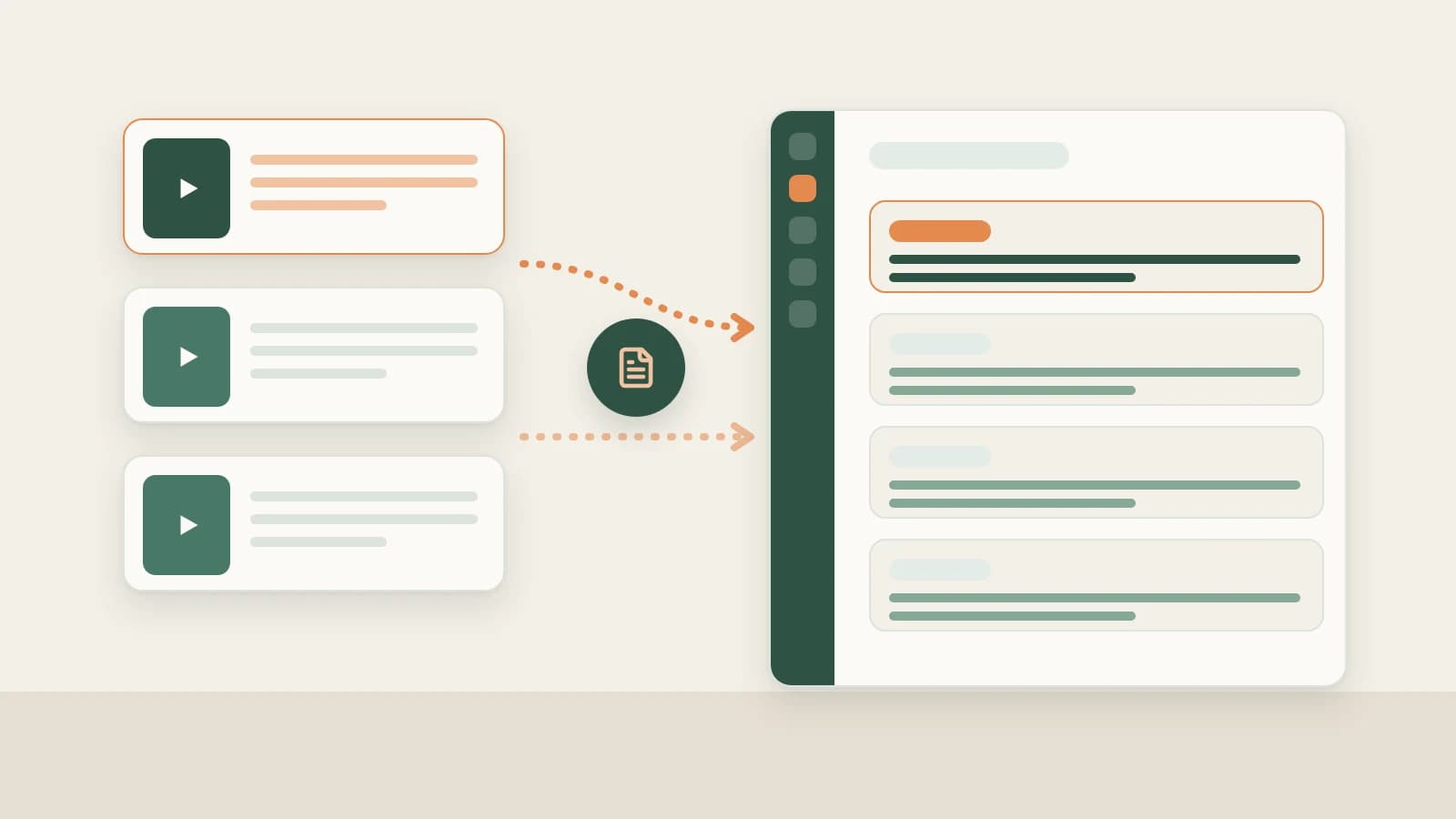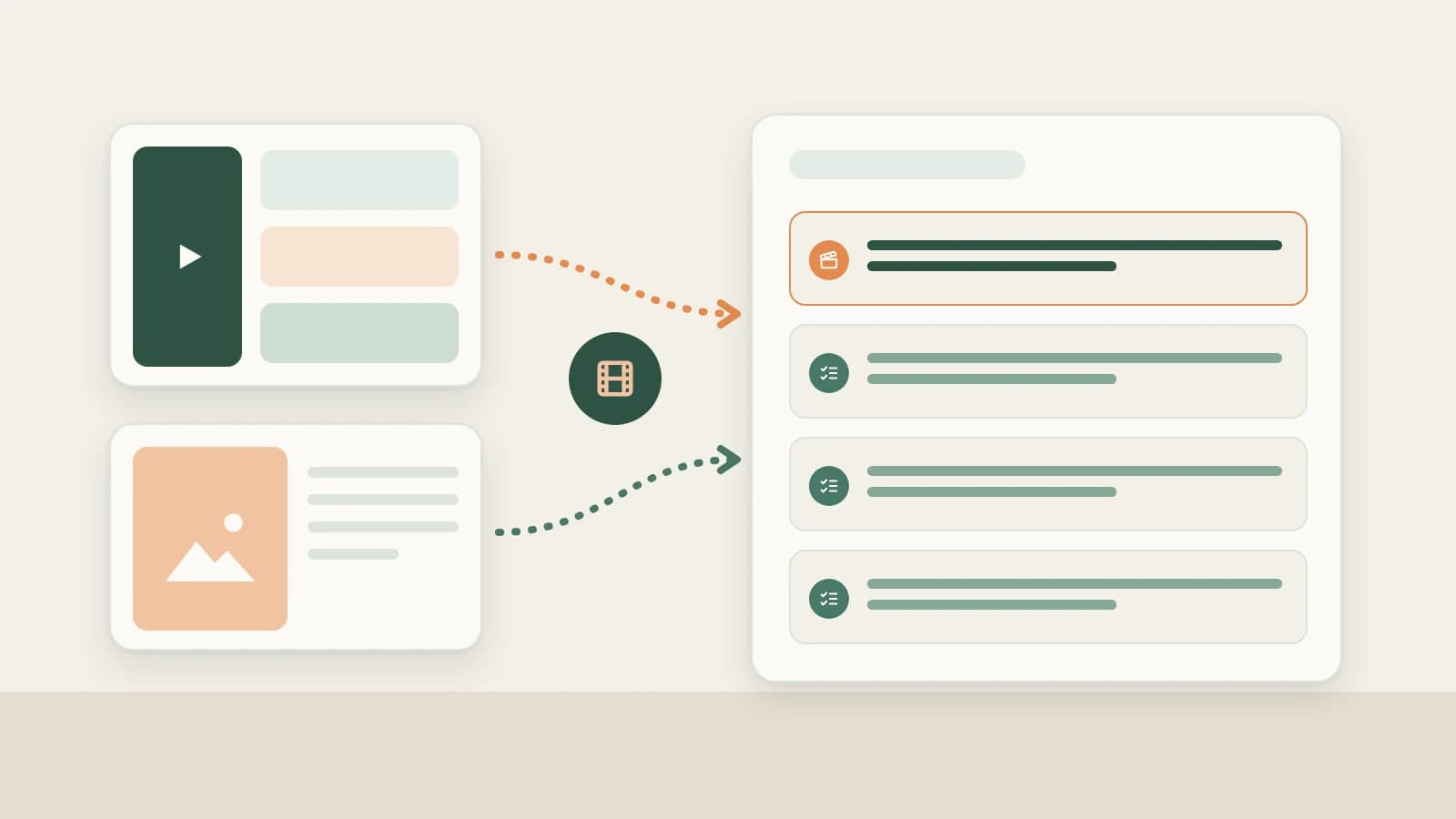

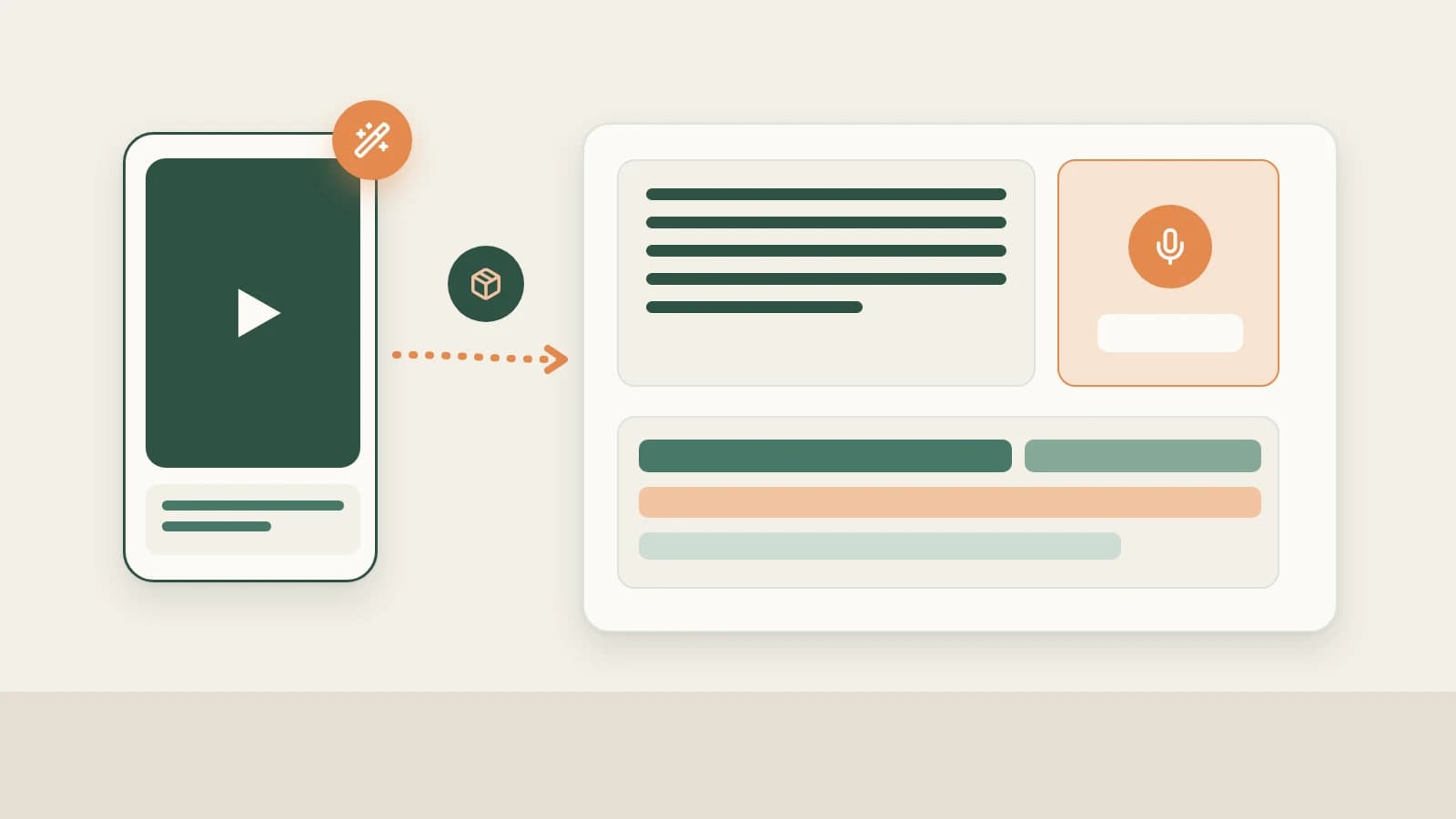
Key takeaways
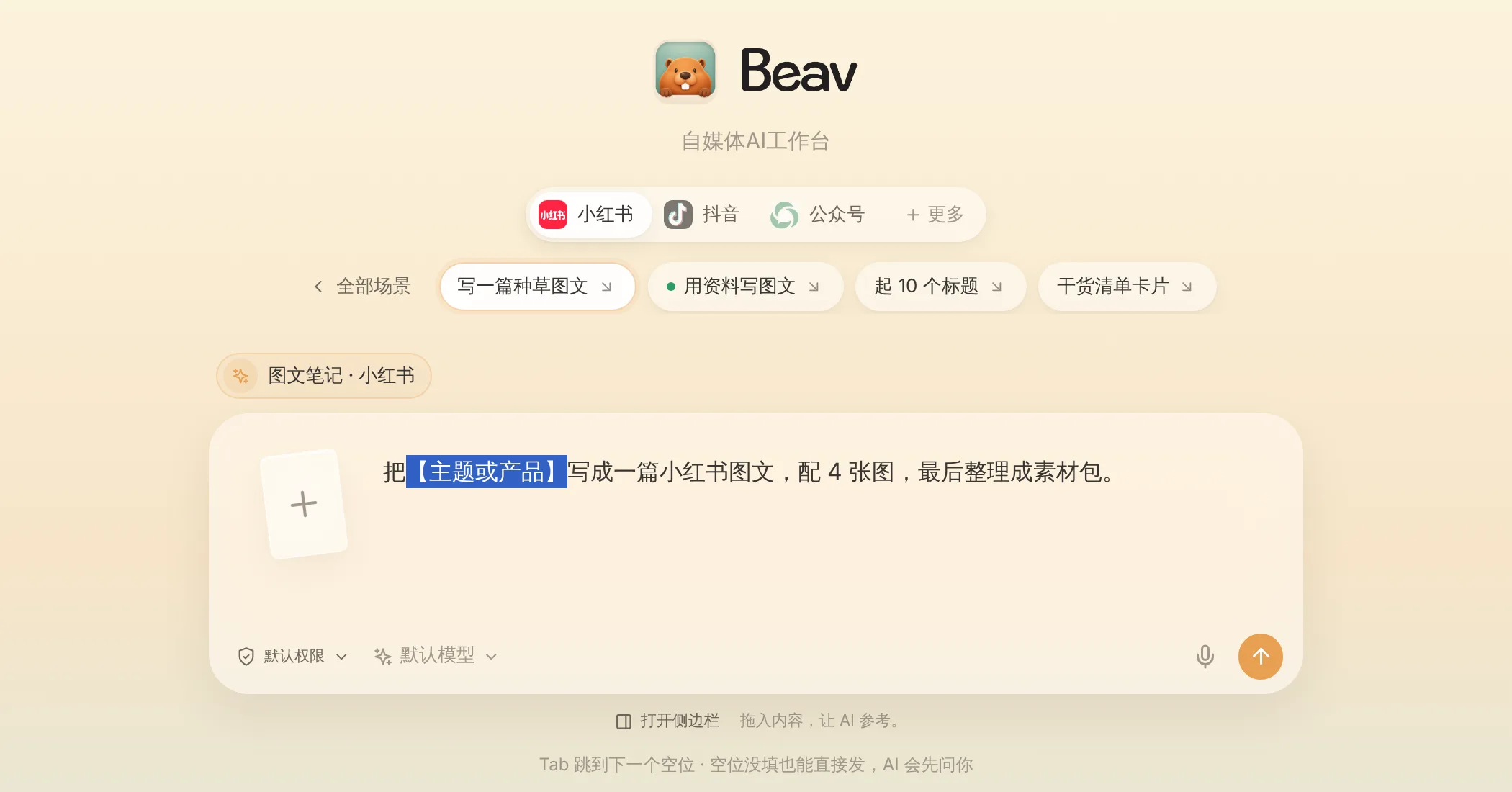
- Select Douyin on the new-chat platform bar and pick Voiceover script, Digital human, or Cut video—or start from Creation → New template (2.10.4)—to keep style, length, and assets consistent.
- One run builds your master Markdown draft alongside a ready-to-produce voiceover package (opening 3-second hook, timed spoken script, 9:16 cover art, and shot list), editable in place without spawning duplicate versions.
- Finish the video via two paths: record yourself and run Smart talking-head cuts in the right-hand editor (with 8 talking-head templates, 93 styled text presets, and 67 offline sound effects), or render a digital human presenter with a 480P check before confirming 1080P.
Preparing a single Douyin clip across separate tools creates constant friction: outlining in one AI chat, rewriting spoken lines in a doc, designing a 9:16 cover elsewhere, then spending an hour cutting pauses and stumbles on a timeline before adding captions.
Beav keeps that entire production run inside one chat and its right-hand workspace—from topic to script package, vertical cover, rough-cut timeline, and phone transfer for manual upload.
Who it is for
- Creators and brand channels publishing three or more spoken-word, tutorial, or local-review Douyin videos a week.
- Operators tired of manually trimming silence gaps, fixing stumbles, and sizing vertical captions to avoid Douyin UI overlays.
- Teams that want digital-human drafts when filming on camera isn't practical, while keeping script quality and fact review firmly human.
Step 1: Start from Douyin in a new chat to generate the package
- Choose Douyin and a scene preset. Click Douyin on the platform bar above the new-chat composer, then choose Voiceover script, Digital human, or Cut video (or launch a saved template under Creation → Creation templates).
- Attach real grounding material. Drag a topic from your Topic pool, saved reference breakdowns, and product cards or real shoot photos from your Asset Library. Beav applies your workspace's memory and style preferences to generate a master Markdown draft plus a Douyin production package—complete with 3-second hooks, marked pacing beats, a 9:16 vertical cover framed inside safe margins, and a camera-ready shot checklist.
- Edit individual sections in place. Tweak lines in Edit text or ask the AI to rewrite just the opening hook; Beav updates the same package cleanly with a saved timestamp instead of cloning messy copies. See Master drafts and packages and Start from a platform and a scene.
Step 2: Finish the actual video along either path
Once the script and 9:16 cover are approved, choose how to build the final cut:
Path A: Film yourself + Smart talking-head cuts
Drop raw talking-head footage straight into chat and ask Beav to trim stumbles and add vertical captions. The right-hand video editor creates an editable timeline project:
- Remove slips and dead air automatically: Beav transcribes speech, flags pauses and retakes, preserves line anchors when you tweak script phrasing, and leaves you free to adjust every cut by hand.
- Add legible vertical styling in one click: Apply one of 8 talking-head style templates, pick built-in open-source fonts (captions default to ~7% of short-edge width so 1080p vertical text stays crisp), drop in 9 talking-head overlay animations, 93 styled text presets, and 67 offline sound effects (52 CC0 commercial-safe recordings) with automatic music ducking before exporting in the background. See Smart talking-head cuts.
Path B: Digital human voiceover or reference remake
Under Asset Library → Digital humans, create a profile using only your own or properly authorized photos and voice samples, then click Use for voiceover (or ask AI to remake a decomposed Douyin reference while swapping in your own B-roll placeholders).
Beav generates speech and a 480P preview first—review pronunciation, pacing, and lip movement before confirming and paying for the 1080P upscale. See Media creation and digital humans.
Step 3: Transfer to your phone and publish manually on Douyin
When export finishes, click Share to phone on the same Wi-Fi network and scan the QR code to receive the video, 9:16 cover, and caption text—or click Save to your computer. Watch the entire clip once to verify caption safe areas against Douyin's side buttons and bottom description overlay, upload in the Douyin app or Creator Center, apply any required AI-content disclosure label, and click Mark as published in Beav for that platform only. Beav never posts directly to Douyin for you.
Limits and notes
- Always playback before publishing. Automated cuts, captions, and sound effects speed up assembly, but syncing, loudness, and numeric claims require human verification.
- Authorized likenesses only; preview and 1080P bill separately. Digital humans are unavailable in shared spaces; if a preview download times out in 2.10.8+, open the existing job in Asset Library → Digital humans and click Retry instead of submitting a duplicate paid task.
- Respect audio rights. Extracted M4A cues from competitor videos are for pacing study only—use the 52 built-in CC0 sound effects or your own licensed tracks when publishing.
Next steps
- Need topics before scripting? Read Douyin topic ideas.
- Want to study competitor cuts before shooting? Read Douyin breakdown (script, shots & music) and Douyin shot list from breakdown.
- Browse the complete column workflow in Douyin operation guide, plus docs for Chat & right workspace and Drafts, packages and publishing.
Applies to Beav desktop 2.9 and later; digital humans, talking-head styles, and offline sound effects apply to 2.10.0–2.10.4.