Key takeaways
- Zhihu content gets into Beav three ways: the browser extension on the open page, Add link in the knowledge base, or an exact link sent in a chat for the AI to read and save. Questions, answers and columns all work, with public comments when you ask.
- Answers and columns are text content, so a breakdown mainly gives you a topic, a structure and a template: the "why does this keep me reading" part.
- To rewrite, click AI rewrite on the saved item. You borrow the structure and order of argument; the opinions and examples are yours.
Zhihu is China's big Q&A platform, closer to Quora than to a social feed. A strong answer there usually comes with a real question, an argument that holds together, and a comment section full of additions and pushback. Most people tap "collect" and move on. Months later, when they want to cover the same topic, all they remember is "there was a really clear answer on Zhihu once".
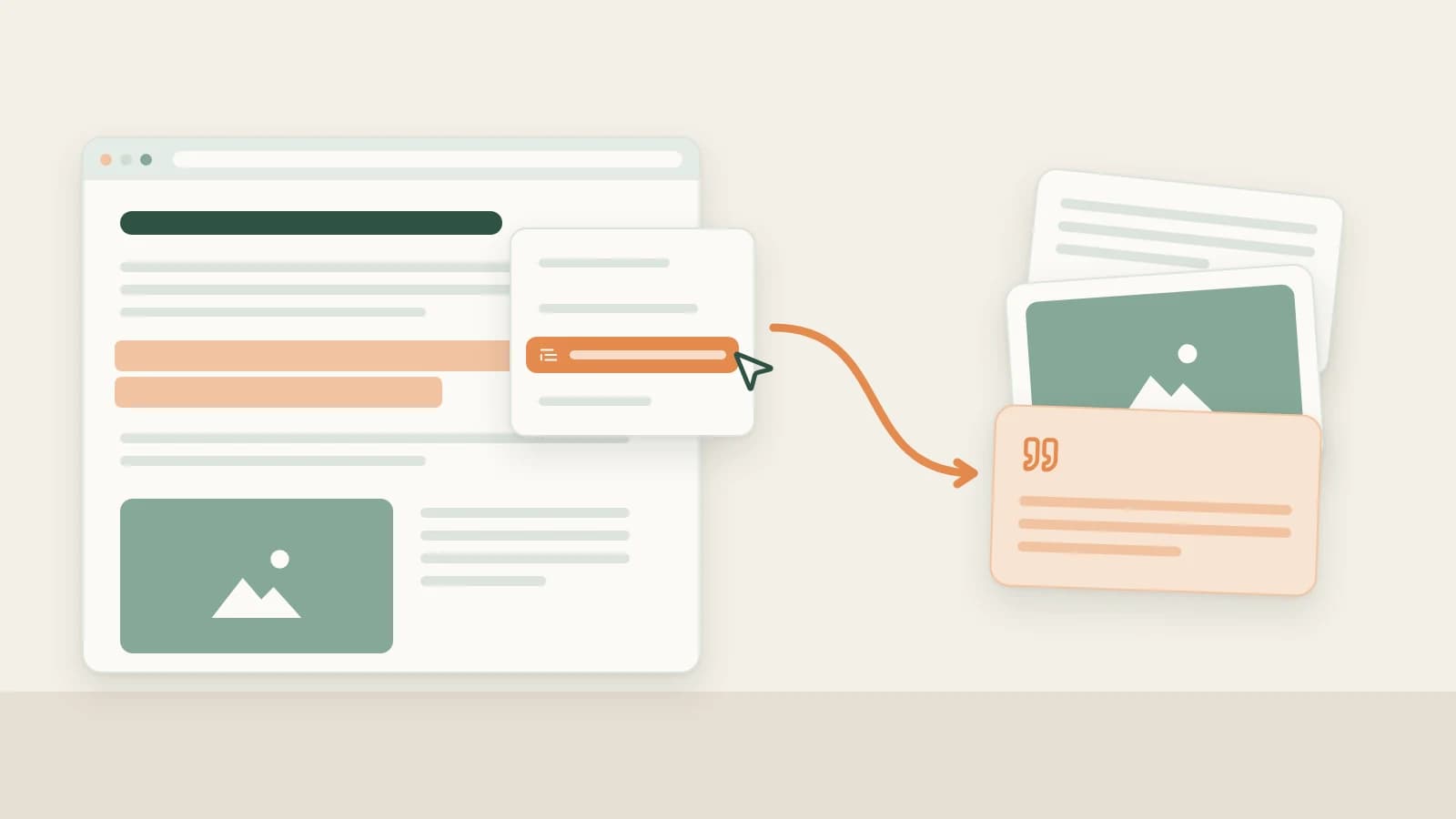
Beav treats that answer as material you will keep working on: save it to a knowledge base on your computer, break out its topic and structure, then use the skeleton to write something of your own.
Who it is for
- Creators in explainer, career or review niches who mine Zhihu for topics and arguments.
- Anyone turning long Zhihu answers into Xiaohongshu (RedNote) posts, WeChat articles or talking-head scripts.
- Marketers researching a topic who need to see what the comments are actually arguing about.
Step 1: Save it
All three entry points feed the same knowledge base. Pick whichever fits what you are doing at the moment.
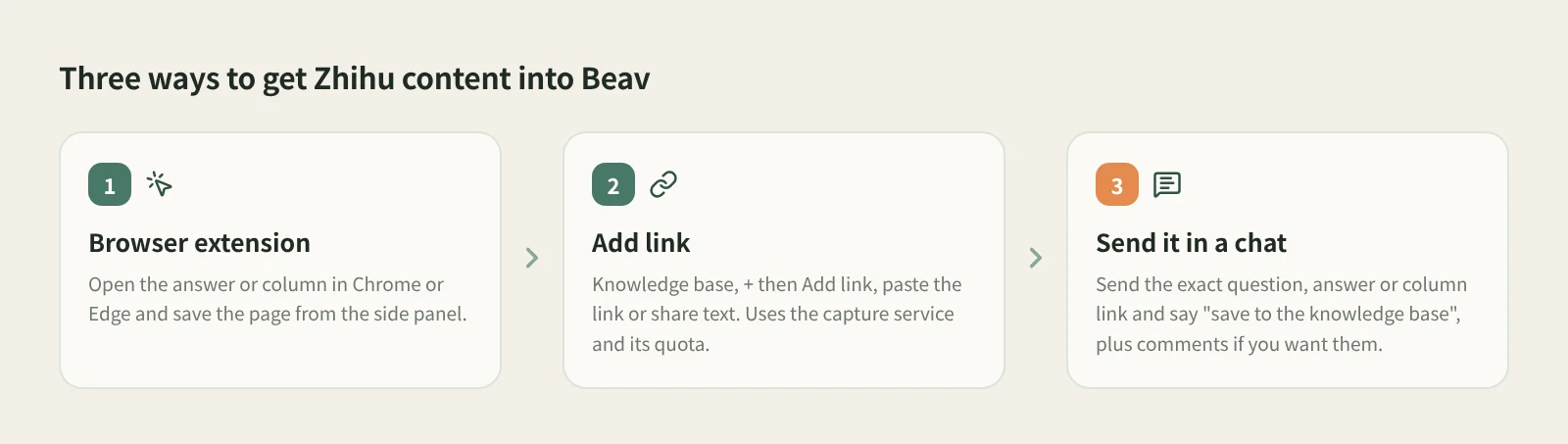
- Reading it in the browser: save with the extension. Install the Beav desktop app and browser extension and check that the extension shows as connected (tutorial 02 walks you through it). Open the Zhihu answer or column article in Chrome or Edge on your computer and click the Beav icon in the toolbar to open the side panel. The extension recognizes the page first, then offers the save actions that fit it.
- You only have a link: use Add link. In the knowledge base, click + next to Knowledge Base, choose Add link, paste the link (share text included is fine), then click Save or press Enter. Beav resolves short links, detects the platform and saves the item to the root of the current space. Zhihu links go through the capture service, which needs you signed in or a capture API configured, and uses quota according to its rules.
- You are in the middle of writing: send it in a chat. Send Beav the exact link to a Zhihu question, answer or column and say "save to the knowledge base". If you want comments, just ask: "read the public comments too and tell me what people push back on." After a successful read, a Zhihu reading card appears in the chat and opens a preview of what was saved.
- Check it in the knowledge base. Confirm the source link and text are there, in the workspace that is currently open.
Found the link on your phone? Use phone and computer pairing: put both on the same Wi-Fi, scan the QR code to pair, and submit the URL from the phone page so your computer does the capture. Use a link to a specific question, answer or article; profile pages are not supported.
Step 2: Break it down
Open the item in the knowledge base and click Decompose. Saving never starts it on its own.
Answers and columns are text, so the breakdown mainly gives you three things:
- Topic. The question the answer is really answering. It also goes to the topic center.
- Structure. How it picks up the question, how many layers of argument it uses, where the examples sit, how it lands the ending.
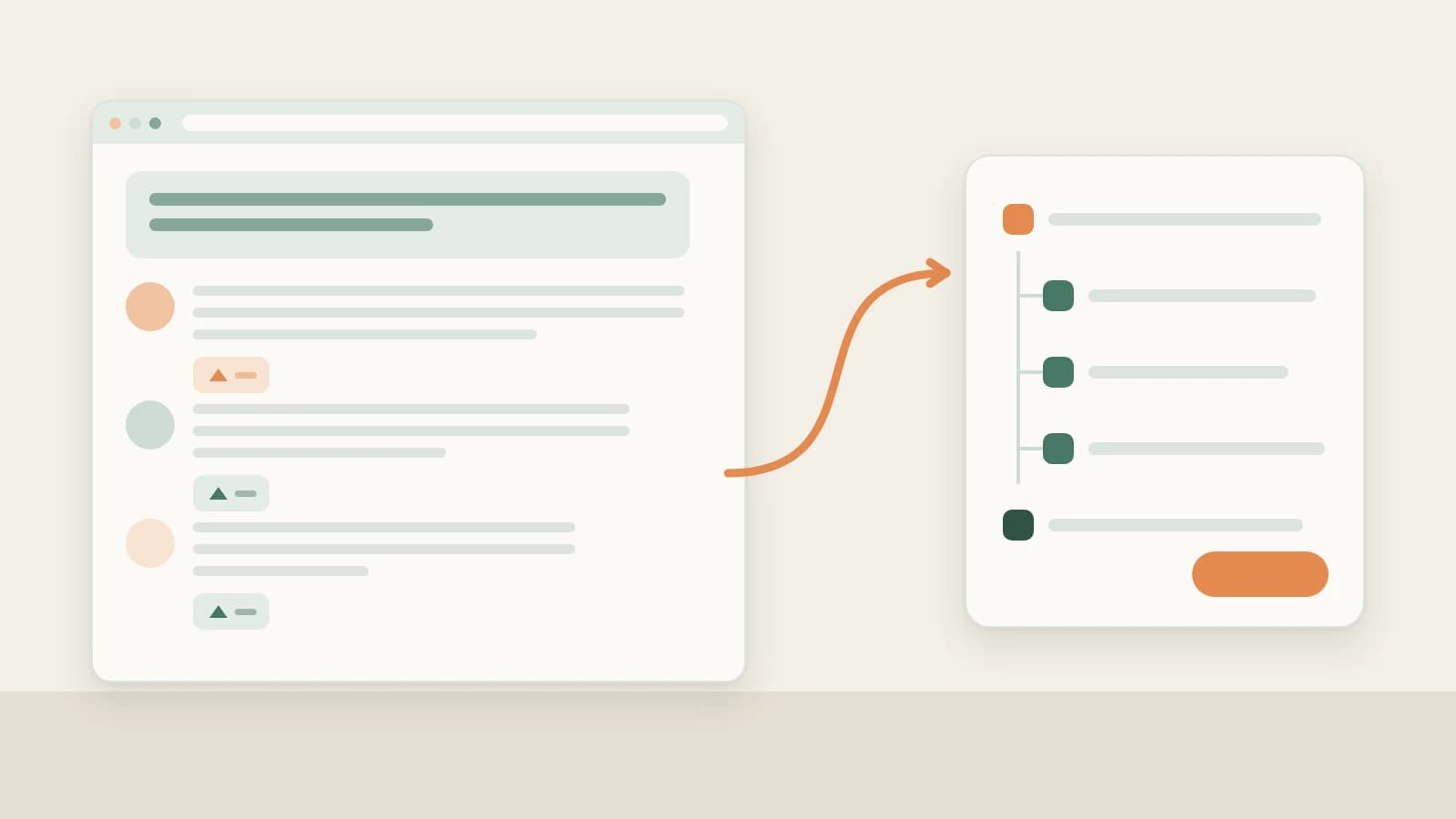
- Template. The structure turned into a reusable skeleton for the next similar question.
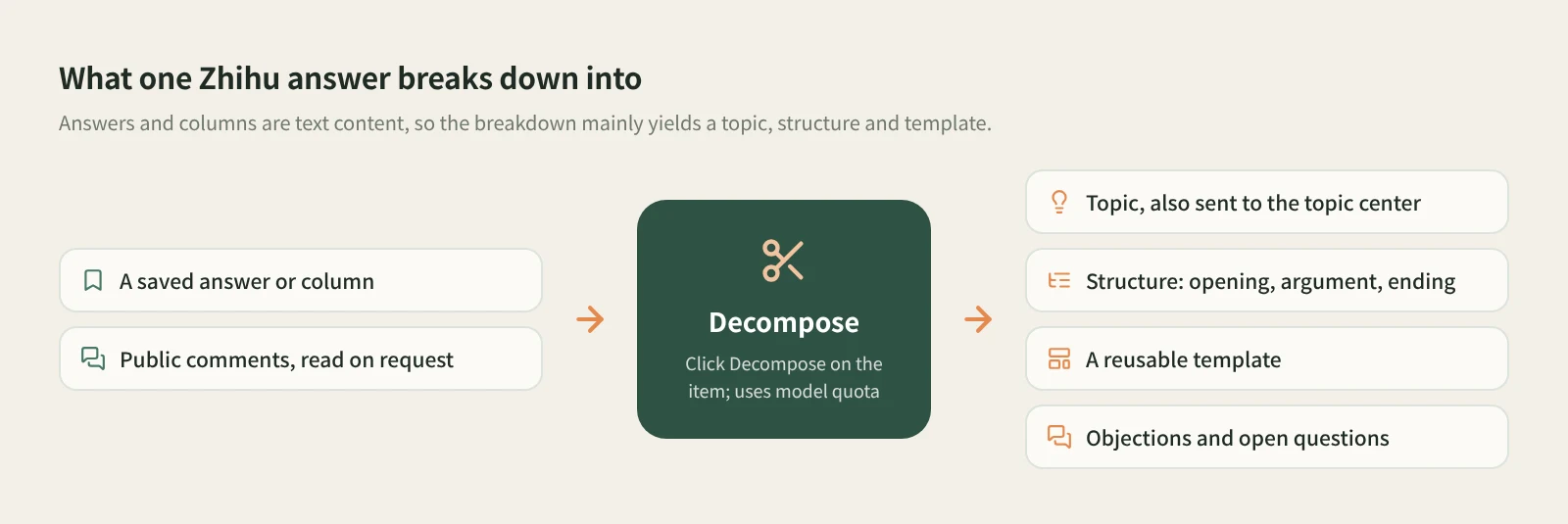
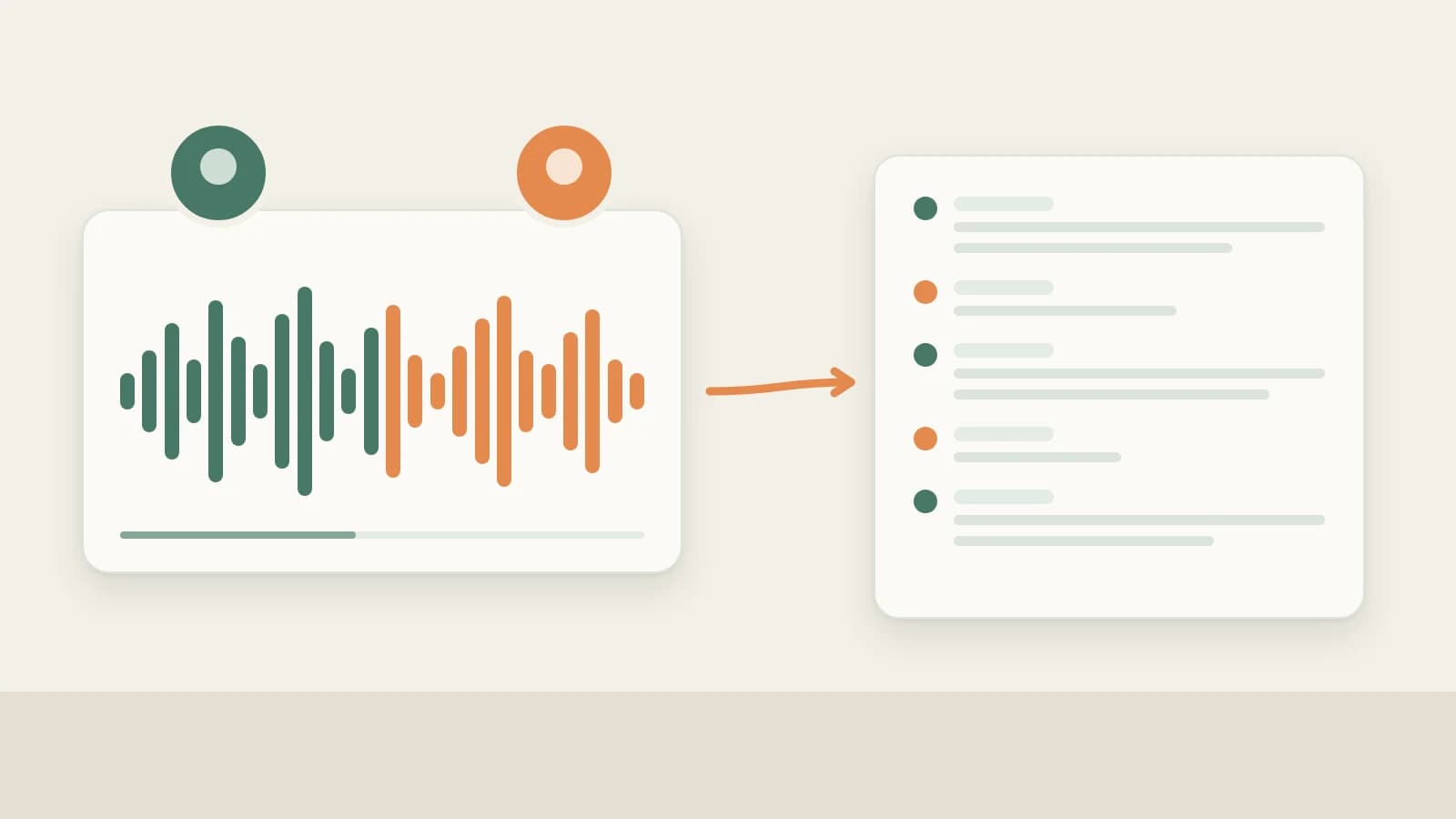
The comments are the other half of a Zhihu answer. Once the public comments have been read, keep going in the chat: "What is the most common objection? Which questions did the author leave unanswered?" The unanswered ones are often your next angle.
Decomposition uses model quota. If an answer contains a video, shots and clips can only be extracted when the video is saved locally. The docs do not promise that Zhihu videos are downloaded, so go by whether the item actually holds a video file.
Step 3: Rewrite it
Click AI rewrite at the top right of the item. Beav opens a new chat with a prefilled rewriting prompt, a reference to this item and the rewriting skill. Add your target platform, audience and requirements, review, and send it yourself; the button never sends anything on its own. Rewriting runs on your chat model.
Specific instructions work best:
Keep this answer's order: rebut the common view, give three tests, end on a counterexample.
Turn it into a Xiaohongshu post about choosing coffee beans as a beginner, using only my own experiences.
The assistant first explains how it read the original's organization, then proposes how the new piece maps onto it, and by default checks the plan with you before writing. Figures and cases from the original are not facts about your topic; when evidence is missing, add material first. Save the result as a manuscript so you can go on to images or a voiceover script. Beav never publishes anything for you.
How it compares with the usual tools
| Zhihu collections | Web clippers (Evernote, Notion and the like) | Beav | |
|---|---|---|---|
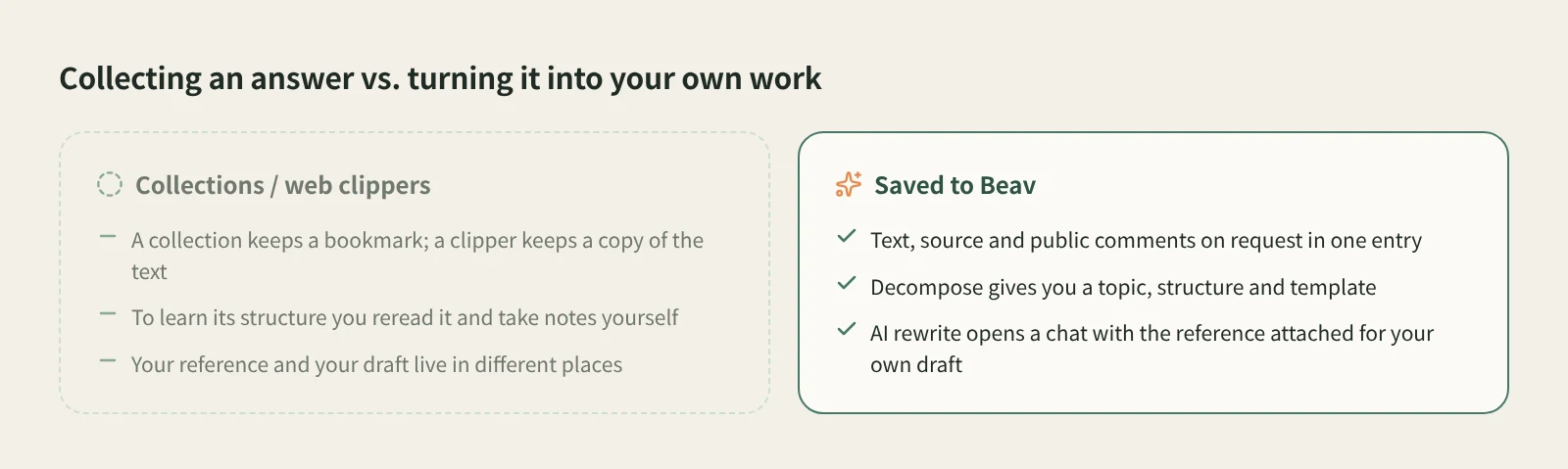
| Where it lives | Your Zhihu account | Their own notebooks, usually synced across devices | The Beav knowledge base on your computer |
| Comments | Go back to the post | Usually clips the body only | Public comments read on request for exact links |
| Strengths | One tap, best on mobile, free | Mature clipping, reading and annotation; great for long-term notes | Keeps going after saving: breakdown and rewrite |
| Pulling out structure | You read it yourself | Yourself, or paste into a separate AI | Decompose gives topic, structure, template |
| Writing your own version | Start from scratch | Start from scratch | AI rewrite opens a chat with the reference attached |
| Cost | Free | Each tool's own plans | Capture service uses quota; breakdown and rewrite use model quota |
Zhihu collections are the easiest thing while you scroll on your phone, and you always see the author's latest edit. Web clippers are mature at reading, highlighting and syncing. If you just want to keep a good article, either is enough. Beav is for a different job: answers you plan to take apart and turn into your own work.
Limits and notes
- Use a link to a specific question, answer or column article. Profile pages and unsupported URLs are reported right away.
- Public comments are read on request, and coverage depends on what is returned, which may be fewer than the count the page shows.
- Content already in the knowledge base is not saved twice. If Add link fails, the dialog keeps the link and shows the reason.
- Rewriting means learning the structure and the way the argument is built, not swapping words. Credit ideas you quote, and get the author's permission before republishing or commercial use.
Next steps
- More on saving from a chat: save a link by dropping it into an AI chat.
- One box for links from every platform: paste a link and Beav saves it.
- The full breakdown and rewrite method: viral post breakdown and rewriting. Docs: from capture to draft.
Applies to Beav desktop 2.9 and browser extension 2.7. Checked 2026-10-21.