
Key takeaways
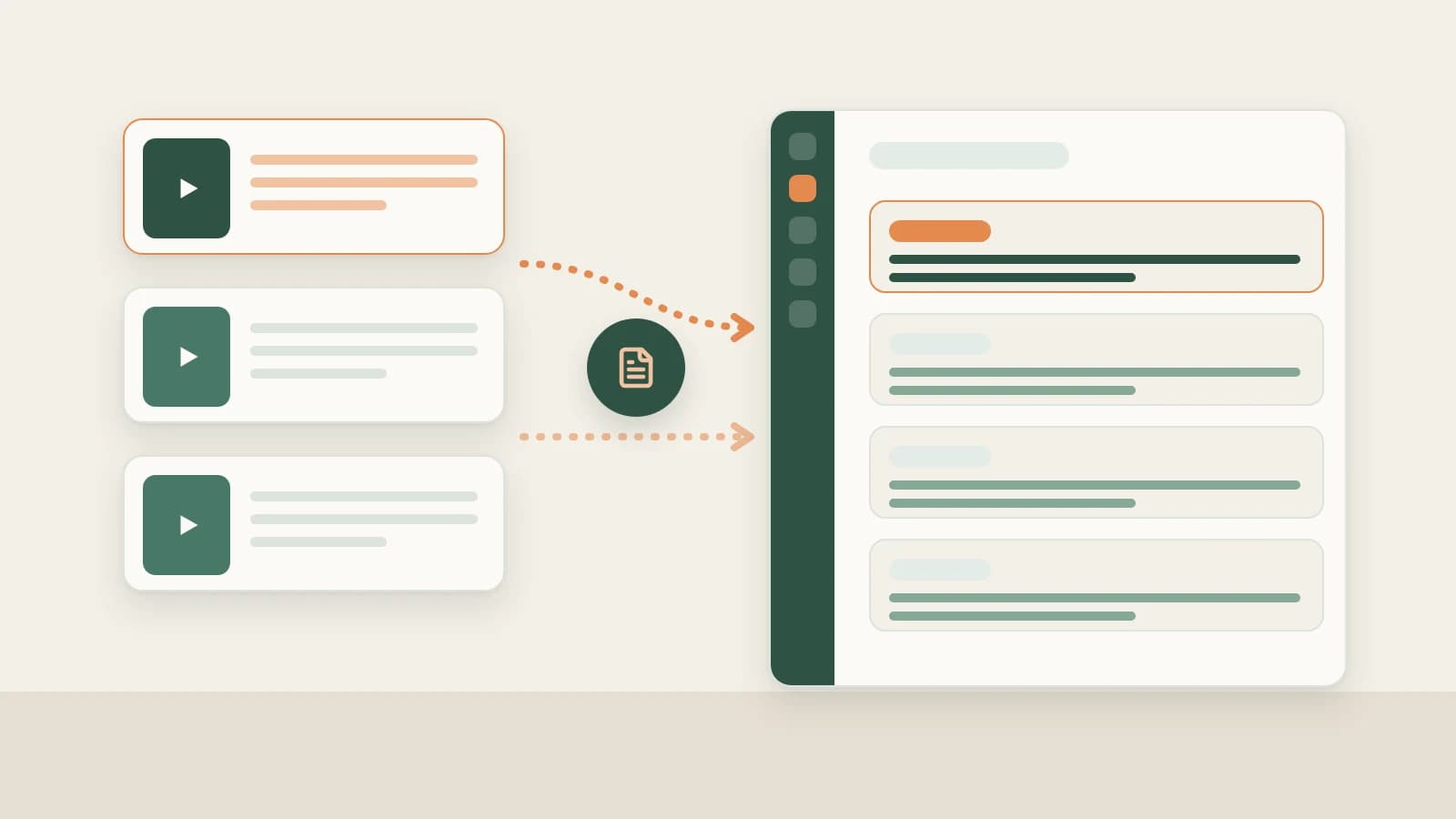
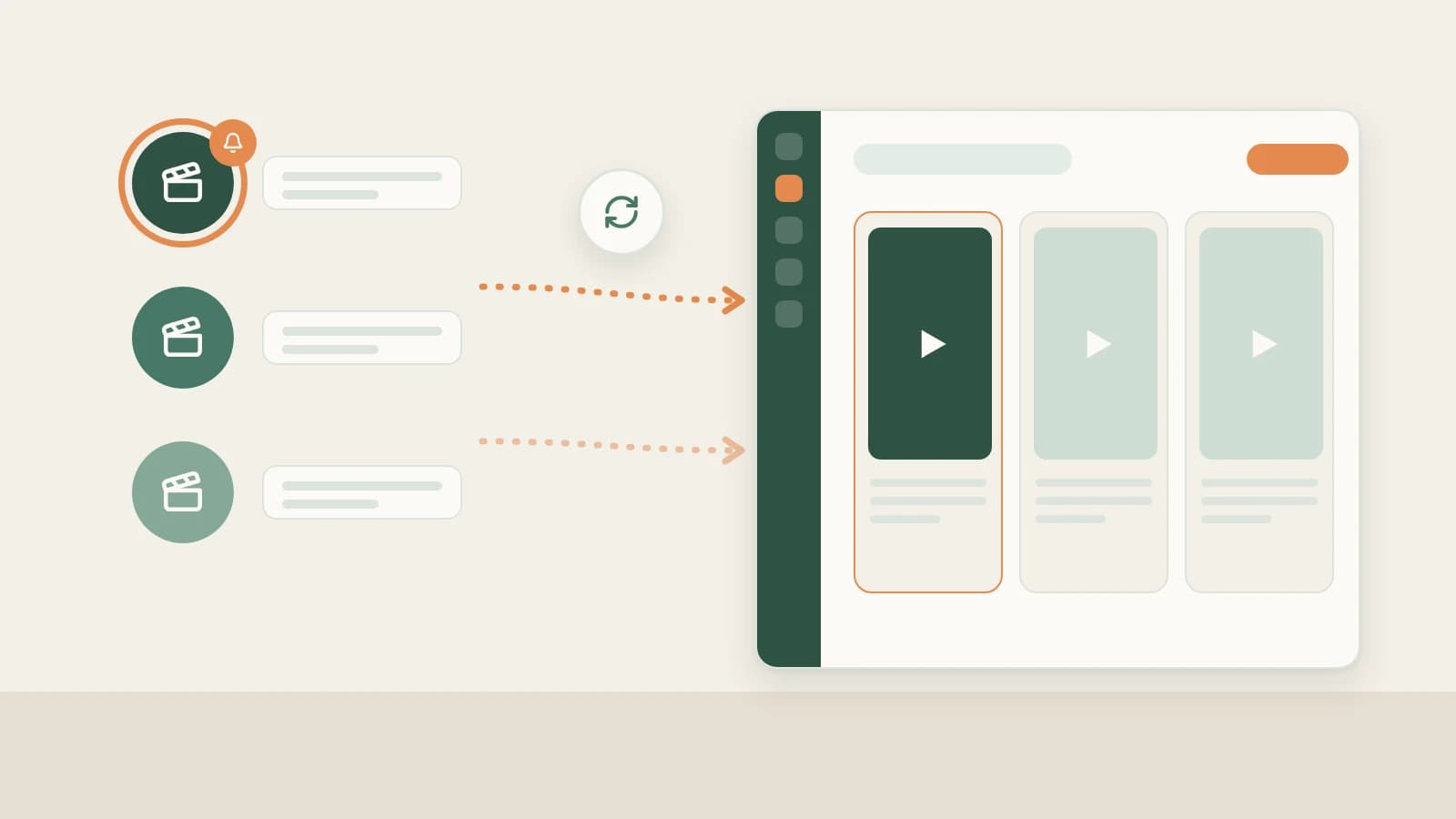
- Under Knowledge Base → Subscriptions → +, paste a benchmark Douyin creator's profile link so Beav checks daily while running on your computer and saves new uploads into a chronological timeline.
- Mark top references with Benchmark, trigger Check now (from ~10 credits) when a peer just went viral, file accounts into niche folders, or Stop updates without losing archived videos.
- Each space allows up to 10 subscriptions (including paused ones), with credit warnings on the 4th and 6th additions; new uploads never auto-decompose, so you spend credits only on true winners.
Following rival creators inside the Douyin app fails as soon as your real schedule gets busy. Updates vanish inside algorithmic feeds, checking twenty profiles every morning wastes an hour, and by the time you want to study a competitor's viral hook from last Tuesday, copying every link into a separate folder feels exhausting.
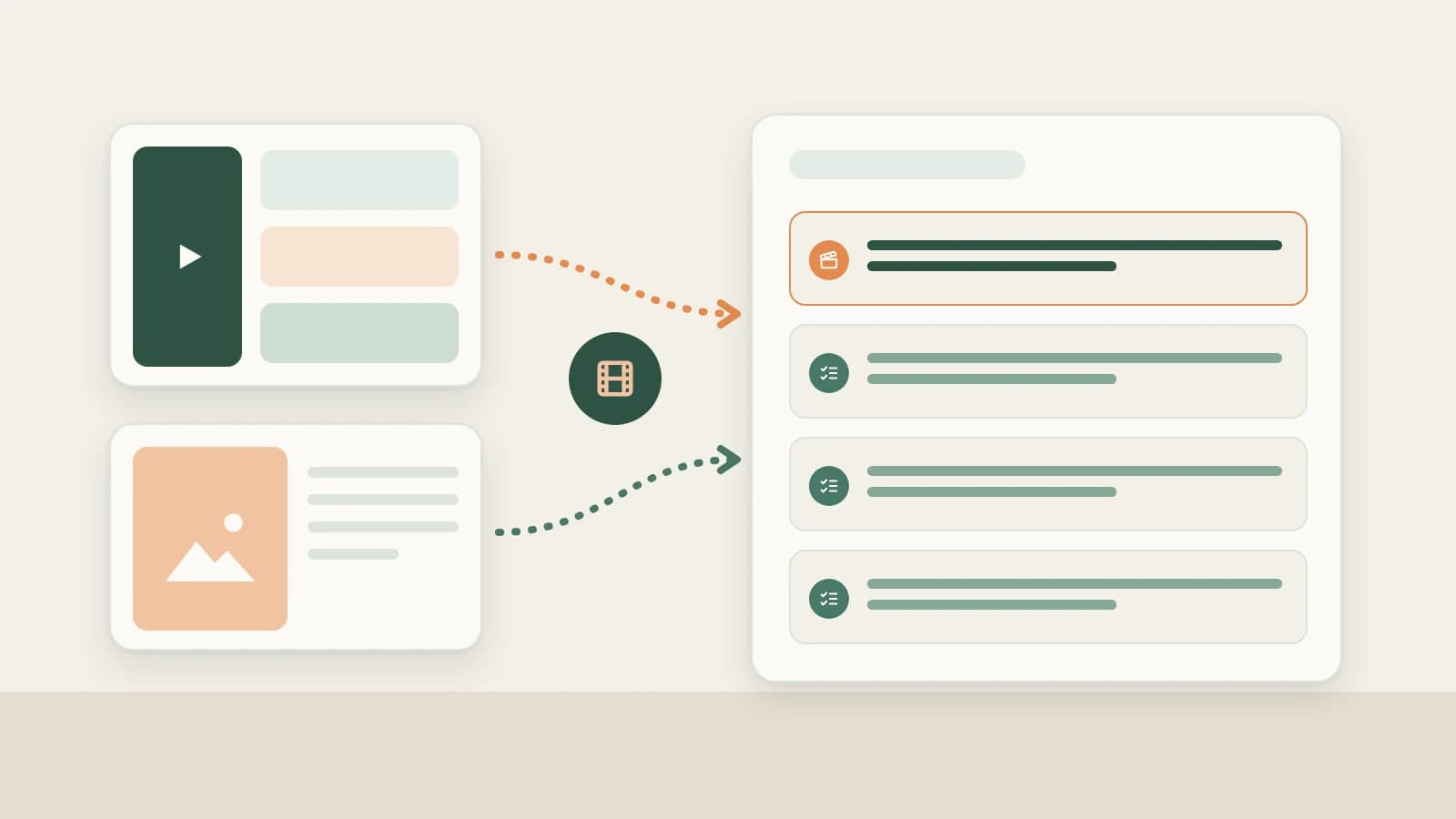
Beav Subscriptions handles the quiet, mechanical part: watching your shortlist of Douyin peers once a day and dropping their new posts onto your local drive alongside your reference assets.
Who it is for
- Spoken-word, educational, or product-showcase Douyin operators tracking peer pacing and opening 3-second hooks.
- Agency teams compiling weekly creative updates across client accounts without maintaining manual spreadsheets.
- Solo creators who want benchmark uploads ready to transcribe, decompose, and reference inside AI chats.
How to use it
- Copy the creator's Douyin profile link. Open the peer's Douyin profile page in your desktop browser and copy the profile URL (not a single-video share link).
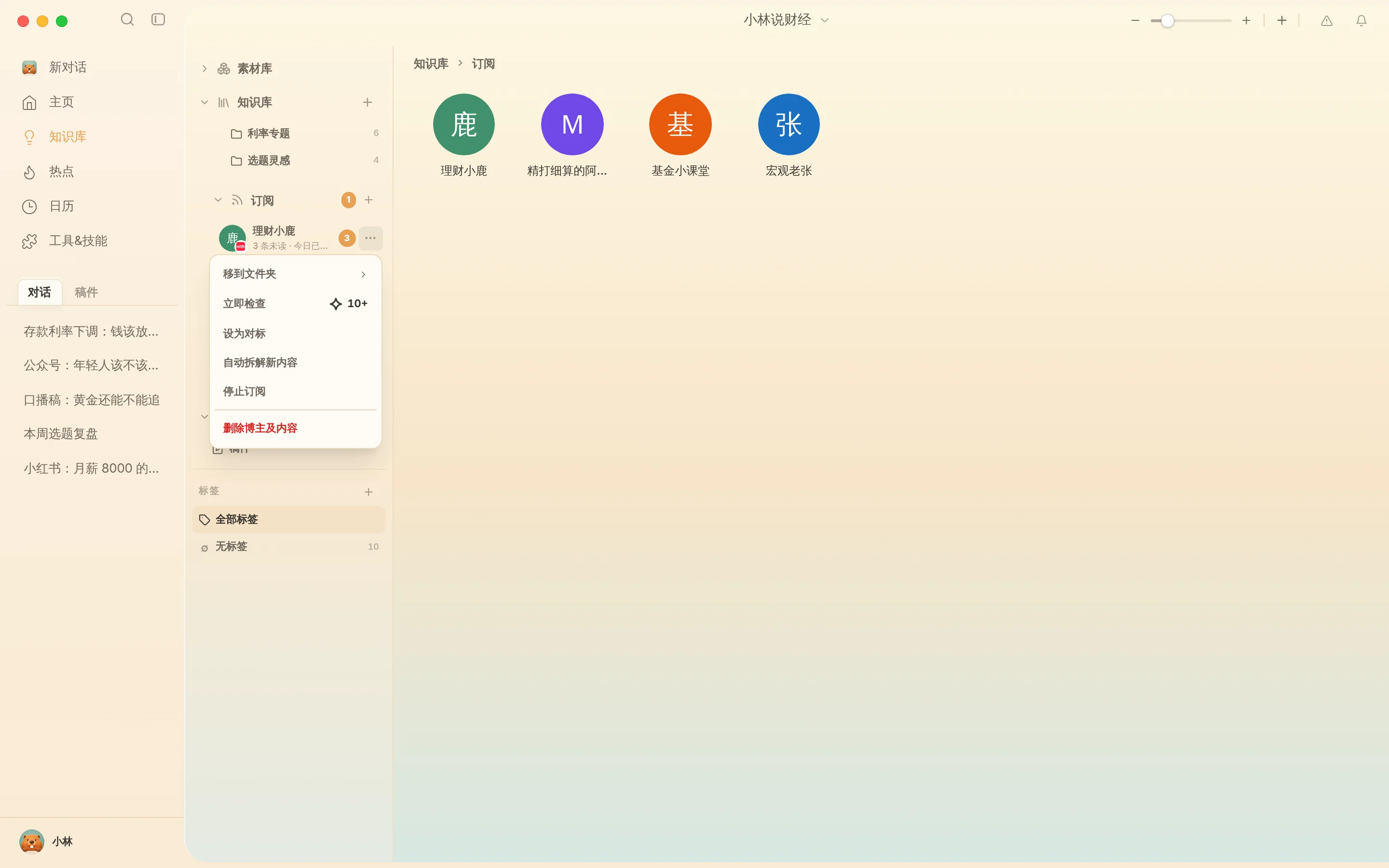
- Add the subscription. Open Subscriptions in the Knowledge Base sidebar, click +, paste the profile URL, and confirm. Beav prompts about daily credit cost when adding your 4th subscription and again on the 6th, capping each space at 10 total.
- Review uploads by timeline or gallery. Double-click any subscribed avatar to inspect saved uploads sorted newest-first—or switch to Gallery view to scan cover headlines at a glance.
- Manage from the
…menu: Click…or right-click a creator to:- Mark as benchmark: pin a visible Benchmark badge beside top accounts in your space.
- Check now: pull fresh posts immediately instead of waiting for the daily schedule (~10 credits+).
- Move to folder: group peers by industry, angle, or client campaign.
- Stop / Resume subscription: pause future checks while keeping saved clips intact (Delete creator & content permanently erases them).
Automatic checks run on Beav's local scheduler only while the desktop app is open; if closed overnight, Beav catches up when reopened rather than silently burning credits in the cloud.
Putting saved competitor uploads to work
Subscriptions stay strictly capture-only until you decide a piece deserves deeper study:
- Screen hooks with transcripts first. Review new uploads on the timeline and send promising clips through Douyin batch transcript extraction to compare opening 3-second lines.
- Decompose only real winners. Click Decompose on the one or two clips worth modeling structurally, turning their pacing and camera framing into your own Douyin shot list or Douyin full content package.
How it compares with Douyin app follows and analytics platforms
| Following inside Douyin | Third-party Douyin analytics sites | Beav Subscriptions | |
|---|---|---|---|
| How new videos reach you | Mixed into Home / Following feed | Viewed inside web dashboard tables | Checked daily and archived directly into your local reference timeline |
| Core strength | Instant mobile viewing, zero cost | Live GMV estimates, audience demographics, rank leaderboards | Clips become workspace assets ready to decompose, transcribe, and cite in drafts |
| If the author deletes a post | Gone from your favorites | Often only title/stats remain | Saved local notes and metadata remain on your computer |
| Account limit | Unlimited | Varies by paid plan | Up to 10 per workspace (designed for a tight benchmark shortlist) |
If you need livestream sales estimates or macro follower demographics, dedicated analytics tools remain the right fit. When your bottleneck is turning what top Douyin peers uploaded this week into your own script tomorrow morning, Beav delivers their material straight to your drafting desk.
Limits and notes
- Use Account profiles for your own channel. Keep your own Douyin account in Account profiles so daily snapshots feed Yesterday's review—use Subscriptions strictly for other creators.
- Paused accounts count toward the 10-slot limit. Delete inactive benchmarks once you replace them, and keep only 3–5 high-signal creators active to avoid unnecessary daily credit spend.
- Learn structure, respect rights. Archived benchmark videos are for pacing study and reference only—never re-upload another creator's footage as your own.
Next steps
- Ready to synthesize angles from saved uploads? Read Douyin topic ideas.
- Managing separate Douyin niches or clients? See One space per account.
- Full workflow and docs: Douyin operation guide and Subscribe to benchmark creators.
Applies to Beav desktop 2.9 and later.