
Key takeaways
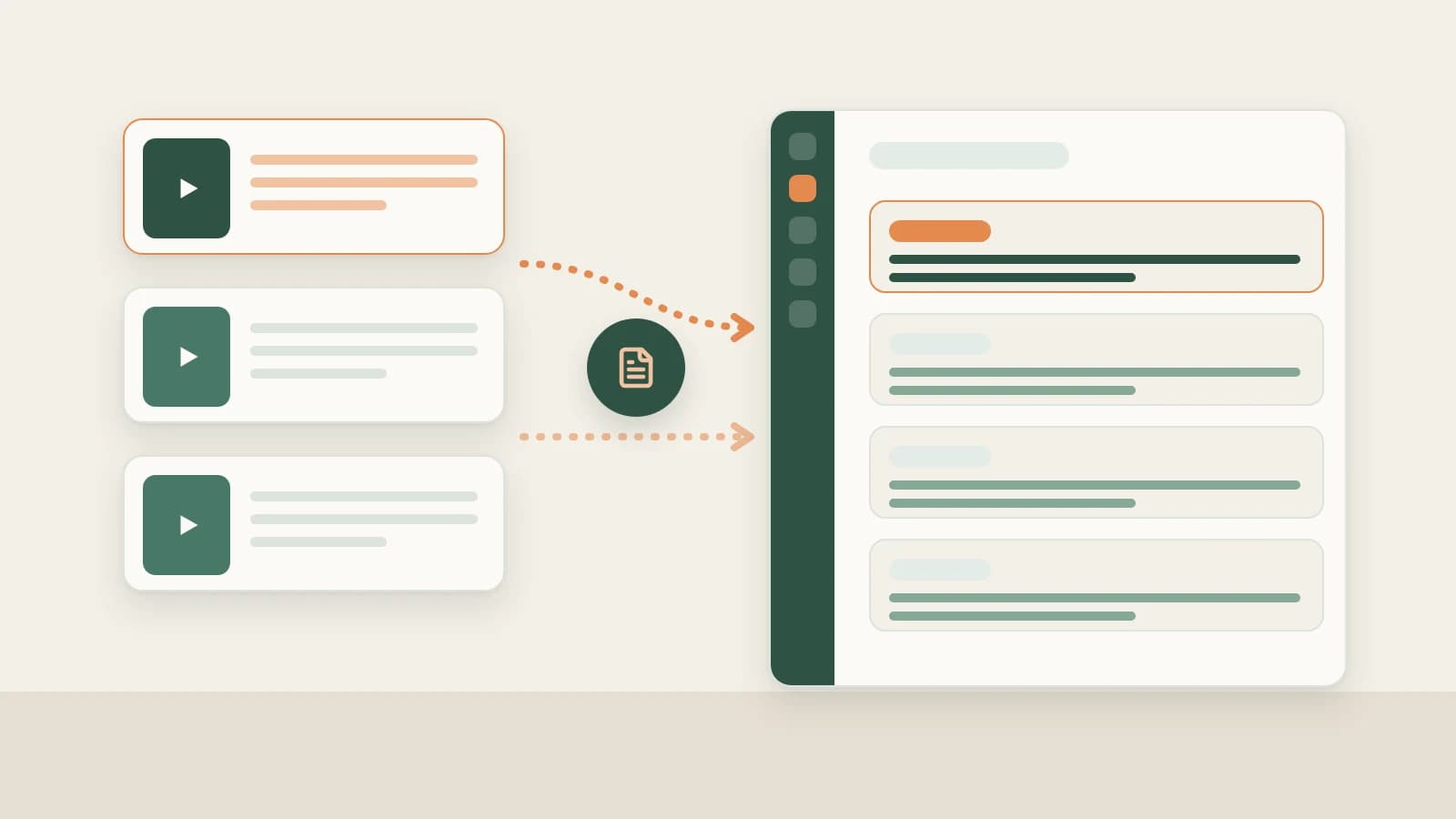
- Click + next to Account profiles on the left and paste your own Douyin profile share text. Beav extracts the link, resolves Douyin short links to your homepage and creates the profile (resolving reads account info once and may spend points).
- Open the profile and click Sync recent posts for 1–10 pages (~20 videos/page) to store videos, likes and saves locally. Settings → General → Scheduled account archive refresh stays enabled by default, checking each profile at most once every 24 hours and saving a like snapshot.
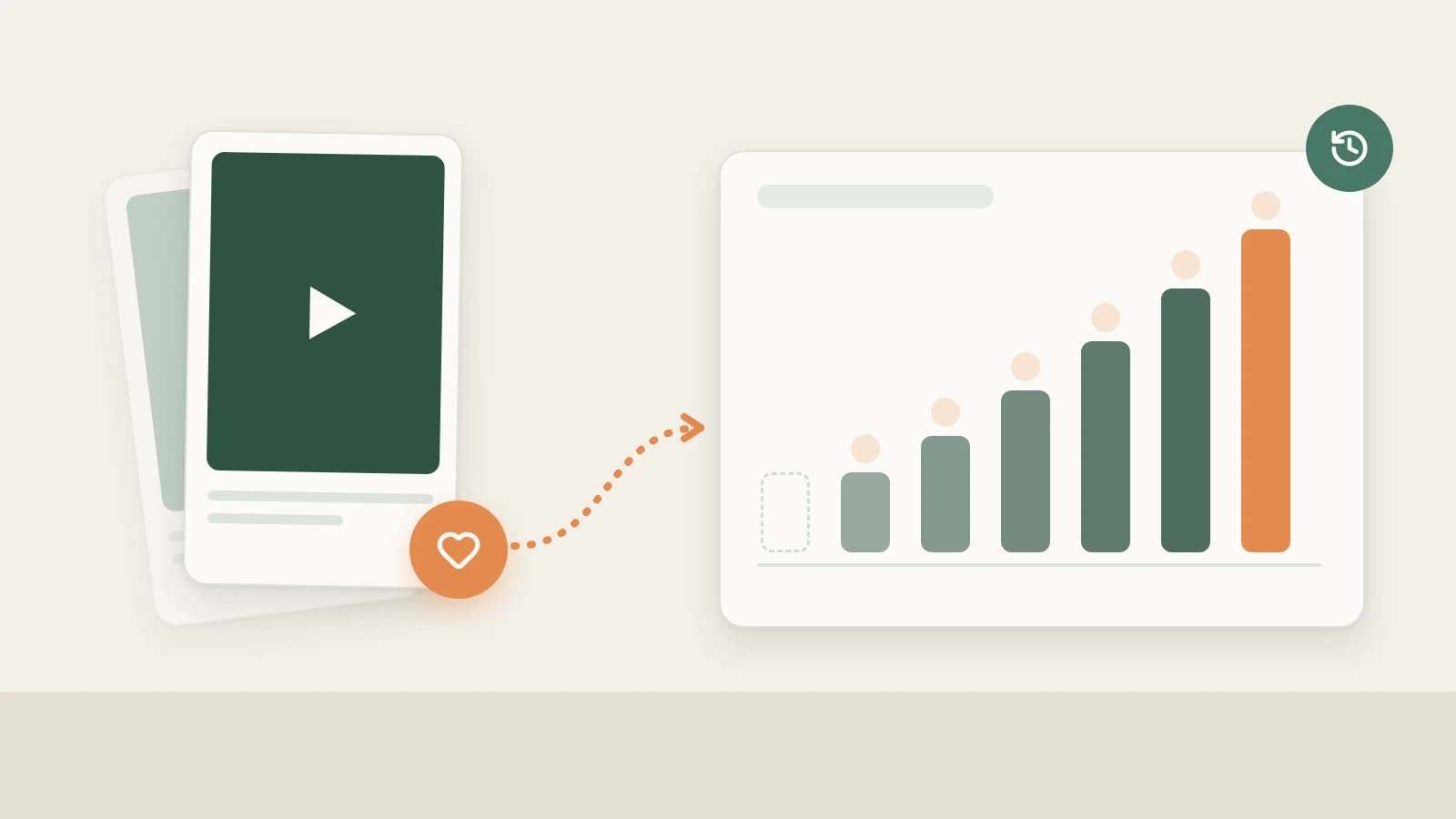
- Ask the AI in chat for any video's "like growth history", and let the daily brief read those snapshots for Yesterday's review. Views, completion rate and audience graphs remain exclusive to Douyin Creator Center.
Douyin creators hit the same review frustration every week: a video that barely moved on day one suddenly picks up thousands of likes five days later — or peaks on day one and stalls completely. Looking inside the app only shows today's cumulative number, not how each day unfolded.
Beav's Account profiles add that daily log locally: sync your own Douyin videos to your machine and save a daily like snapshot right beside your topic pool and scripts.
Who it is for
- Douyin creators tracking which videos build steady search/recommendation tail versus one-day spikes.
- Operators reading Beav's morning brief who want Yesterday's review backed by real day-over-day comparisons.
- Multi-platform creators syncing Douyin alongside RedNote and other owned channels in one workspace.
How to use it
Account profiles track your own Douyin account. To study someone else's Douyin account, use social media research — never add another creator as your own profile.
- Copy your Douyin profile share link. Open your own Douyin profile page, tap Share → Copy link, and keep the full share snippet.
- Add the profile in Beav. Click + beside Account profiles in the left sidebar and paste the snippet. Beav extracts the URL, shows the Douyin icon, resolves the short link to your homepage and adds the profile (reading limits follow the dialog prompt). Adding an archive never replaces your workspace's primary account or creates a separate space.
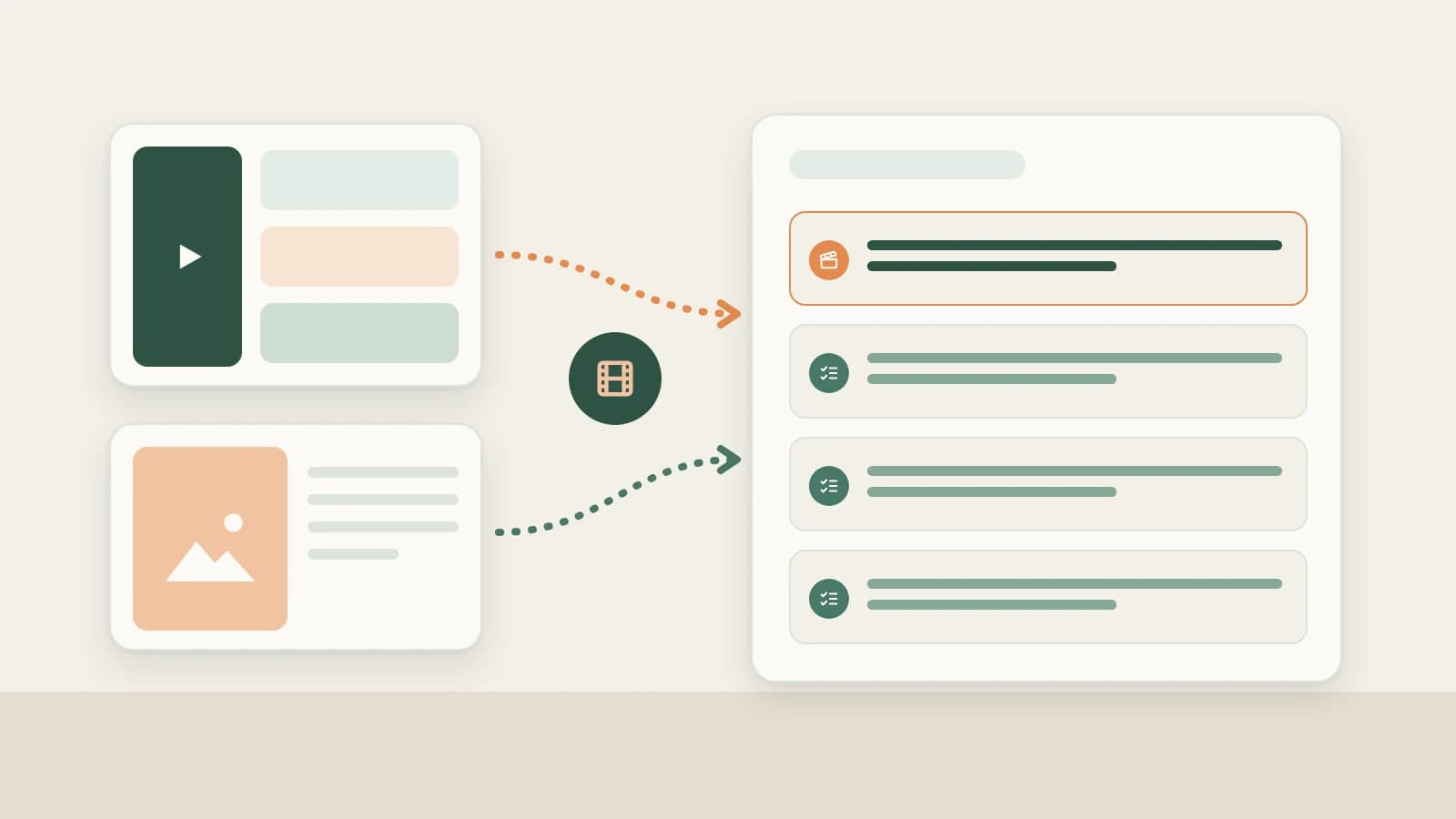
- Sync recent Douyin videos. Open your profile under Account profiles, click Sync recent posts on the right, pick 1–10 pages (~20 videos per page), review the points prompt and click Sync. Partial progress stays saved if interrupted.
- Read sync counts accurately. Sync reads the platform's recent list (which can include pinned videos). Existing entries refresh engagement counts while newly discovered videos fetch full details, so syncing 40 videos does not mean 40 brand-new entries. Cards show likes and saves at the bottom ("—" when like counts aren't returned), and you can switch between gallery and publish-time timeline views.
- Keep scheduled daily refresh enabled. Confirm Settings → General → Scheduled account archive refresh is on (default: 1 page / ~20 videos per account daily, configurable 1–10 pages or off). While Beav runs, it refreshes profiled accounts across all spaces at most once every 24 hours.
- Ask the AI about like trajectory. Ask in chat to "show the like growth history of this note/video", or tell the AI to "refresh the current account's data" / "sync the last two pages" (executing after you confirm credits). Saved history feeds Yesterday's review in the daily brief, tabling net growth on comparable videos so you know which opening hooks deserve a follow-up video.
How it compares with Douyin Creator Center and analytics platforms
| Douyin Creator Center | Third-party Douyin analytics tools | Beav Account profiles | |
|---|---|---|---|
| Where data lives | Official Douyin backend | Provider's website | Your Beav space on disk |
| Metrics covered | Full official metrics: views, completion rate, traffic sources | Niche rankings, competitor data and trends | Your own video records, captions, likes and saves |
| Historical view | Platform reporting history | Depends on provider crawling | Daily like snapshots recorded from when refresh starts |
| Connection to drafting | Note insights manually | Export or summarize yourself | Stored beside assets; AI references history for reviews and next scripts |
| Cost | Free | Usually paid subscription | Points prompt before syncing |
Douyin Creator Center stays the sole authority for views, retention curves, completion rates and audience demographics, while dedicated analytics platforms focus on market benchmarks. Beav solves the personal workflow gap: tying daily engagement snapshots directly back to your next voiceover script.
Limits and notes
- Owned accounts only. Study peers via social research instead.
- Captures likes and saves, not view counts or completion rates. Shown counts reflect what the platform returns; check Douyin Creator Center for full playback analytics.
- No backfill. Snapshots start building only after refresh is turned on; earlier daily changes cannot be recreated.
- Local schedule only. Daily refresh executes while the Beav desktop app runs, catching up on overdue intervals after relaunch rather than running in the cloud.
- Short links and syncs spend points. Resolving share short links and manual or AI-requested syncs consume points after confirmation; keeping scheduled refresh at 1 page keeps usage predictable.
Next steps
- Learn how Yesterday's review summarizes daily changes in the daily ops report.
- See the platform-agnostic guide Account profile sync and like history or keep accounts separated with one Beav space per account.
- Follow the full Douyin operation guide, or check docs for Account profiles and Account profile sync.
Applies to Beav desktop 2.9 and later.