Key takeaways
- Save a Douyin video to the Beav knowledge base with the browser extension. Once the video is on your computer, click Decompose to get a topic, structure template, shots, a per-shot shooting script and a timed transcript, with shot clips and keyframes in the asset library.
- AI rewrite opens a new chat that references the video. Say which part of the rhythm to keep and whether you want a voiceover script or a shot-by-shot script; the AI explains the structure it saw and writes once you agree.
- Douyin videos only, not image galleries. Decomposition uses model quota and the rewrite uses your chat model. You are learning structure and rhythm; the lines and facts must be yours.
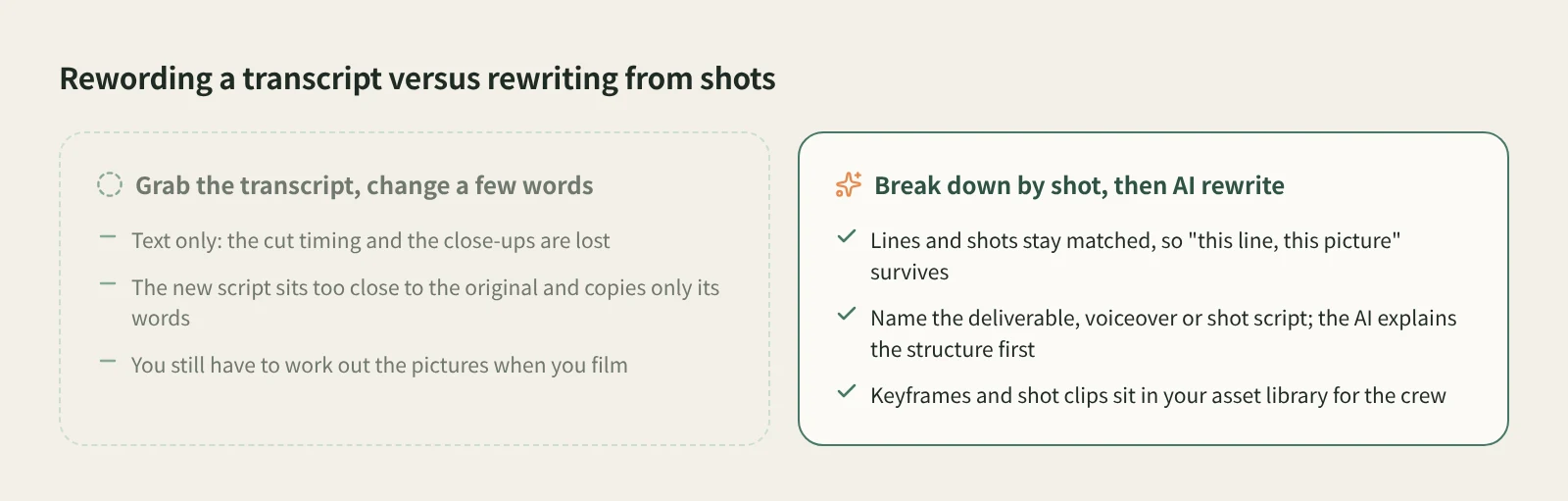
When a Douyin video takes off, the usual move is to grab its transcript, change a few words and film it again. That copies the words and little else. What actually made the original work often is not in the transcript at all: the second the shot cuts, the line that lands on a close-up, the moment the result is revealed. Read only the text and all of that is lost.
This article shows how to cut a Douyin video into shots in Beav, then turn it into a voiceover script or a shooting script with shot notes for your own topic.
Who it is for
- Douyin creators making talking-head, store visit or explainer videos who want a benchmark's rhythm rather than its words.
- Video leads who hand scripts to a film crew.
- Anyone shooting several videos on one topic who needs a base script they can keep revising.
Step 1: Save the video
The full walkthrough is in how to save Douyin videos on your computer. Here are the key points.
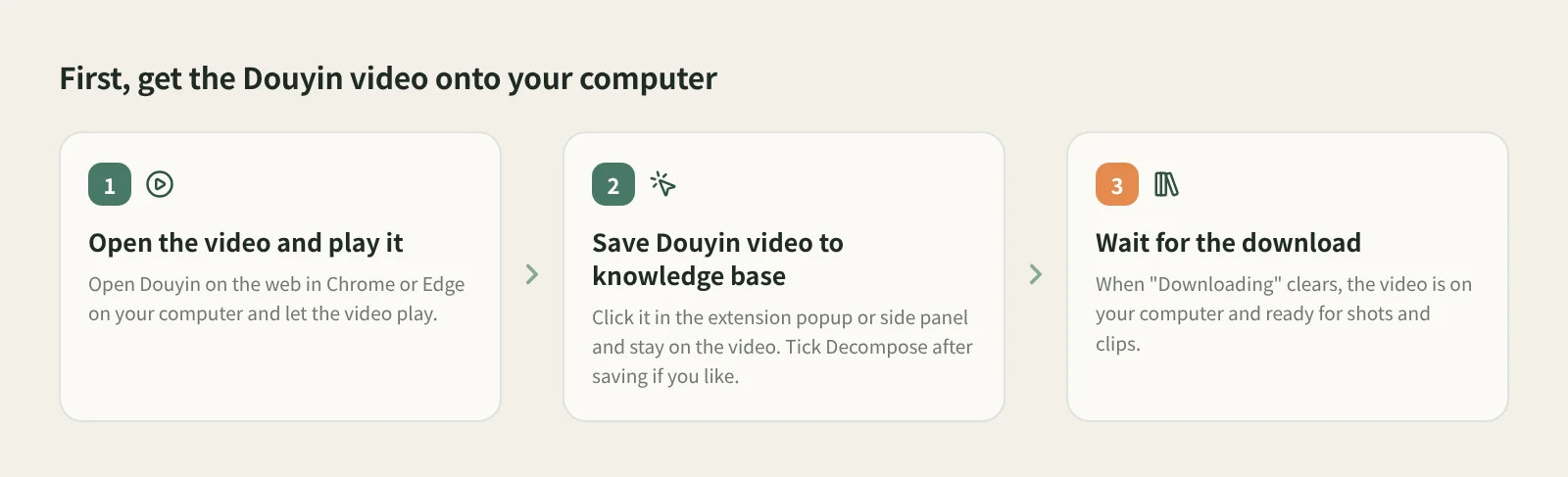
- Open the video and play it. Open Douyin on the web in Chrome or Edge on your computer and let the target video play.
- Click Save Douyin video to knowledge base. Do it in the extension popup or side panel, and do not scroll to another video while it saves. To save a step, tick Decompose after saving first.
- Wait for the download. Back in the knowledge base, wait until "Downloading" disappears from the card. Shots and clips can only be extracted once the video is on your computer.
If you only want transcripts from a batch of videos and not the videos themselves, use bulk video transcript extraction. Pasting a Douyin link into Add link in the knowledge base also saves it; that route goes through the capture service, which needs sign-in or a configured capture API and consumes quota according to its rules. Shot-level breakdown needs the video saved on your computer, and saving with the extension is the documented way to get there.
Step 2: Break it down shot by shot
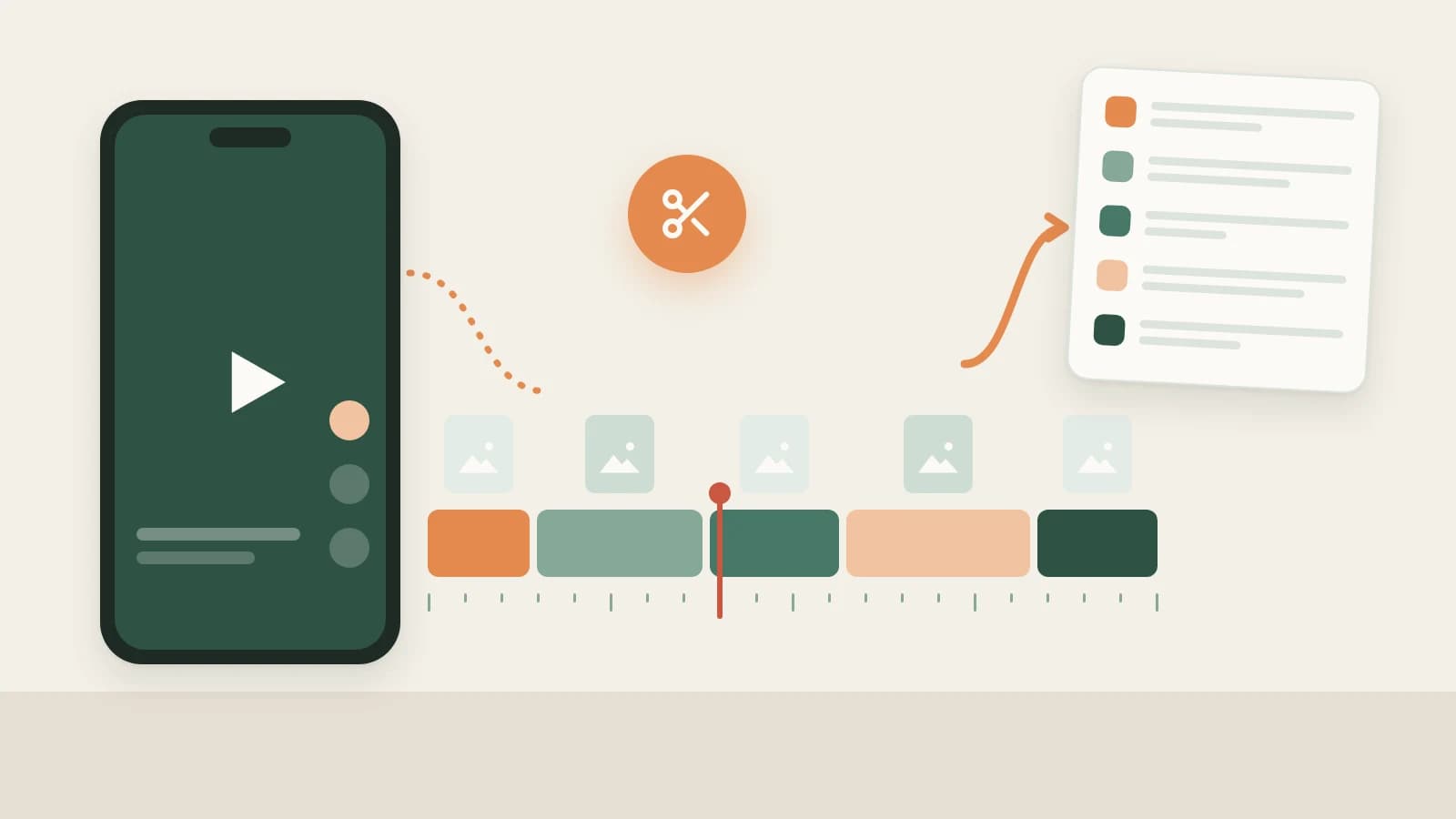
Open the video in the knowledge base and click Decompose. It uses transcription, chat and video-understanding models and consumes model quota. The result has five parts: topic, structure template, shots, a per-shot shooting script and a timed transcript. The topic also goes to the topic center.
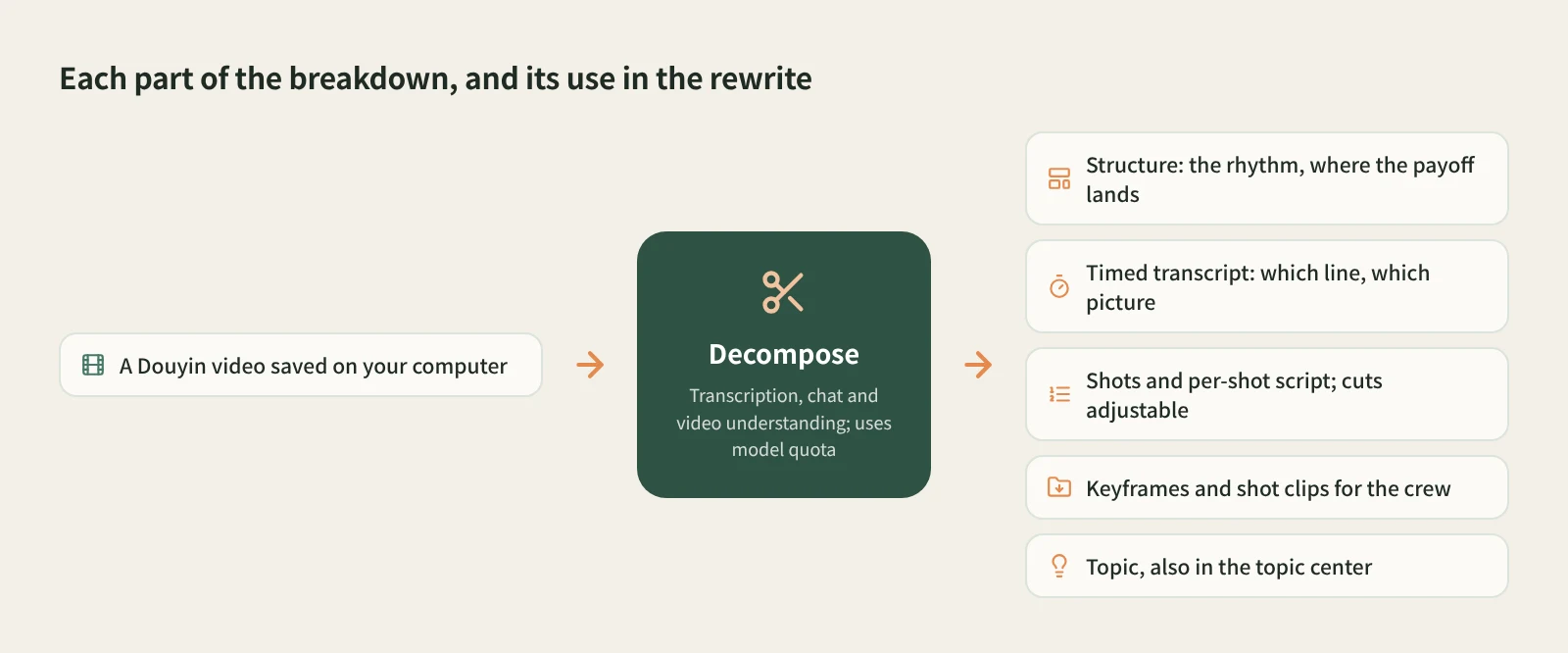
With the rewrite in mind, look at these first:
- The rhythm in the structure template. What the first seconds say, where the problem is raised, which shot reveals the result. That rhythm is usually the thing most worth keeping.
- How lines and shots line up. Every line in the timed transcript maps to a shot; click a time or thumbnail to jump there. Find which line goes with which change on screen. That is what gets lost when you only read the transcript.
- Whether the cuts are right. If two shots are really one, merge the shot into the previous one; if one shot hides a clear cut, play to it and split at the playback position. Decompose again to get clips at the new cuts.
- References for the crew. Keyframes, shot MP4 clips and audio cues are copied to
decompositions/<title>in the asset library. Showing them to whoever films is clearer than describing the shot.
Operation details and what each output means are in how to break down a viral short video.
Step 3: Rewrite it as a voiceover or shooting script
Click AI rewrite at the top right of the video details. Beav opens a new chat with a prefilled rewrite prompt, a reference to this video and the rewriting skill selected. Nothing is sent until you send it, so add your requirements first.
The most important thing is to name the deliverable. A video reference does not mean you want a voiceover script: you might want a plain voiceover script, a shooting script with picture notes, or a voiceover production package. Say which, for example:
Follow this video's rhythm: state the conclusion in the first 3 seconds,
three comparison shots in the middle, price in the final shot.
Use my topic: (your product, store or real experience)
I want a voiceover script split by shot, with picture, lines and rough length for each.
The AI first explains the structure it saw in the original, such as which line matches which change on screen, then proposes how the new script maps onto it, and by default waits for your approval. When the product or person changes, think about the lines, pictures and sound together, not just the nouns in the script. Numbers and test results in the original are not facts about your product, so supply your own.
Save the result as a draft so you can keep editing it, or build versions for other platforms from the same master draft. Once you have filmed it, you can hand the footage to the AI in a chat for editing; see video editing and talking-head cuts.
How it compares with the usual approaches
| Transcript mini-program + general AI rewrite | Douyin analytics platforms (e.g. Feigua, Chanmama) | Beav | |
|---|---|---|---|
| What you get | The video's transcript | Trending videos, account and e-commerce data | The video, a timed transcript, shots and a per-shot script |
| Visual information | Next to none | Mostly data and video links | Keyframes and shot MP4 clips in your asset library |
| Strengths | Fast, works on your phone | Finding benchmarks, trends and product data | Lines and shots stay matched, so the rewrite keeps "this line, this picture" |
| Rewrite result | A rewritten block of text | Depends on whether the platform offers script tools; check each one | Voiceover script, shot script or voiceover production package, saved as a draft |
| Cost | Each tool's own rules | Usually a paid membership | Model quota for decomposition, chat model quota for the rewrite |
Transcript mini-programs are the fastest and work on your phone. Analytics platforms are good at showing which videos are rising and which accounts are worth benchmarking. Beav replaces neither. It is for when you have already picked the videos to learn from and want their rhythm in your own script.
Limits and notes
- Douyin videos only; image galleries are not supported.
- A video over the video-understanding size limit is first compressed to a low-resolution copy. If it is still too large, the shooting script is skipped with a reason, and the other completed results are kept.
- Audio cues come from audible stretches without speech and may include ambient sound. This is not vocal separation.
- Shared spaces do not offer decomposition.
- You are learning rhythm and structure. Get permission before putting the original's clips or music into your own work or using them commercially. Beav does not publish for you and does not promise watermark removal.
Next steps
- Have new videos from benchmark accounts broken down automatically: subscribe to benchmark creators and batch and automatic decomposition.
- Reading results and adjusting cuts: how to break down a viral short video.
- Full reference: from capture to draft.
Applies to Beav desktop 2.9 and browser extension 2.7. Checked 2026-10-21.