
Key takeaways
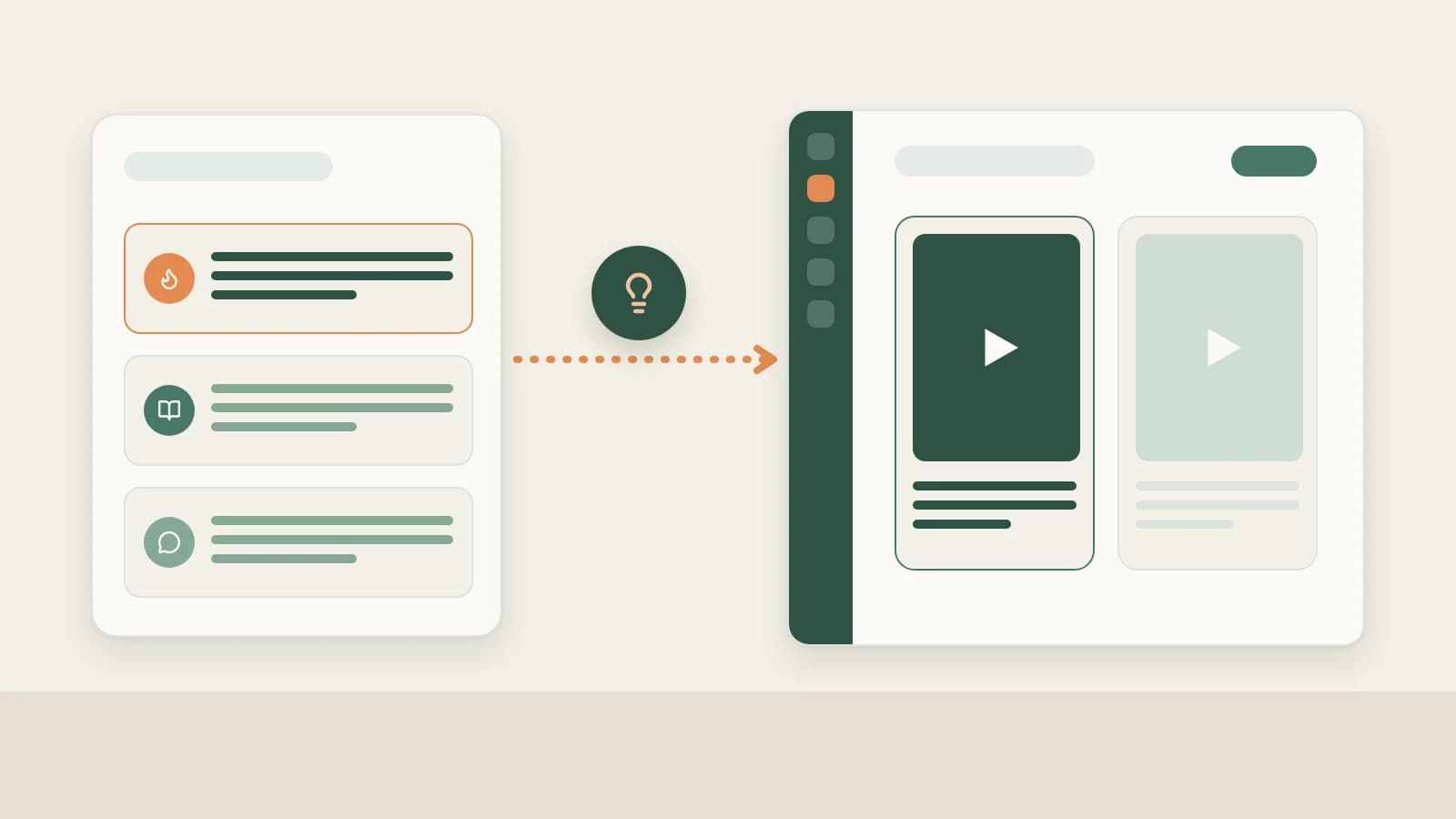
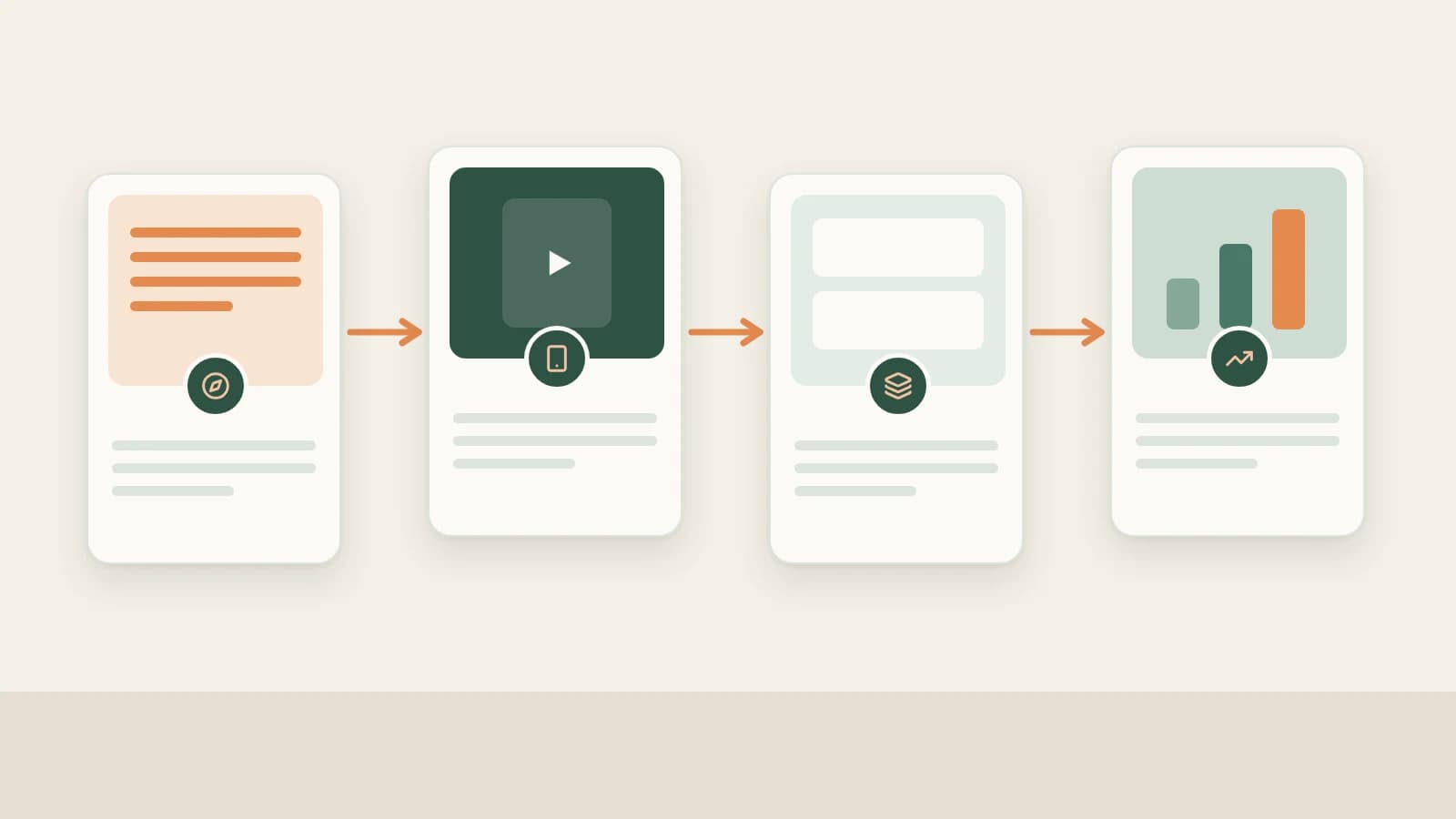
- Beav links your WeChat Channels routine end to end: source grounded topics → subscribe to peers & archive resolvable links → manually decompose pacing → generate 9:16 voiceover packages, smart cuts, or digital humans (plus matching Official Account articles) → review snapshots daily.
- Beav requires a resolvable WeChat Channels link (plain forwarded cards inside WeChat chat without an extractable URL cannot be parsed).
- AI speeds up structural prep, drafting, and rough cutting—factual verification, AI disclosures, and manual publishing inside WeChat Channels Studio remain yours.
WeChat Channels creators hit two constant bottlenecks: forwarded clips get lost inside mobile chat threads before you can study them at your desk, and audiences inside WeChat reward calm, trust-building explanations—meaning your best talking-head script often deserves a companion WeChat Official Account deep dive too.
Beav keeps both formats in one workspace so reference videos, decomposed scripts, vertical packages, companion articles, and daily snapshots stay connected—cutting out scattered chat forwards and double drafting.
Where WeChat Channels Operations Lose Time vs. How Beav Cuts the Busywork
| Where time usually goes | How Beav streamlines the step |
|---|---|
| Forwarding Channels cards inside chat threads and losing track of the original videos | Save resolvable links and subscribe to benchmark Channels profiles to sync updates into one local timeline |
| Guessing how high-share voiceover openings hook trust-driven WeChat viewers | Break down saved benchmark clips into hooks, shot timing, and transcripts before writing your own angle |
| Manually trimming pauses and styling readable large-text captions in a separate app | Generate complete 9:16 voiceover packages, then clean retakes with smart rough cuts and large vertical subtitles |
| Rewriting the exact same topic from zero when publishing a companion Official Account deep dive | Spin out matching Official Account article packages straight from the same researched draft and sources |
| Repeating old topics because past results live in separate spreadsheets | Track daily like snapshots inside the same workspace holding your scripts and references |
End-to-end WeChat Channels workflow
Beav WeChat Channels workflow
Step 1: Pick trustworthy angles for WeChat's social feed
Combine Hotspots (ranked by For Me fit with your workspace positioning after NewsBing authorization) and the 09:00 daily brief with Creation → Topic Radar (2.10.7), new-chat Find topics prompts, and recurring audience doubts saved via web text selection—see WeChat Channels topic ideas.
Step 2: Subscribe to benchmark channels and capture resolvable links
- Automated competitor archive: Paste resolvable peer profile URLs under Knowledge Base → Subscriptions → + to inspect new uploads chronologically on your computer (up to 10 subscriptions per space). See WeChat Channels competitor tracking.
- Capture single posts or batches: Submit resolvable post links via Add link, same-Wi-Fi Phone Upload (up to 50), Extract Video Script, or Download from Links (up to 20)—see saving WeChat Channels videos to your library and saving, breaking down and rewriting WeChat Channels videos.
Step 3: Manually decompose standout uploads into spoken pacing and cuts
Pick top performers and click Decompose (or batch up to 100 items) to extract timestamped transcripts, structural patterns, per-shot shooting scripts, keyframes, MP4 splits, non-speech music cues, and extracted core topics under Asset Library → Topics. See breaking down WeChat Channels pacing.
Step 4: Generate full video packages and optional Official Account articles
Select WeChat Channels under More on the new-chat platform bar to create a master Markdown draft + production package (opening hook, conversational script, 9:16 vertical cover, and shot notes).
Drop filmed takes into chat for Smart talking-head cuts (clean pause removal, large legible Chinese fonts, 8 talking-head templates, and 67 offline SFX), render an authorized digital human (480P check before 1080P), or generate a companion WeChat Official Account package from the exact same master draft. See WeChat Channels full content package.
Step 5: Log daily snapshots beside your scripts
Check live profile support under Account profiles → +, sync your own WeChat Channels history, keep daily refresh active, and compare Yesterday's review gains alongside shares and completion metrics in WeChat Channels Studio—see WeChat Channels data review.
Limits and notes
- Requires resolvable URLs. Forwarded WeChat cards without extractable URLs cannot enter the Knowledge Base; link parsing consumes capture quota per rules.
- Publish manually with proper disclosures. Verify claims and prices yourself, attach AI-generated notices where required by platform rules, and transfer finished files to your phone on the same Wi-Fi to upload in WeChat.
Column navigation
- Topics & tracking: WeChat Channels topic ideas | WeChat Channels competitor tracking
- Saving & breakdowns: Save WeChat Channels videos to library | Break down WeChat Channels scripts & shots | Save, break down & rewrite WeChat Channels videos
- Production & analytics: WeChat Channels full content package | WeChat Channels data review
- Full column hub: WeChat Channels guides
Applies to Beav desktop 2.9 and later; Topic Radar, digital humans, and offline SFX apply to 2.10.0–2.10.7.