

Key takeaways
- Verify live support for your own account under Account profiles → +: Follow modal prompts for supported link types and sync depth (keep competitor channels under Subscriptions, not here).
- Build a local daily trend log: Sync 1–10 pages (~20 items per page) and enable Settings → General → Scheduled account archive refresh to store a fresh engagement snapshot up to once every 24 hours while Beav runs.
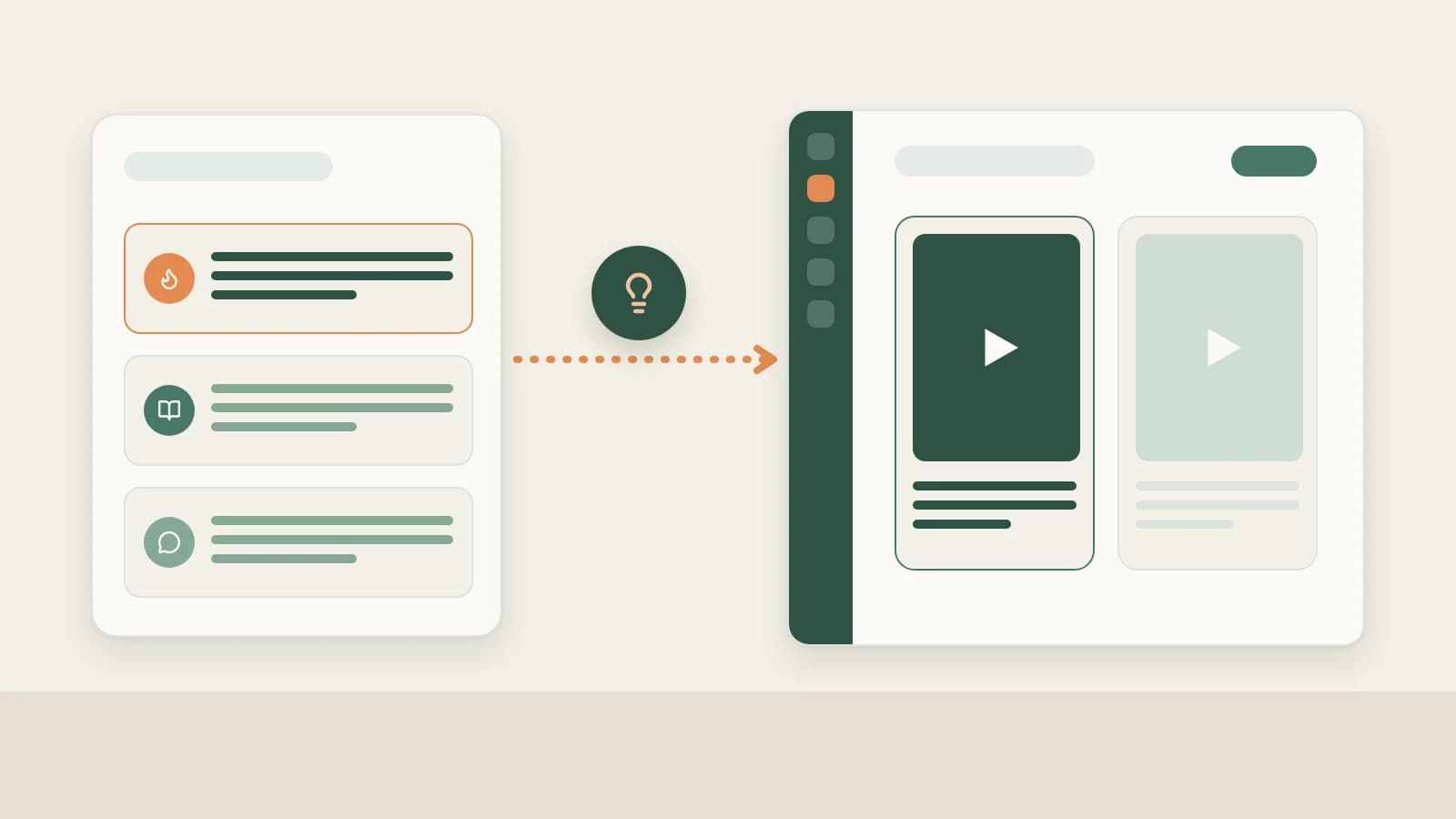
- Feed reviews back into scripts: Snapshots populate Yesterday's review in the 09:00 daily brief, Creation → Review (2.10.7), and chat diagnostics—working alongside official forward, recommend, and completion metrics in WeChat Channels Studio.
WeChat Channels videos rarely live or die purely in the first hour—a single share inside a WeChat group or Moments circle can trigger a second wave days later. Checking WeChat Channels Studio occasionally makes it easy to miss which talking-head openings consistently sparked steady social sharing over time.
Beav keeps your uploaded entries, daily available engagement snapshots, and original scripts inside one local space so reviews naturally guide your next shoot.
Who it is for
- Creators and corporate accounts tracking how different openings hold attention across days one, three, and seven.
- Operators relying on the 09:00 daily ops report to spot momentum before writing today's script.
- Teams managing paired WeChat Channels and Official Account spaces who keep metrics tied directly to drafts.
How to use it
- Add your own account under Account profiles. Click + beside Account profiles, paste your profile details, and review the live platform support notice inside the modal (for any backend-only numbers not exposed publicly, paste official Studio exports right into chat).
- Sync recent videos (1–10 pages). Open the profile, select Sync recent posts for 1–10 pages, and confirm the credit reminder. Existing items refresh available counts while new uploads pull details; unavailable metrics display cleanly as
—. - Keep daily auto-refresh enabled. Confirm Settings → General → Scheduled account archive refresh stays on so Beav saves one local snapshot up to every 24 hours while running on your computer.
- Apply review takeaways across three places:
- Audit scripts in chat: Compare recent uploads side by side in chat—and paste recommend clicks, forward counts, and 3-second completion from WeChat Channels Studio so the AI highlights whether to tighten openings or sharpen share hooks.
- Read Yesterday's review at 09:00: The morning brief tabulates net changes where comparable history exists and lists one actionable takeaway.
- Store lasting lessons in Creation → Review (2.10.7): Confirm validated rules worth applying to future scripts. See Daily ops report.
Pairing Beav with WeChat Channels Studio
| WeChat Channels Studio | Third-party WeChat trackers | Beav Account profiles | |
|---|---|---|---|
| Best source for | Recommends, group/Moments forwards, completion rate, lead clicks | Industry benchmarks and macro creator charts | Saved copy alongside local daily engagement snapshots |
| Connection to drafting | Stats sit separated inside Studio tabs | External research dashboards | Stored beside master drafts, scripts, and references in one chat |
| Historical tracking | Official full account stats | Paid subscription depth | Local forward snapshots from when refresh turns on |
| Cost & setup | Official free portal | Paid membership plans | Credit confirmation shown cleanly per sync |
Official social-propagation numbers (recommends, forwards, 3-second retention, private-message conversions) belong exclusively to WeChat Channels Studio. Combining Studio numbers with Beav's saved drafts produces the clearest creative iteration.
Limits and notes
- Subscriptions are for peers; Account profiles are for yours. Follow competitor WeChat Channels accounts separately in WeChat Channels competitor tracking.
- No retroactive backfill; runs locally while open. Closing Beav pauses scheduled checks and uses zero credits until reopened.
- Follow live modal prompts and credit quotes. Keep auto-refresh at 1 page (~20 posts) for steady weekly review without overspending credits.
Next steps
- Ready to carry winning lessons into your next video bundle? Read WeChat Channels full content package.
- Review shared snapshot setup in Account profile sync & like history and WeChat Channels operation guide.
Applies to Beav desktop 2.9 and later; Creation → Review applies from 2.10.7.