
Key takeaways
- Beyond chasing daily news, every RedNote note you saved, every breakdown you ran, and your 09:00 daily brief discoveries can feed directly into new topics.
- Use Creation → Topic Radar (Beav 2.10.7) to pick candidates and check sources, or select RedNote → Find topics in a new chat so suggestions reflect your active workspace profile and saved library.
- Drag 3–5 saved RedNote notes into one chat to distill target audience, core pain point, fresh angle, and citable material instead of repeating what everyone else already posted.
Relying only on daily trending lists wears thin fast on RedNote (Xiaohongshu). General news moves in a day, and vertical accounts do not get a relevant hot search every morning. Meanwhile, the real goldmine—hundreds of benchmark notes sitting in folders—often stays unmined when you sit down to plan next week's calendar.
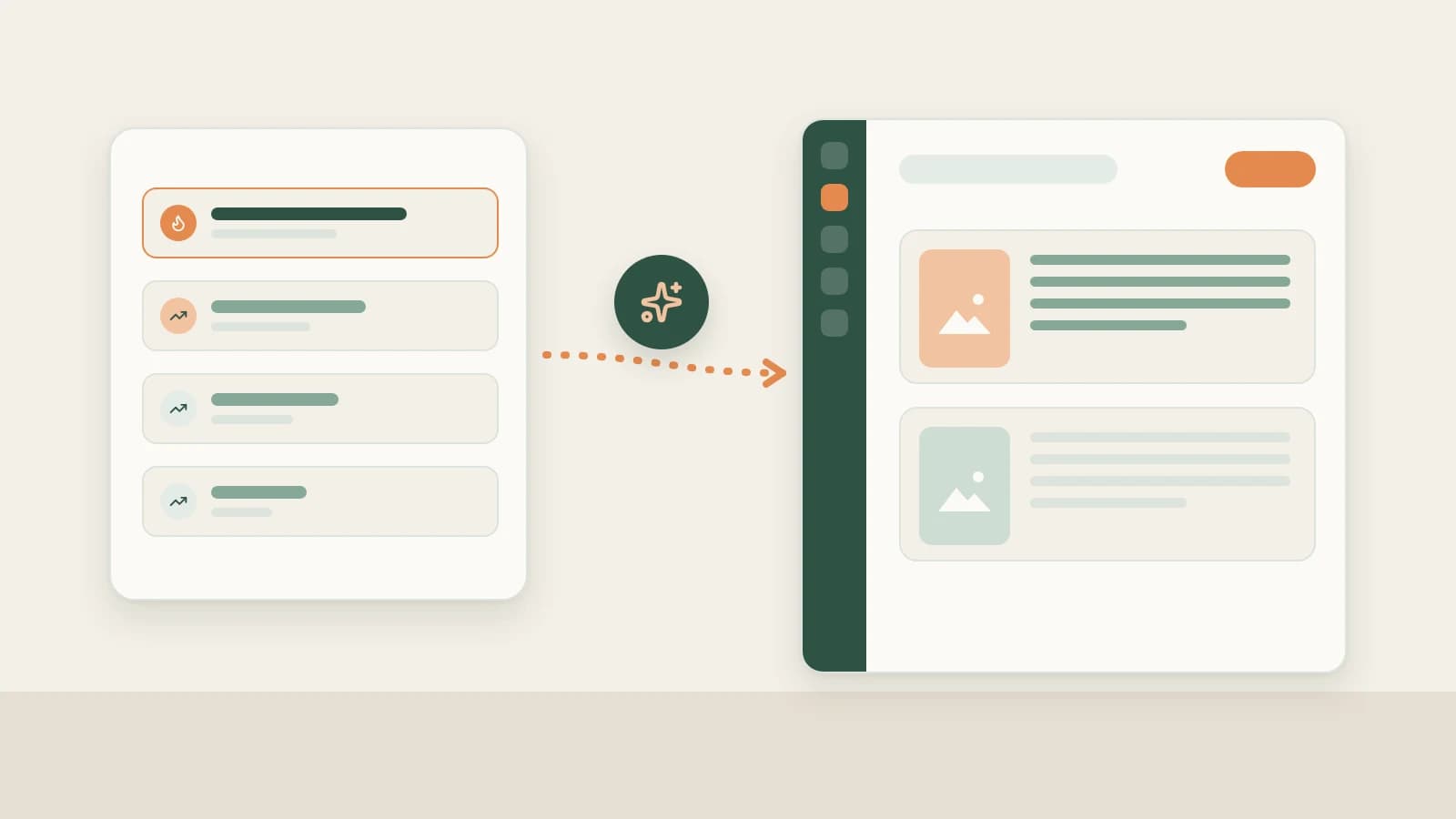
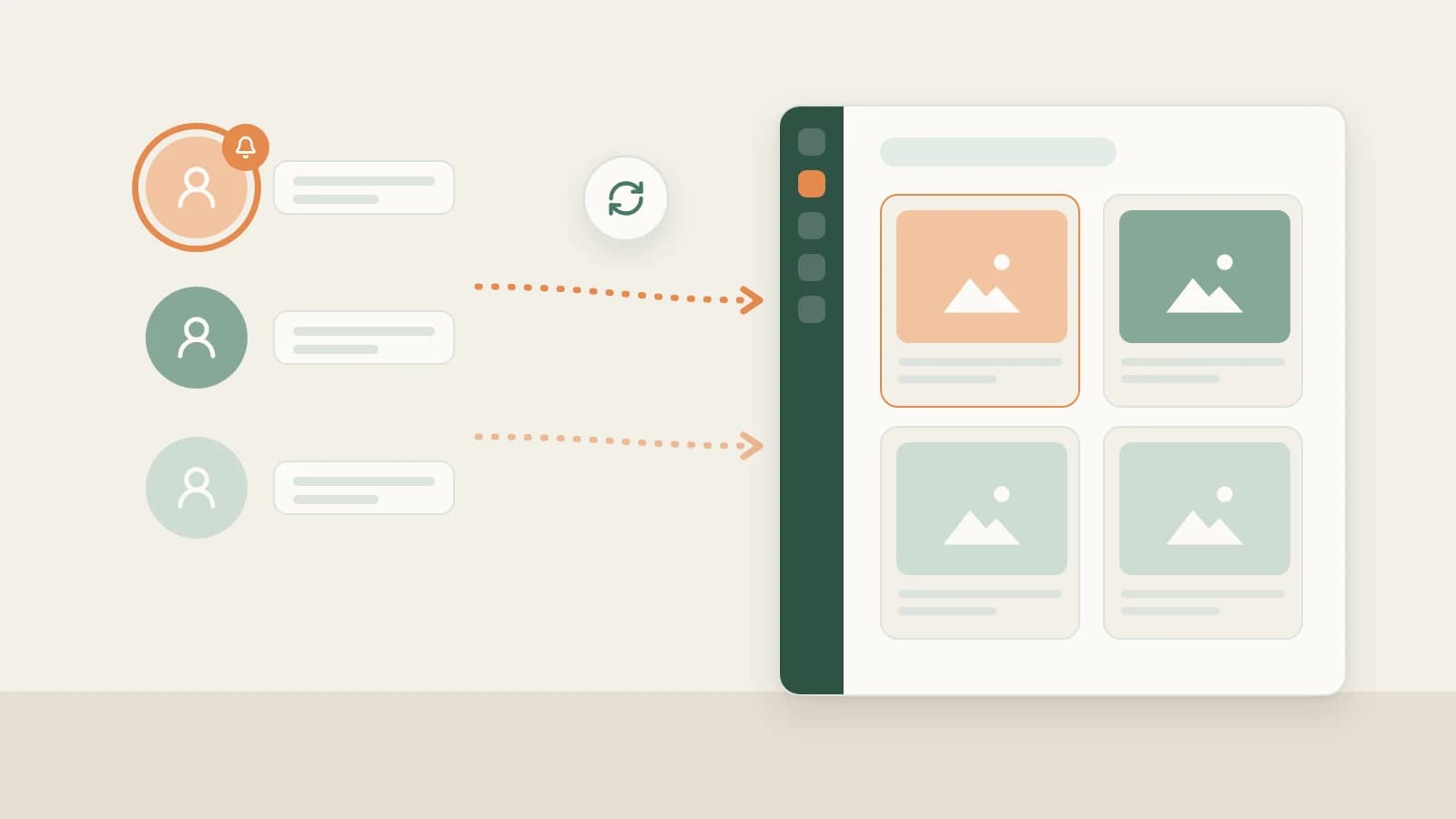
Beav connects your saved RedNote library directly to topic planning, turning stored notes, manual breakdowns, and subscribed creator updates into grounded topic cards you can draft from immediately.
Who it is for
- RedNote creators sitting on dozens of saved benchmark posts who want structured, repeatable topic extraction rather than scrolling folders by hand.
- Vertical accounts in skincare, home renovation, parenting, careers, or education that depend on steady evergreen depth rather than entertainment gossip.
- Operators who want every post idea backed by real examples and saved references rather than invented AI prompts.
Four ways to mine RedNote topics from your reference library
- Start with Topic Radar under Creation (2.10.7). Open Creation in the left navigation to browse Topic Radar candidates built from your space's accumulation, or enter a topic direction, inspect the linked sources first, and click Start creating.
- Choose RedNote → Find topics in a new chat. In the platform bar above the new-chat box, select RedNote and click Find topics. Prompts marked with a green dot draw directly from saved references, trends, and your account plan to suggest post angles and cover hooks.
- Collect topics automatically when you run Decompose. Whenever you open a saved note or video and click Decompose, Beav files the extracted core topic into Asset Library → Topics. Reviewing that list each week surfaces proven structures ready for a fresh take—see RedNote breakdown and rewriting.
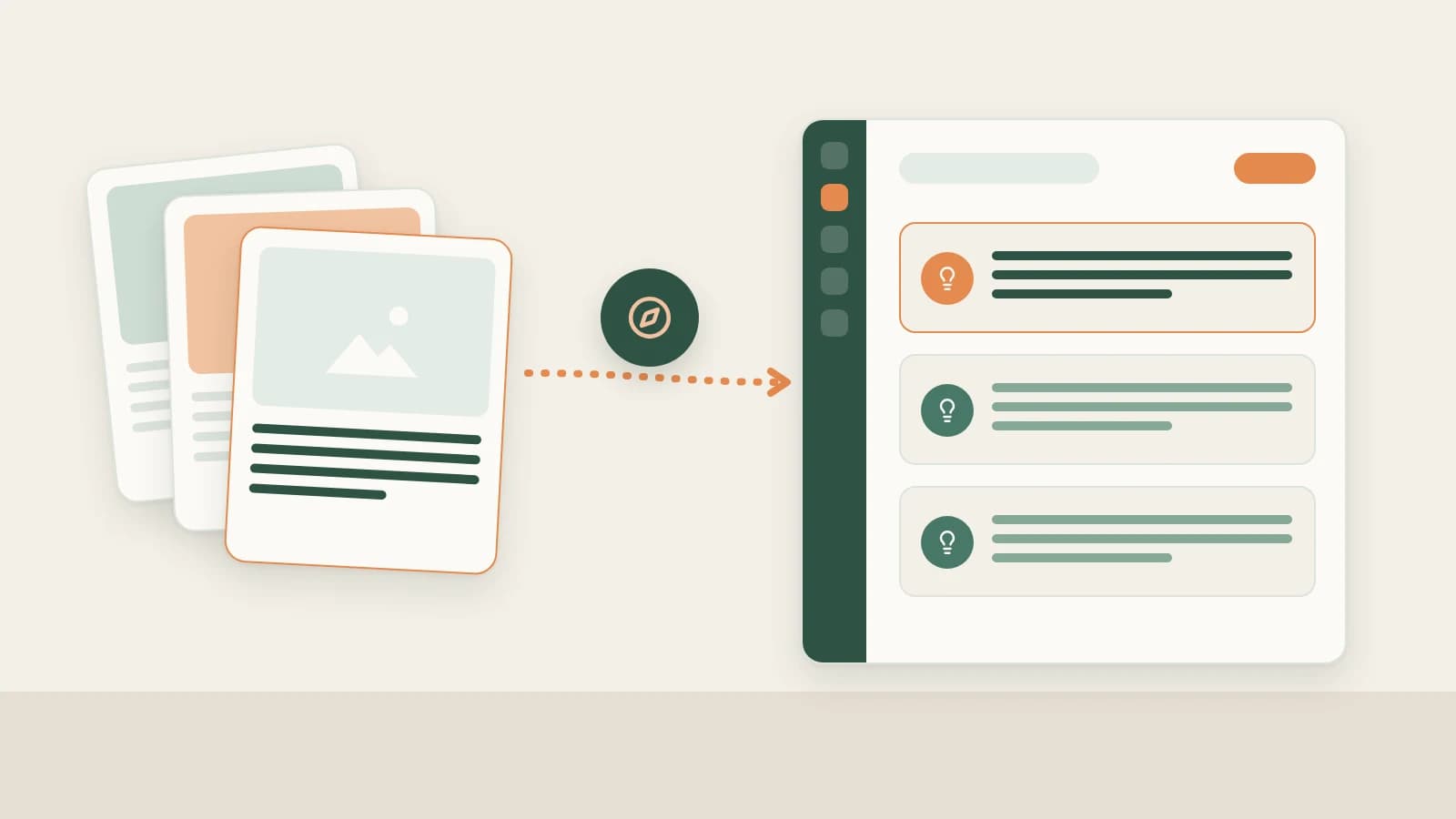
- Drag 3–5 related saved notes into one chat for synthesis. Pull several saved notes covering the same question from different angles into chat, and ask the AI to extract four things: who the angle serves, what real friction it addresses, what earlier posts missed, and which proof or photos from your own assets belong inside.

Three checks to avoid repeating saved posts
Reference posts explain why an angle worked, not what to copy word for word. Add one deliberate filter before saving a topic to your queue:
- Narrow the reader context. If saved notes cover broad advice like "buying your first camera," anchor yours with budget, carry weight, or a real scenario from your own space positioning.
- Layer in unanswered comment questions. When you capture a RedNote post with Save comments checked in the extension, bring those recurring follow-up doubts into the same chat—what readers still asked at the bottom of someone else's post is often your clearest headline. See RedNote comment insights.
- Batch-queue into Home's Topic pool. Once you settle on 5–10 grounded angles, paste them all into Home's Topic pool so you never stare at a blank page on busy publishing days.
How the three RedNote topic sources work together
| Source | Best time to use it | Where it draws from |
|---|---|---|
| Trends & Daily Brief | Catching timely shifts, policy/industry news, and multi-platform spikes | RedNote trends topic guide and 09:00 daily brief |
| Reference Library Topics | Consistent weekly publishing and mining accumulated competitor benchmarks | Saved notes, manual Decompose topics, and Topic Radar |
| Comment Insights | Uncovering real buyer hesitations, objections, and follow-up questions | RedNote comment insights |
Limits and notes
- The AI needs real material in the space. Save 10–20 relevant notes and clarify your Account Plan first; otherwise, suggestions have little grounding to work from.
- Saving does not trigger automatic breakdown. Neither bulk extension capture nor creator subscriptions spend credits decomposing items automatically—you pick winners manually first.
- Borrow structure, never another creator's facts. Replace reference photos, numbers, and personal stories with your own product assets and genuine experience.
Next steps
- Combine library topics with NewsBing trends and comment insights in RedNote topic discovery.
- Turn a chosen topic straight into captions and slides with RedNote post package.
- Full docs: Let Beav find the topics and Start from a platform and a scene.
Applies to Beav desktop 2.9 and later; Topic Radar is available from 2.10.7.