

Key takeaways
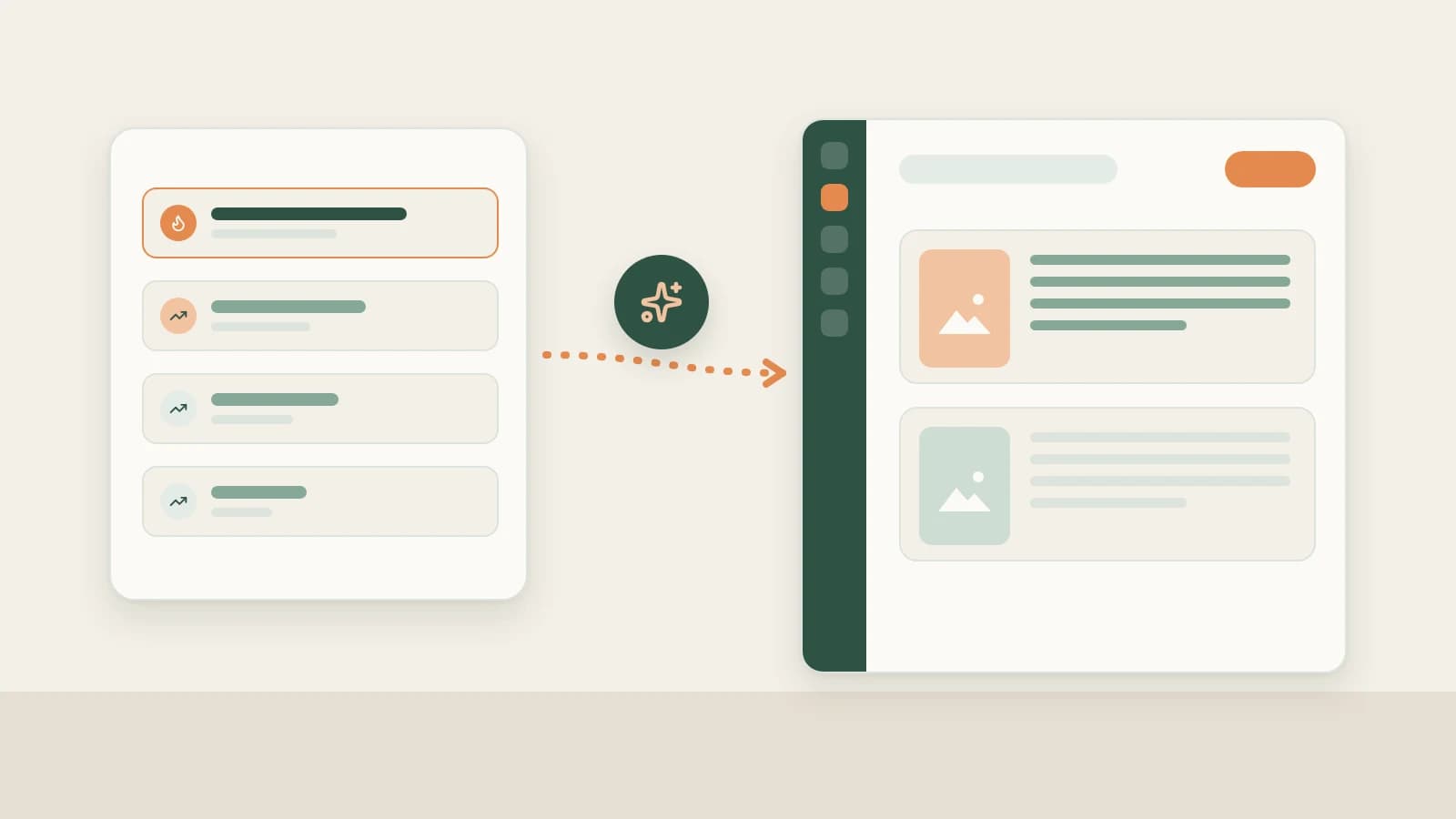
- Open your own RedNote account under Account profiles on the left, click Sync recent posts, pick 1–10 pages (about 20 notes per page), confirm points, and save your posts, likes and saves locally.
- Settings → General → Scheduled account archive refresh is on by default, refreshing each profile at most once every 24 hours while Beav runs and keeping a daily like snapshot.
- Snapshots stay on your computer so you can ask the AI for "the like growth history of this note", and the daily brief uses them for Yesterday's review. Impressions, CTR and audience metrics remain exclusive to RedNote's creator dashboard.
Reviewing a RedNote (Xiaohongshu) account often hits the same blind spot: a tutorial note that had 300 likes yesterday hits 2,000 today, and by next week you only see the final total. Without day-by-day snapshots, it is hard to tell whether a post spiked immediately from feed distribution or gained steady search traffic days after publishing.
Beav's Account profiles build that missing timeline automatically: they sync your own RedNote notes to your computer and record a daily like snapshot inside the same space where you draft your next post.
Who it is for
- RedNote creators who want to separate one-day feed spikes from steady search-driven performers.
- Operators using Beav's morning daily brief who want Yesterday's review backed by real net-growth numbers.
- Multi-account creators and agencies wanting each account's published notes and like trajectory stored beside its library.
How to use it
Only add your own RedNote accounts under Account profiles. To follow competitors or peers, use RedNote competitor tracking under Subscriptions instead.
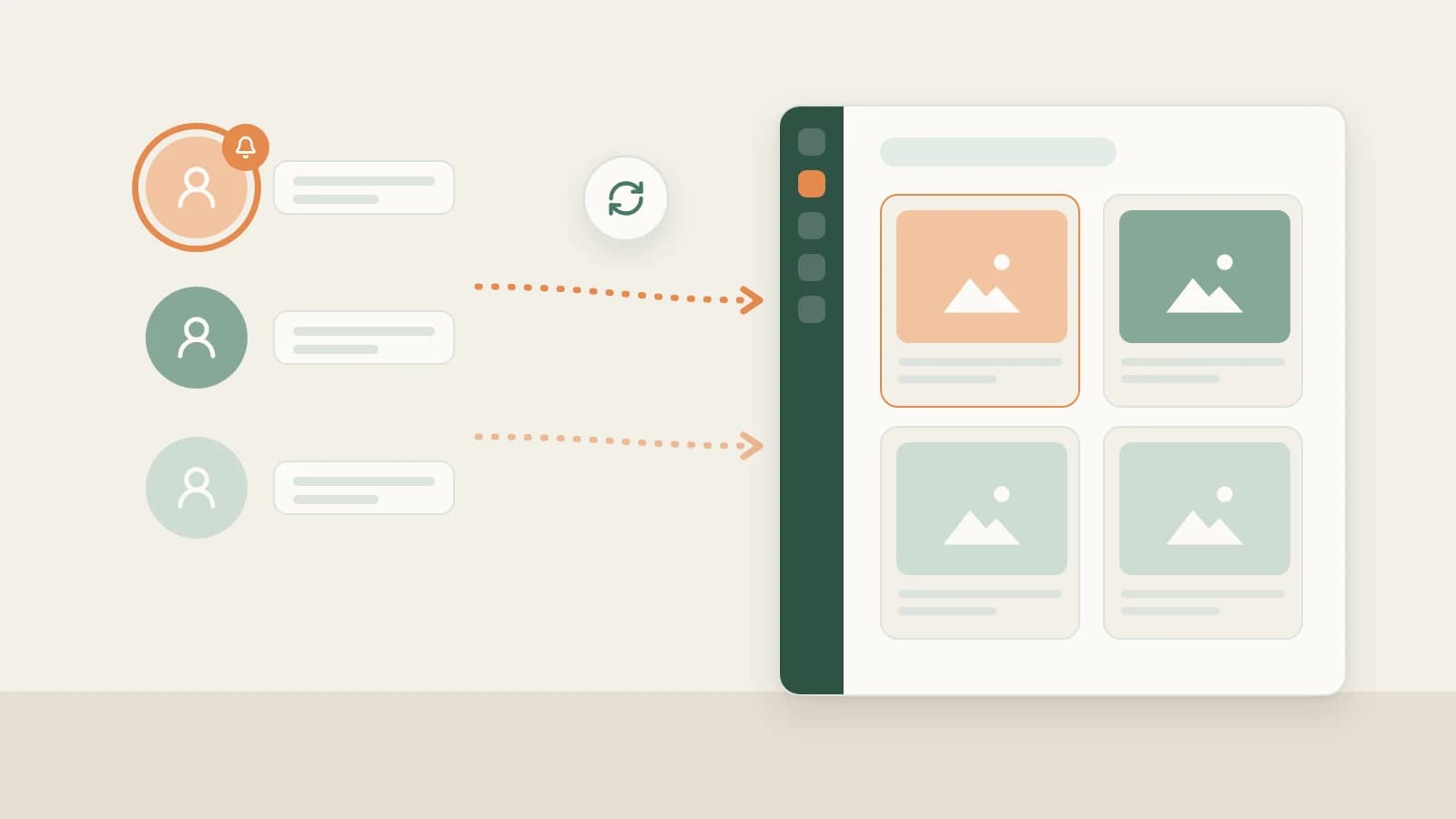
- Add your RedNote profile. Click + next to Account profiles in the left sidebar and paste your RedNote profile link (or full share text). Beav extracts the link, resolves RedNote short links automatically, reads account info once (which may use credits) and creates the profile. Adding a profile does not overwrite the space's primary account or create a new space.
- Sync recent notes. Open the RedNote account and click Sync recent posts on the right of its header bar. Choose 1–10 pages (roughly 20 posts per page), read the points prompt and click Sync. Progress updates as it runs, and partial writes are preserved if interrupted.
- Read the sync result accurately. Sync reads the platform's recent list (which can include pinned notes). Existing entries update engagement counts while only newly discovered notes fetch full details, so syncing 40 items does not mean 40 new notes. Cards show likes and saves at the bottom (with "—" if likes are omitted), and the header lets you toggle between gallery and publish-date timeline views.
- Keep daily automatic refresh enabled. Check Settings → General → Scheduled account archive refresh. Enabled by default, it checks all profiled accounts across your spaces while Beav is running — refreshing up to 1 page (about 20 notes, configurable up to 10 pages / 200 notes) at most once every 24 hours without needing to switch spaces.
- Query growth in chats and the daily brief. Each sync saves a snapshot of likes and engagement. Ask the AI to "show the like growth history of this note", or tell it to "refresh the current account's data" / "sync the last two pages of notes" (executing after you confirm credits). Every morning, Yesterday's review inside the daily brief tables comparable notes' net growth to highlight topics worth repeating.
How it compares with RedNote's creator dashboard and analytics tools
| RedNote Creator Platform | Third-party RedNote analytics | Beav Account profiles | |
|---|---|---|---|
| Where data lives | Official RedNote dashboard | Provider's website | Your Beav space on your computer |
| Metrics covered | Full official data: impressions, CTR, search sources | Market rankings, niche trends, competitor comparisons | Your own note copy, images, likes and saves |
| History | Official reporting windows | Depends on provider crawl schedule | Daily like snapshots starting once refresh is turned on |
| Turning review into drafts | Manual export and notes | Manual takeaway notes | AI cites your post history directly when reviewing or drafting next posts |
| Cost | Free | Usually paid membership | Points prompt shown before syncing |
RedNote's official creator platform remains the sole authoritative source for impressions, click-through rates and audience demographics, and analytics tools are built for market-wide benchmarking. Beav closes the loop from review back into production: your published notes and their like trajectories sit alongside your drafts and assets.
Limits and notes
- Your own accounts only. Track peers under Subscriptions or social research.
- No historical backfill. Snapshots accumulate only from when you add the profile and turn on refresh; past days are not fabricated.
- Runs locally while Beav is open. Scheduled refresh does not run on a cloud server while Beav is quit; when you relaunch, due accounts catch up.
- Manage page counts to control credits. Resolving short profile links, manual syncs and AI-triggered syncs spend points according to page prompts; keeping scheduled refresh at the default 1 page tracks recent notes efficiently.
Next steps
- For the platform-agnostic guide, read Account profile sync and like history and Daily ops report.
- Running several RedNote accounts and want separate libraries and memories? Read RedNote multi-account management.
- Return to the RedNote AI operation guide or read the docs on Account profile sync.
Applies to Beav desktop 2.9 and later.