

Key takeaways
- Paste a public
mp.weixin.qq.comarticle link or supported account identifier under Knowledge Base → Subscriptions → + (verified live in the modal) so Beav checks daily while open on your computer and archives new posts chronologically.- Spaces cap at 10 subscriptions (including paused entries), showing credit notices at the 4th and 6th additions; manage writers with Mark as benchmark, Check now (from ~10 credits), Move to folder, and Stop / Resume.
- Newly archived essays never auto-decompose—pick only strong issues to manually Decompose for structure skeletons without wasting model credits.
Following ten standout WeChat Official Accounts inside your personal Subscriptions inbox quickly turns chaotic: updates drown among personal news feeds, starred issues blur together across months, and if an author later deletes a benchmark essay, your reference link vanishes with it.
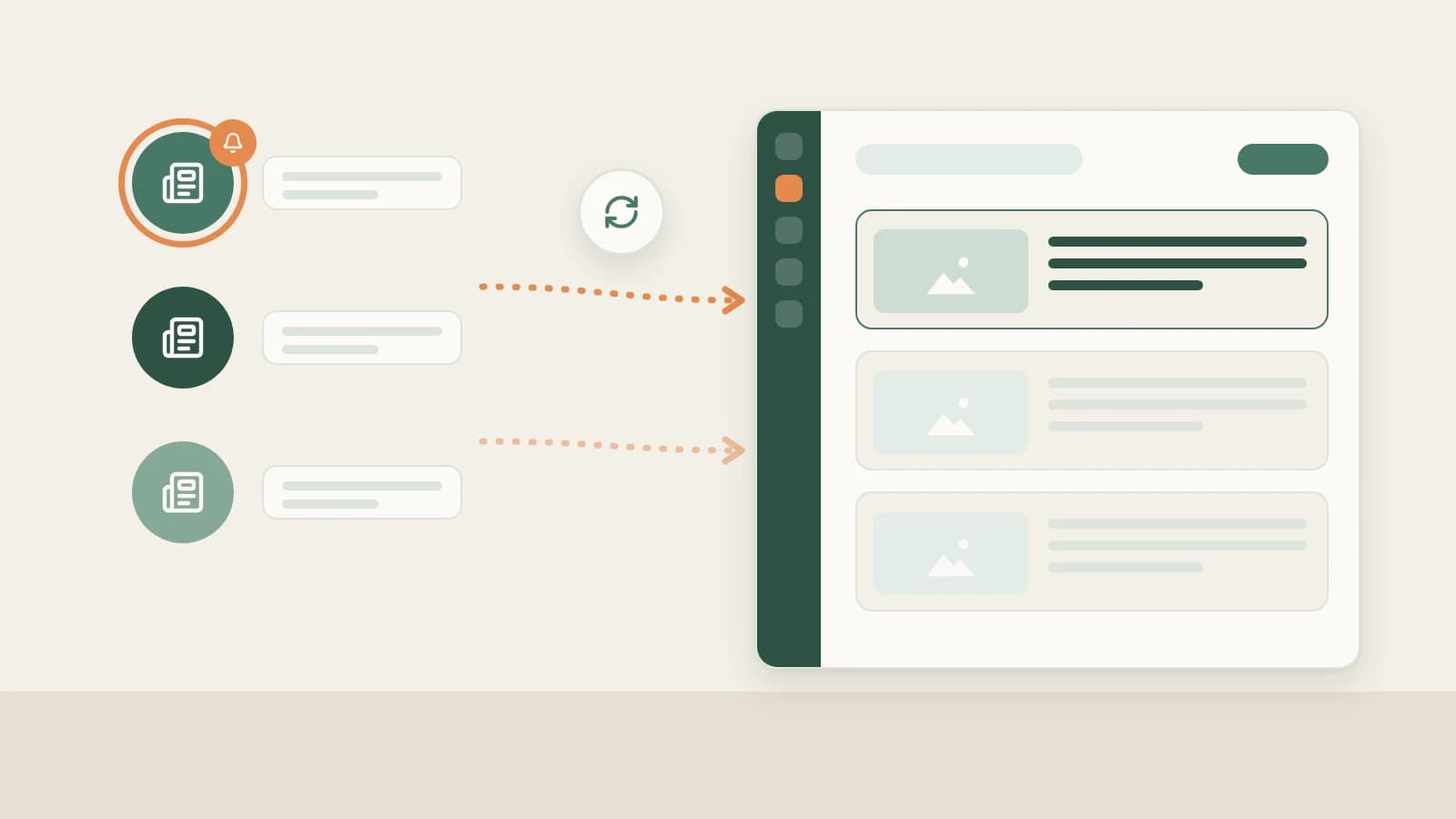
Beav Subscriptions pulls just your hand-picked competitor and mentor accounts onto a local timeline on your computer—ready to read cleanly, search across months, decompose for structure, and cite while drafting.
Who it is for
- Editors tracking 5–10 category-leading Official Accounts to study posting cadence, headline hooks, and essay structure.
- Research teams archiving competitor Official Account newsletters into organized market or client folders.
- Writers tired of digging through cluttered mobile WeChat subscription feeds before starting an article.
How to use it
- Grab a recent public
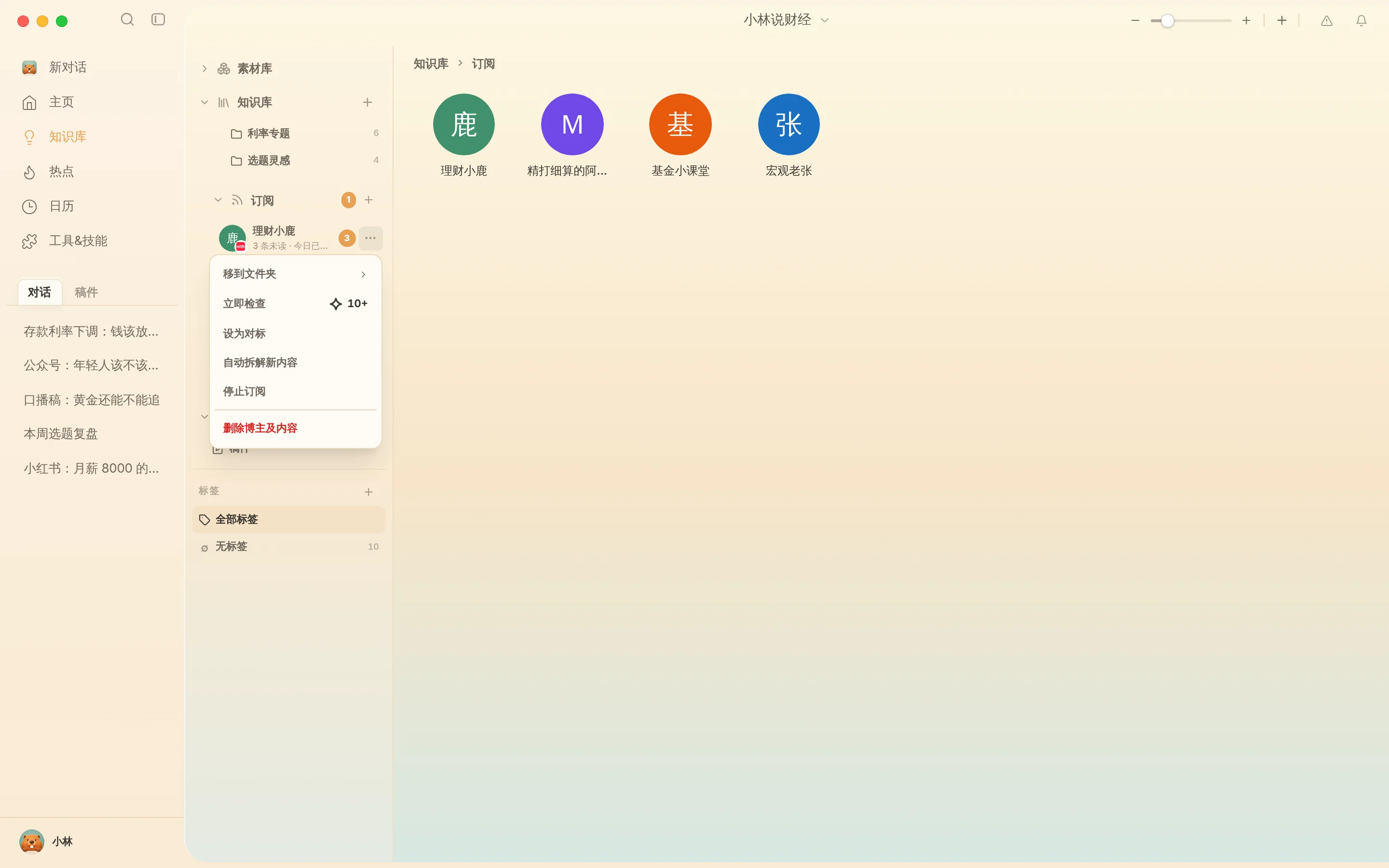
mp.weixin.qq.comarticle link from that account. Because WeChat Official Accounts don't expose simple web-profile URLs like open social sites, copy a recent public post URL (or supported account link as prompted by the modal) so Beav can resolve the Official Account cleanly. - Add the subscription. Open Knowledge Base → Subscriptions → +, paste the link, confirm the resolved Official Account name in the modal, and save. Beav notifies you about daily credits at the 4th and 6th subscriptions and keeps spaces focused with a 10-slot cap.
- Read by timeline without mobile feed noise. Double-click the avatar to browse archived dispatches chronologically inside a distraction-free local feed.
- Manage anytime from
…:- Mark as benchmark: Highlight core stylistic mentors at the top of your routine.
- Check now: Poll fresh uploads right after an industry announcement drops (~10 credits+).
- Move to folder: File accounts into folders like "Industry Analysts," "Direct Competitors," or "Writing Craft."
- Stop / Resume subscription: Pause automated checks while keeping every archived essay readable on disk (Delete creator & content permanently deletes local copies).
Putting archived essays to work
- Manually Decompose top-performing issues. Click Decompose (or batch-select standout issues) to extract thesis arcs, opening scenes, transition patterns, and topic entries into Asset Library → Topics—see breaking down Official Account structure.
- Build original articles from your own proof. Pull extracted structures alongside your own evidence into a new chat to generate rich Official Account packages.
How it compares with WeChat mobile subscriptions and web trackers
| WeChat Mobile Subscriptions | Third-party monitoring portals | Beav Subscriptions | |
|---|---|---|---|
| How new essays arrive | Mixed inside personal subscription stream | Logged in external analytics dashboards | Synced straight onto your local workspace timeline |
| Value during writing | Read-only inside WeChat app | Ranking indices and historical charts | Full body saved for searching, decomposing, and drafting |
| If the author deletes a post | Shows deleted message inside WeChat | Often keeps headline summaries only | Locally archived text remains intact on your machine |
| Limits & cost | Unlimited, free | Paid SaaS subscriptions per seat | Up to 10 per space; daily subscription checks use credits |
Limits and notes
- Private or verification-gated articles cannot resolve. Verify that the link you paste opens publicly without WeChat captcha gates; accepted formats follow the live modal check.
- Keep your own channel in Account profiles. Archive your own sent articles and snapshots separately in WeChat Official Account data review.
- Local checks only while running; respect authorship. Exiting Beav pauses background checks with zero surprise credit usage. Always learn structure only—never copy another author's stories or reprint full text without permission.
Next steps
- Only need to save a single public WeChat essay without subscribing? Read Save WeChat articles completely.
- Pair incoming updates with news trends in WeChat Official Account topic ideas.
- Full column workflow and docs: WeChat Official Account operation guide and Subscribe to benchmark creators.
Applies to Beav desktop 2.9 and later.