

Key takeaways
- Paste a benchmark Zhihu writer's profile link (
zhihu.com/people/...) under Knowledge Base → Subscriptions → + so Beav checks daily while running and delivers new articles and answers onto a clean local timeline.- Spaces cap at 10 subscriptions (including paused entries), showing credit alerts at the 4th and 6th additions; organize via Mark as benchmark, Check now (from ~10 credits), Move to folder, and Stop / Resume.
- Archived entries never auto-decompose—pick standout essays manually to run Decompose or read public comments in chat when ready.
Following top writers inside Zhihu's native Following feed rarely stays clean: every upvote, brief thought, and casual share from twenty peers floods past the carefully argued column pieces you actually want to study. Reviewing how a benchmark creator tackled an industry trend over the last two months usually turns into tedious scrolling.
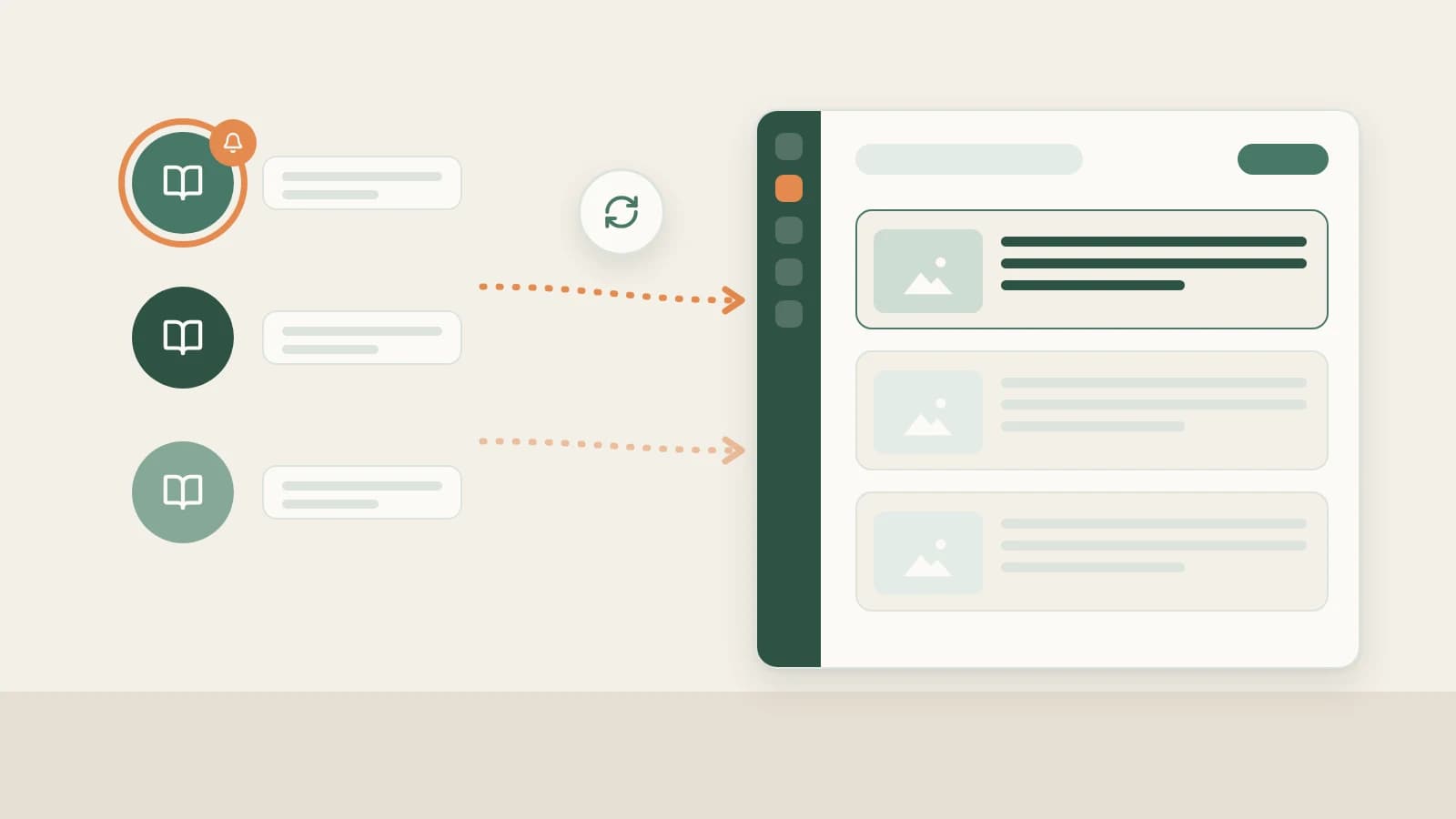
Beav Subscriptions brings just your chosen shortlist of Zhihu creators onto your local timeline—quiet, chronological, searchable, and ready for structural analysis.
Who it is for
- Creators following 5–10 authoritative Zhihu authors to track topic direction, publication cadence, and essay depth.
- Editorial and B2B teams filing competitor writers into neat niche folders.
- Long-form writers wanting distraction-free archives sitting directly beside their outline workbench.
How to use it
- Copy the creator's Zhihu profile URL. Visit their author page (
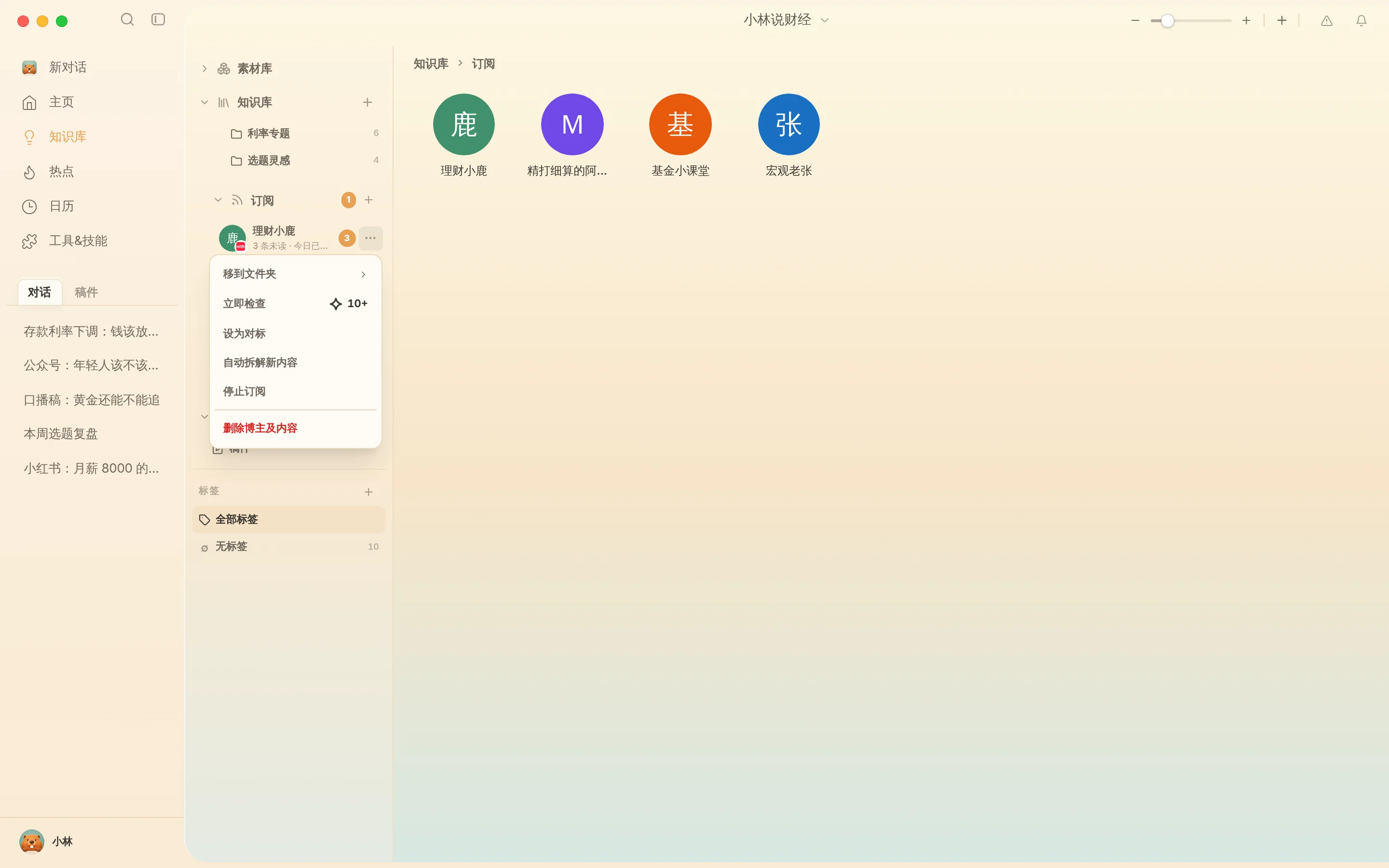
zhihu.com/people/...) in Chrome or Edge rather than copying a single answer link. - Add the subscription. Open Knowledge Base → Subscriptions → +, paste the profile link, and confirm. Beav surfaces daily credit prompts on the 4th and 6th additions and caps spaces at 10 total subscriptions so feeds remain deliberate.
- Read chronologically without upvote clutter. Double-click an avatar to review new articles and writing in clean publishing order.
- Manage anytime from
…:- Mark as benchmark: Star your core structural inspirations inside the list.
- Check now: Poll fresh essays immediately after major news hits (~10 credits+).
- Move to folder: Organize peers into groups such as "Tech Explainers," "Buyer Comparisons," or "Essay Craft."
- Stop / Resume subscription: Pause automated checks while keeping previously saved copy readable on disk (Delete creator & content removes all archived pieces permanently).
Putting newly archived writing to work
- Manually Decompose top frameworks and inspect public comments. Tracked entries never trigger automatic model spending; open standout pieces to run Zhihu structure breakdown, or paste an exact link into chat asking AI to check public comment pushback too.
- Draft your own proof-backed package. Bring extracted thesis bones and your own real data into Zhihu full content package.
How it compares with Zhihu Following feeds and RSS tools
| Zhihu Following stream | RSS readers | Beav Subscriptions | |
|---|---|---|---|
| What arrives | New writing mixed with peer upvotes and thoughts | Plain snippets where feeds exist | Dedicated local timeline per tracked Zhihu author |
| Value for drafting | Watch-only; manual copy to separate notes | Read-only lists | Archived inside your library ready to Decompose and cite in chat |
| If an author edits/deletes | Original version changes or disappears | Depends on reader retention | Locally saved snapshots remain accessible on disk |
| Limits & cost | Unlimited, free | Depends on app plan | Up to 10 per space; daily checks spend credits |
Limits and notes
- Keep your own Zhihu profile in Account profiles. Archive your own answers and track daily engagement snapshots in Zhihu account data review.
- Local checks run only while Beav is open. Completely exiting the desktop app pauses polling with zero background spend.
- Respect originality and citations. Use archived writing strictly to study logic flow and structure—never reuse another writer's examples, stories, or arguments as your own.
Next steps
- Only archiving individual answers without subscribing? Read Save Zhihu answers to library.
- Turn fresh themes and hot lists into strong essay topics with Zhihu topic ideas.
- Full column guide and docs: Zhihu operation guide and Subscribe to benchmark creators.
Applies to Beav desktop 2.9 and later.