
Key takeaways
- Select items in the knowledge base, right-click and choose to decompose the selection. Confirm the item count, video duration and model usage, and up to 100 items start at once. Items already queued, running or done are skipped.
- Breakdowns only run when you start them. Saving and subscription syncs never start one, so you decide what gets spent.
- When a subscribed creator's new posts pile up, select a batch and decompose them together. Every breakdown uses model quota.
A single breakdown answers "how was this one made". Real benchmark research means an account's last thirty posts, or dozens of hits on one topic. Opening each one, clicking Decompose and waiting eats an afternoon.
Beav's shortcut: select a batch you have already saved and decompose it in one go. When a subscribed creator's new posts arrive, pick the ones worth studying and decompose them together. For what a single breakdown gives you, see break down a viral short video.
Who it is for
- Creators who just saved a stack of RedNote (Xiaohongshu) or Douyin benchmarks and want them all broken down for comparison.
- Social media managers who follow a few benchmark accounts and regularly break down a batch of new posts to compare.
- Content leads building a case library for a team.
How to use it
Decompose what you have already saved
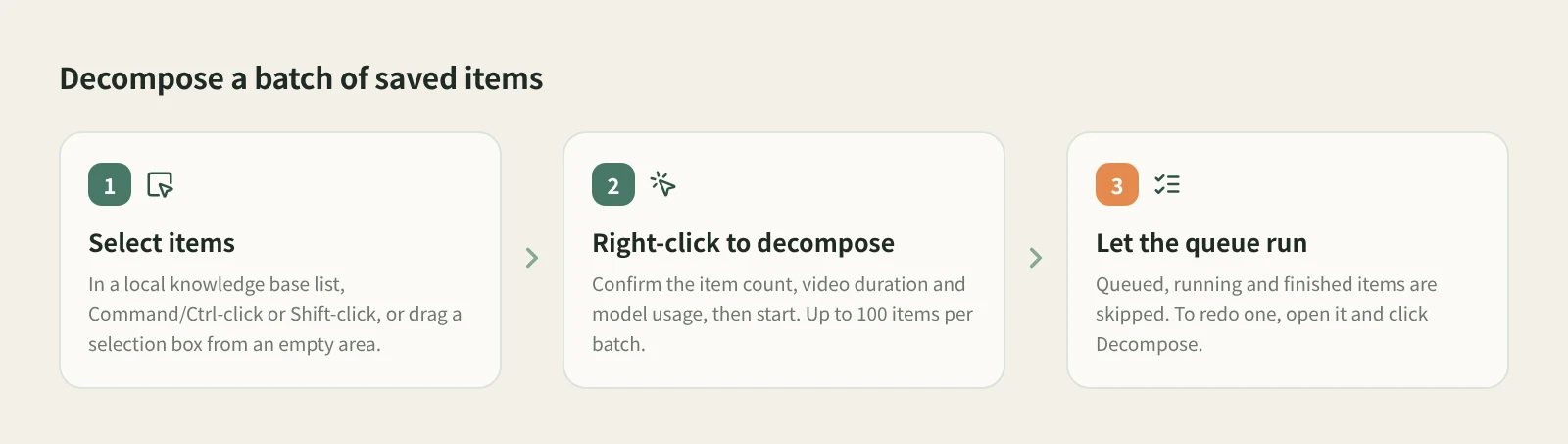
- Select the items. In a local knowledge base list, Command/Ctrl-click or Shift-click to select several, or drag a selection box from an empty area.
- Right-click and choose to decompose the selected items. Confirm the item count, video duration and model usage, then start. A batch takes up to 100 items.
- Let the queue run. Items already queued, running or completed are skipped, so nothing is paid for twice. To decompose an item again, open it and click Decompose in its details.
Saving never starts a breakdown (since 2026-10-27, "Decompose after saving" and the per-creator auto breakdown are gone), so save first and then select and decompose as above.
How it compares with feeding posts to an AI one at a time
| One at a time in an AI chat, or by hand | Beav batch breakdown | |
|---|---|---|
| How many at once | One, with you watching | Up to 100 selected |
| Repeats | Easy to lose track of what you did | Queued, running and finished items are skipped |
| New posts | You find and save each one | Saved when the subscription check finds them; you pick what to decompose |
| Where results live | Spread across chat histories | On each item; save the pieces you want to the asset library |
| Strengths | Dig into each post with your own questions | Saves repetitive clicks at volume; one format makes comparison easy |
| Cost control | Each service's own plan | Count, duration and usage shown before a batch; spends only when you start it |
For a handful of posts you want to probe deeply, chatting with an AI or studying them yourself is more flexible. Batch breakdown pays off at volume: dozens of posts broken down the same way, side by side, so the hooks and structures that keep repeating are easy to spot.
Limits and notes
- Every breakdown uses model quota. Check the count and duration before a batch starts; there is no need to fill all 100 slots.
- Automatic breakdowns that were queued before the upgrade and had not started will not run; their card says the breakdown stopped and can be started manually.
- The subscription itself uses points every day, separate from the model quota for breakdowns. See track a benchmark creator's new posts.
- Shared workspaces do not offer breakdowns. If Beav quits midway, open the knowledge base in the original workspace to resume pending work.
Next steps
- What a single breakdown produces and how to adjust the cuts: break down a viral short video.
- Not subscribed to any benchmark accounts yet? Start with track a benchmark creator's new posts.
- Full rules: decompose videos and notes. For the results, see asset management.
Applies to Beav desktop 2.9 and later. Checked 2026-10-21, updated 2026-10-27 (breakdowns are manual only).